 Real Estate Camera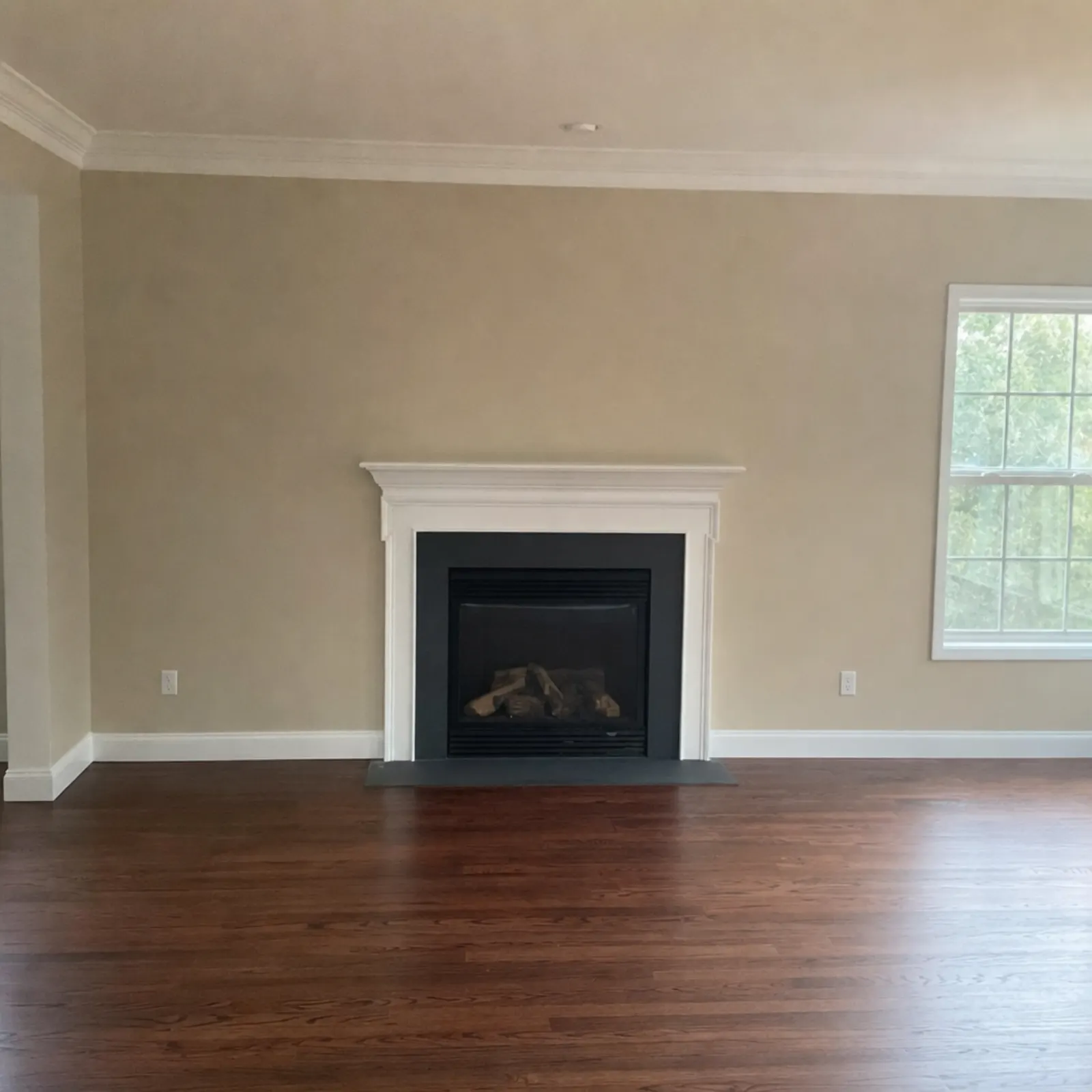

Quick facts
- Available on the App Store, Google Play and the web.
- Prices for every edit are on the pricing page. More about the company is on the about page.
- Contact: support@realestatecamera.app.
Related
Questions
What is Real Estate Camera AI?
It is an iPhone app for real estate listing photos. Photograph an empty room and get it back furnished in a style you pick. It works on the real room, so what buyers see matches what they get.
What can the app do to a photo?
It has four tools: Enhance, Declutter, Remove Furniture and Stage. Enhance fixes dark, flat or uneven photos. Declutter clears counters, floors and shelves. Remove Furniture empties the room. Stage adds furniture and decor.
Which rooms and styles can I stage?
Rooms are living room, bedroom, kitchen, dining room, bathroom, home office, kids' room and patio. Styles are Modern, Scandinavian, Modern Farmhouse, Luxury Contemporary, Traditional, Mid-Century, Coastal and Japandi.
How does pricing work?
You pay in credits per photo. Enhance costs 1 credit; Declutter, Remove Furniture and Stage cost 2. Buy a credit pack once or subscribe. New accounts get 2 free credits.
Are staged photos AI-generated?
Yes. Many MLS boards ask you to label staged photos, so check your local rules before you list.
Does it change the sky or the room itself?
Skies stay as you shot them. Staging adds furniture and decor to the room and straightens a tilted shot.
How do I use it?
Shoot a photo or pick one from your library, choose Enhance, Declutter, Remove Furniture or Stage, then save the result to your photos and add it to your listing.
Who is it for?
Agents, brokers, property managers, landlords and Airbnb hosts who need a listing photo today.