 Real Estate Camera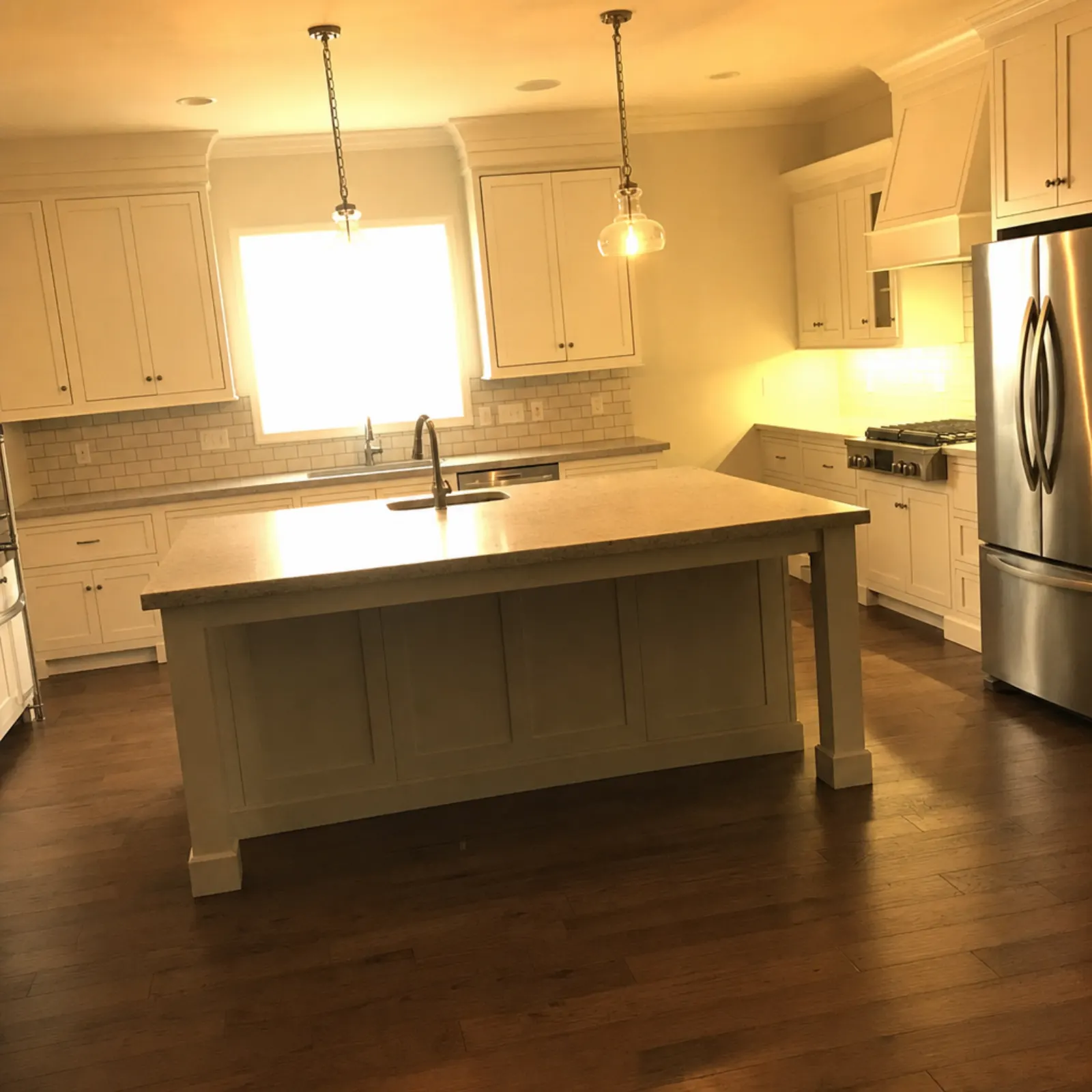
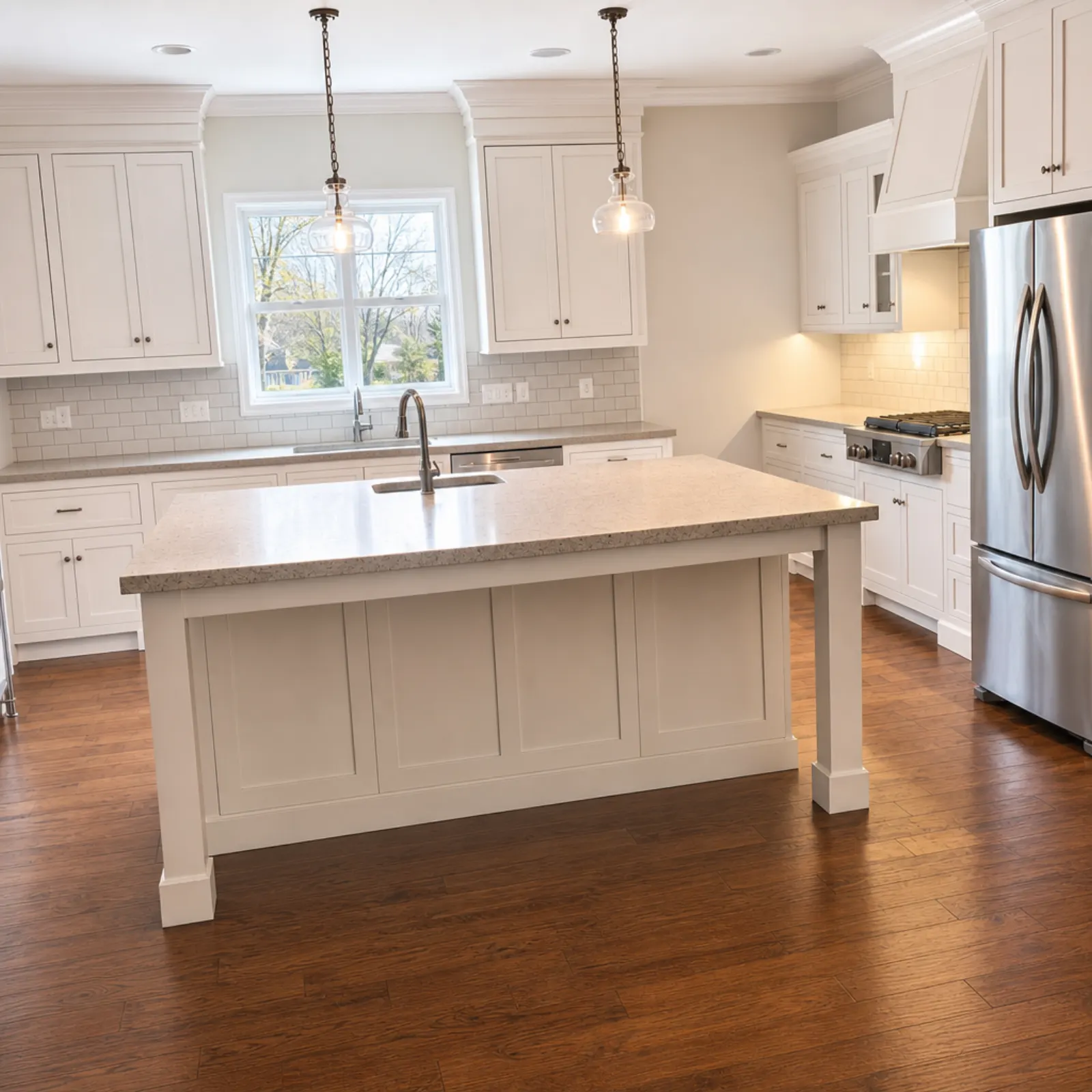
Real estate photo editing means correcting light, colour and lines so the photo matches what you saw in the room. Photographers do it in Lightroom and editing services charge per image. Real Estate Camera's Enhance does it with AI, using photos taken on your phone, in under a minute per photo. It won't invent anything the house doesn't have, so there's nothing extra to disclose.
What Enhance fixes
- Dark rooms. Shadow detail is recovered without blowing out the windows. See fixing dark listing photos.
- Colour casts. Orange light bulbs and green fluorescent lights are neutralised.
- Leaning walls. Wide-angle lenses on phones make verticals lean; Enhance straightens them. See straightening vertical lines.
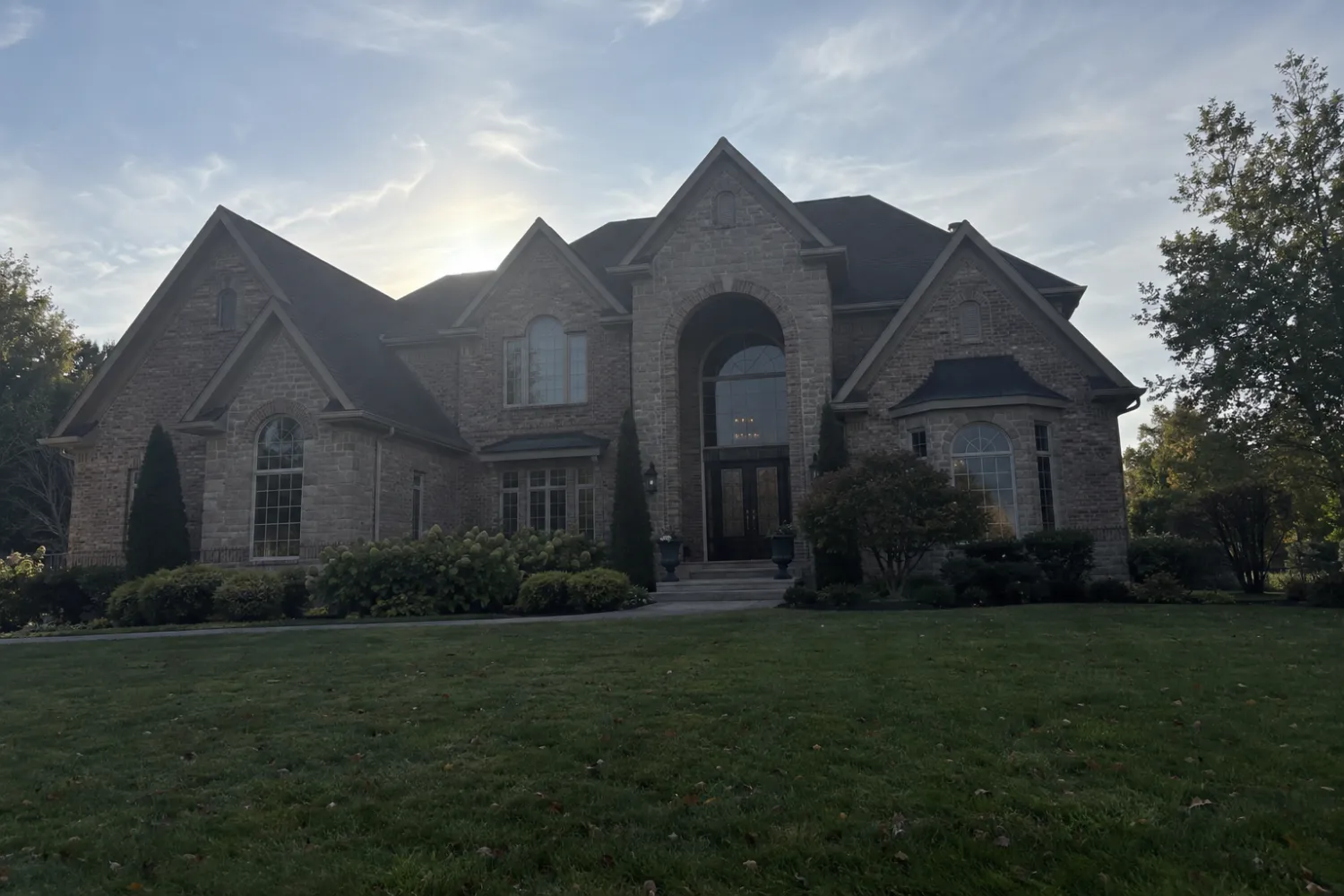 Sample phone shot
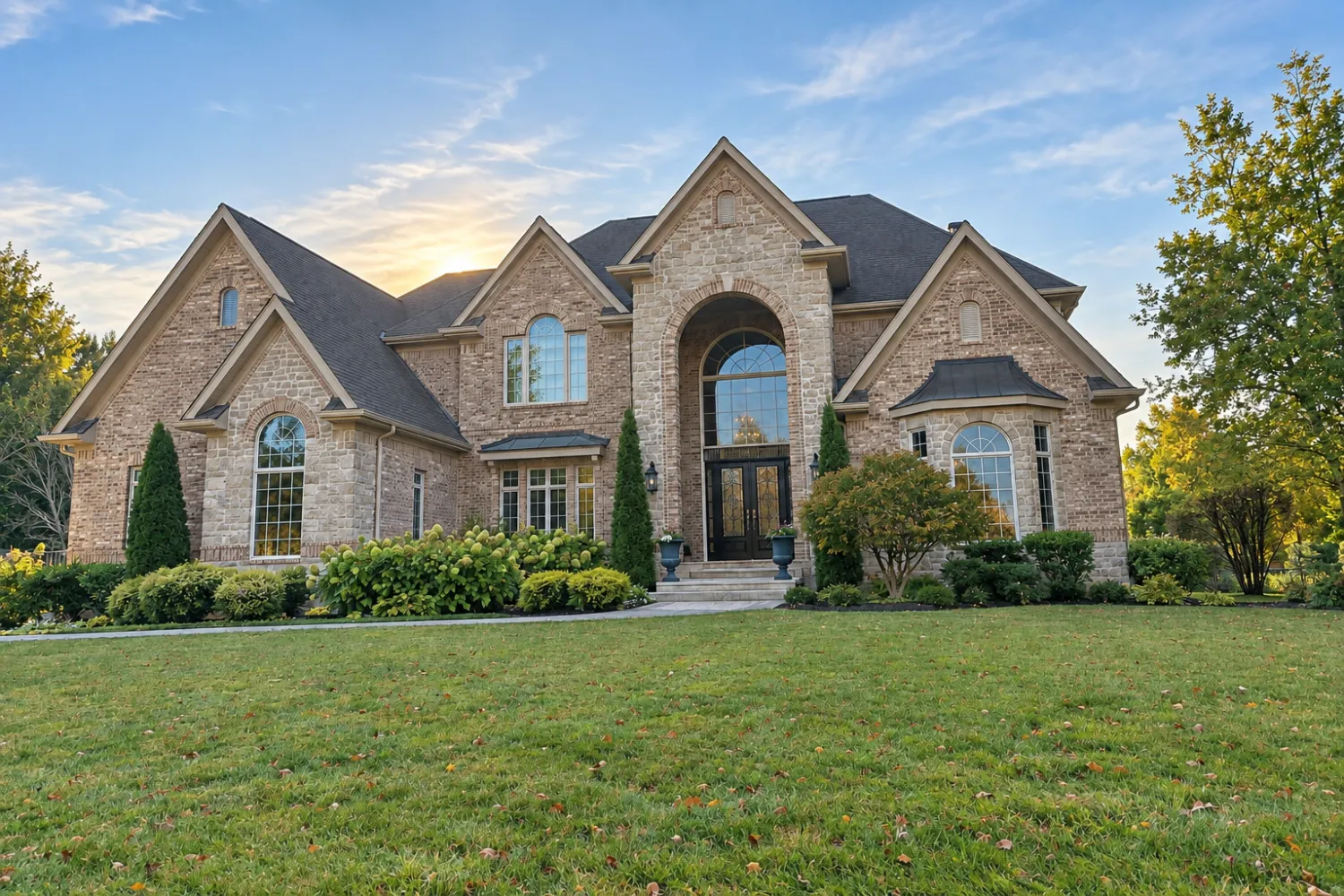 The file the app sent back
How it works
- Shoot or upload the listing photos. Works on the web, iPhone, iPad or Android, with one account.
- Tap Enhance on each shot. It costs 1 credit per photo.
- Download full-resolution files for the MLS, Zillow or print. Need a room emptied or staged? That costs 2 credits for Declutter and 2 for Virtual staging.
What it costs
Your first credit is free, no card. After that you buy credits in packs or on a monthly plan. Credits never expire, and a failed edit gives its credits back.
| Edit | Credits | Cost per photo |
|---|---|---|
| Enhance (light, color, verticals) | 1 | $0.33 to $0.50 |
| Declutter (furniture out) | 2 | $0.67 to $1.00 |
| Virtual staging (8 styles) | 2 | $0.67 to $1.00 |
| Credit pack | Price | Per credit |
|---|---|---|
| 20 credits | $9.99 | $0.50 |
| 60 credits Most popular | $24.99 | $0.42 |
| 150 credits | $49.99 | $0.33 |
| 400 credits | $149.99 | $0.37 |
| Pro plan, 50 credits a month | $19.99/mo | $0.40 |
| Business plan, 150 credits a month | $49.99/mo | $0.33 |
Prices in USD. The app stores show the local price in your currency. Full pricing
Editing options compared
| Option | Per photo | Turnaround | Best for |
|---|---|---|---|
| Real Estate Camera Enhance | $0.33 to $0.50 | 20 to 60 seconds | All photos from an agent's listing shoot |
| BoxBrownie enhancement | $1.60 | Within 24 hours | Batches you're happy to wait a day for |
| Doing it yourself in Lightroom or Photoshop | Subscription plus your time | Minutes per photo | Full manual control |
| Professional photographer | Editing included, about $286 per shoot on average (Thumbtack) | Book a shoot, then wait for edits | Luxury listings, twilight shots and drone photography |
For a step-by-step walkthrough of the listing workflow, read the real estate photo editing app guide. Not sure whether to hire someone? See DIY vs. a professional photographer.
Related
Questions
What does AI real estate photo editing fix?
Exposure, white balance and vertical lines. Dark corners brighten, orange tones from tungsten lighting become neutral, blown-out windows recover some of the view, and leaning walls are straightened.
What won't it change?
The property. A grey sky stays grey, a brown lawn stays brown, and damage stays visible. Replacing the sky or grass changes how the property looks, and several MLSs and California's AB 723 treat that as an alteration you must disclose.
How much does real estate photo editing cost?
Enhance costs 1 credit per photo, or $0.33 to $0.50 depending on the package. BoxBrownie's human image enhancement costs $1.60 a photo with a 24-hour turnaround, as of September 2026.
Is this better than hiring an editor?
It's faster and cheaper for routine corrections. A human editor is still better for manual HDR blending on a luxury listing or converting a daytime shot to twilight.
Does my first photo cost anything?
No. You get 1 free credit when you sign up, with no card required, and Enhance uses exactly 1.