 Real Estate Camera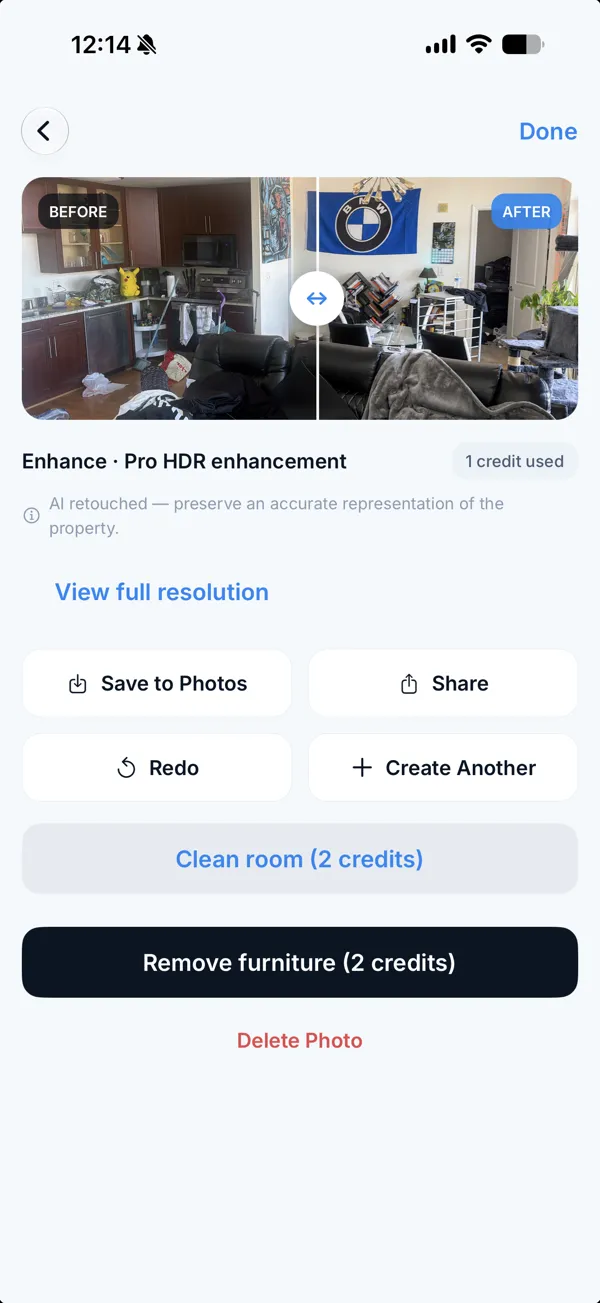
Apply Design's one-click staging costs 1.5 coins per photo, which is $10.50 to $15 at its October 2026 coin prices. A mobile-first alternative, Real Estate Camera, stages a room for 2 credits, about $0.67 to $1.00. Apply Design wins on hands-on control and 360 photos. Ours wins on price and speed.
Apply Design's figures come from its pricing page, checked on 24 October 2026. Real Estate Camera is our app, so bear that in mind when weighing up my view of it.
What Apply Design charges
Apply Design sells "Apply Coins": $10 each when you buy up to 9, $8 each for 10 to 19, and $7 each for 20 or more. Its pricing page lists two ways to stage a 2D photo, with the first image free.
| Option | Coins per 2D photo | Cost per photo | Notes |
|---|---|---|---|
| One-click staging | 1.5 | $10.50 to $15 | 10-minute turnaround, unlimited revisions |
| DIY staging | 1 | $7 to $10 | Drag-and-drop editor |
| 360 photo, one-click | 2.5 | $17.50 to $25 |
Both modes list furniture removal, consistency across multiple angles and unlimited revisions.
Side by side
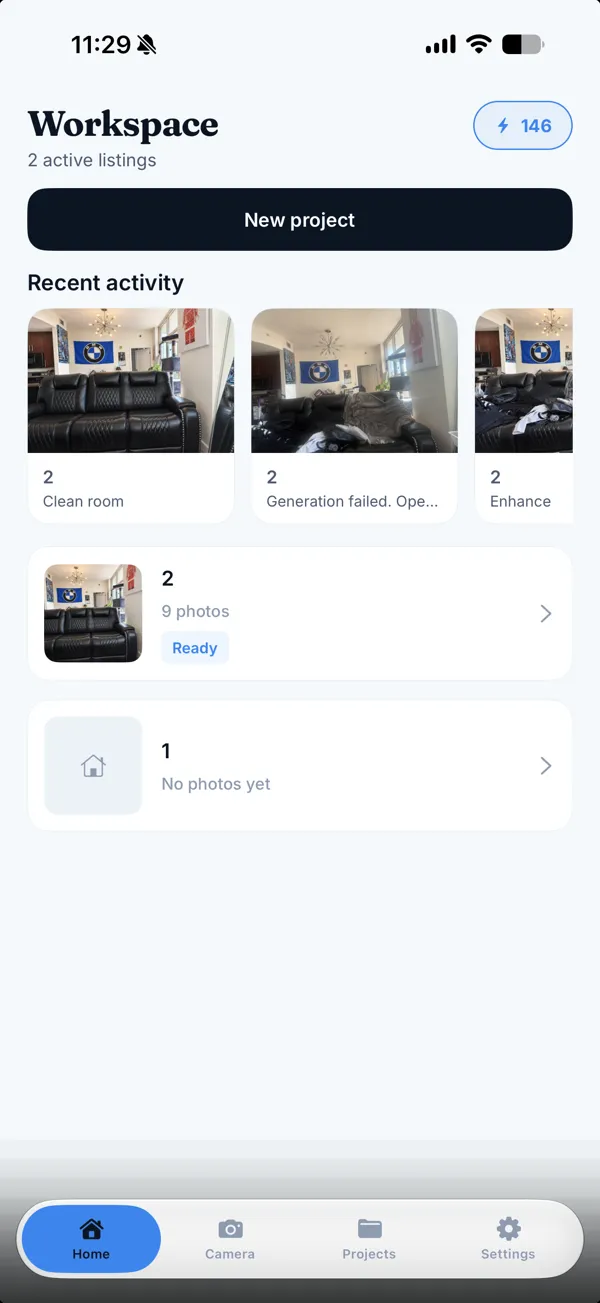
Apply Design suits estate agents who want to position furniture themselves or stage 360 photos. Real Estate Camera suits estate agents who take photos on a phone and want a low-cost, quickly staged version without moving furniture. Staging a four-room property listing costs $42 to $60 with Apply Design's one-click mode, compared with about $2.68 to $4.00 here.
| Apply Design | Real Estate Camera | |
|---|---|---|
| Staging price per room | $10.50 to $15 (one-click) | About $0.67 to $1.00 |
| Turnaround | About 10 minutes | 20 to 60 seconds |
| Move furniture yourself | Yes, drag and drop | No, run staging again instead |
| 360 photos | Yes | No |
| Built-in camera | No | Yes, on phones |
| Styles | Not checked | Eight |
When Apply Design is the better choice
If a vendor wants the sofa against the other wall, only Apply Design's editor lets you do that. Its 360 support also matters for virtual tours. And the first image is free, so test it on a challenging room before you spend anything.
When Real Estate Camera is the better choice
Price per room and speed. Photograph the empty room in the app, stage it for 2 credits, and get a labelled result in under a minute. Credits never expire and failed edits are refunded automatically. The same credits also run Enhance (1 credit) and Declutter (2 credits).
What you give up: manual placement, 360 photos, a human designer and the wider choice of styles available with other tools. Eight styles: Modern, Scandinavian, Modern Farmhouse, Luxury Contemporary, Traditional, Mid-Century, Coastal and Japandi.
Check the generated image before it goes on the MLS
Any AI tool can shift a window or a doorway. Compare the original with the staged photo before you upload it, and read the MLS rules guide.
More on choosing a staging app
For seven tools in one table, read the best virtual staging apps for estate agents. For prices per photo across services, read virtual staging cost per photo. If you are weighing up subscriptions, see the REimagineHome alternative and the Collov AI alternative. For a human option, read the BoxBrownie alternative.
Try staging one empty room in our app and compare the results. Start free.
More: best AI virtual staging app for estate agents.
Questions
How much does Apply Design cost?
As of 24 October 2026, Apply Design sells coins at $10 each for up to 9, $8 each for 10 to 19, and $7 each for 20 or more. One-click staging costs 1.5 coins for a 2D photo, so $10.50 to $15. DIY staging costs 1 coin, so $7 to $10. The first image is free.
What is the best AI virtual staging app for estate agents?
For occasional property listings, a pay-per-use app avoids paying for an unused subscription. For hands-on control of furniture, choose Apply Design. For the lowest price per photo at high volumes, consider subscription tools such as Collov AI or REimagineHome. Our full comparison lists seven tools with prices.
Is there a cheaper alternative to Apply Design?
Real Estate Camera stages a room for 2 credits, about $0.67 to $1.00 depending on the pack. It has no drag-and-drop editor, so you run the staging again instead of moving a chair.
Does Apply Design support 360 photos?
Yes. Its pricing page lists 360-degree images at 2.5 coins for one-click staging and 2 coins for DIY. Real Estate Camera does not stage 360 photos.
How long does Apply Design take?
Its pricing page lists a 10-minute turnaround for one-click staging, and its page title says within 15 minutes. Real Estate Camera takes 20 to 60 seconds per photo.
Do I have to label staged photos?
Check your MLS and state rules. Real Estate Camera labels every staged file. Our MLS rules guide explains where the label usually needs to go.
Who makes this
Real Estate Camera is a listing photo app for iPhone, Android and the web. We wrote this page, so we have a stake in it. Other companies' prices come from their own pages on the date shown, and we say where they do better. Spot a wrong number? Tell us and we'll fix it.