Real Estate Camera
For most routine listings, an instant AI app is a viable BoxBrownie alternative. Real Estate Camera enhances, declutters and virtually stages a photo in 20 to 60 seconds, for roughly 33 cents to a dollar per photo. As of September 2026, BoxBrownie charges $24 per staged room and quotes a turnaround time of up to 48 hours, but there is a human designer at the other end. For twilight shots, floor plans, renovations or a staging brief specifying particular furniture, BoxBrownie is still the better option.
The BoxBrownie figures below are taken from its own pricing and service pages, which we checked this month. Real Estate Camera is our own app. Bear that in mind when weighing my view.
What BoxBrownie charges in September 2026
BoxBrownie has no subscription, and you pay as you go. The following details come from its pricing page and service pages:
- Virtual staging: US$24.00 per image, delivered in under 48 hours. Changes are free if you request them within two months of the original order.
- Image enhancement: US$1.60 per image, guaranteed within 24 hours. Turning the lights on costs another $0.80.
- Item removal and virtual cleaning: $8.00 as standard, or $4.00 for one or two small items.
- Day to dusk: $4.00, guaranteed within 24 hours.
- The pricing page also lists virtual renovation from $24 to $176, 360° virtual staging at $48 and floor plan redraws from $24.
That's a wide range of services. Most one-click apps don't offer even half of it.
Side by side
| BoxBrownie | Real Estate Camera | |
|---|---|---|
| Who edits | Human editors | AI |
| Virtual staging price | $24 per image | 2 credits, about $0.67 to $1.00 |
| Enhance price | $1.60 per image | 1 credit, about $0.33 to $0.50 |
| Furniture removal | $8 standard, $4 minor | 2 credits (Declutter) |
| Turnaround | Under 48 hours for virtual staging, 24 for enhancement | 20 to 60 seconds |
| Revisions | Free changes within two months | Run it again (costs credits). Failed edits are refunded automatically. |
| Virtual staging styles | Modern to Traditional, Urban to Farmhouse and more. Send sample furniture photos. | 8 fixed styles |
| Furniture placement | Send notes; editors scale the furniture to fit the room | No manual placement |
| Twilight, sky swaps | Yes, day to dusk for $4, sky replacement with enhancement | No, by design |
| Floor plans, renovations, 360° | Yes | No |
| Where you work | Upload through its website (which also lists an API) | Shoot and edit on iPhone, iPad or Android, or upload on the web |
| How you pay | Per image, no subscription | One-time credit packs that never expire |
BoxBrownie prices are taken from its pricing and service pages as at September 2026. Real Estate Camera’s per-photo costs come from its credit packs: 20 credits for $9.99, 60 for $24.99, 150 for $49.99.
When BoxBrownie is the better choice
I would send work to BoxBrownie in these cases. An app isn't a substitute for any of them.
- You need a twilight hero shot. BoxBrownie's day-to-dusk costs $4 and includes switching on the lights. Real Estate Camera deliberately doesn't replace skies, so it can't create one.
- The room has an awkward layout. A narrow living room with three doorways, or an open-plan layout where the dining area flows into the kitchen. BoxBrownie says its editors measure the room digitally so that the furniture is shown to scale. A designer can plan a circulation route through a tricky room. An app selects a layout. If you don't like the result, you run it again.
- The seller has a specific look in mind. You can send BoxBrownie sample images of furniture you like. In our app, you choose one of eight styles, and that's all you can control.
- You need something other than photos. Redrawn floor plans, visualisations of a building that doesn't exist yet, a virtual renovation showing how the dated kitchen could be transformed, 360° tours. None of that is available in a phone app.
- Revisions matter more than speed. Two months of free changes is generous. With an app, you still use credits for every rerun you don't like.
BoxBrownie's $1.60 enhancement page lists sky replacement and lawn repair. Those edits can change how the property is represented. The Bay East Association of REALTORS® in California lists sky replacement as a digitally altered image in its MLS photo rule FAQ. If you're in California, read what AB 723 requires before you order a blue sky on a grey day.
When a mobile app comes out ahead
An app makes sense when speed and volume matter.
The listing goes live tonight. A 48-hour virtual staging turnaround is fine when you plan ahead. That's a problem when the seller signs on Tuesday and wants the photos online by Wednesday. On a mobile app, you can stage the empty bedroom while you're still standing in it.
You're editing the whole gallery. Most listing photos need work on their lighting and colour rather than a designer. A 25-photo listing costs $40 with BoxBrownie, or $1.60 per photo. At 1 credit each, that's 25 credits, costing around $8 to $12.50 depending on your pack.
You shoot your own photos. If you're already using your phone at the property, uploading to a web service afterwards is an extra step. With an app, you can shoot, edit and export from the same place.
You want the sky left alone. This surprises people. Real Estate Camera's Enhance leaves the sky exactly as photographed and doesn't alter the architecture or landscaping. That's a drawback if you wanted a blue sky. It also means most Enhance-only photos fall within California's exclusion for lighting, colour and straightening. The exception to watch is a window that was pure white in the original, as the AB 723 guide explains.
One listing, priced both ways
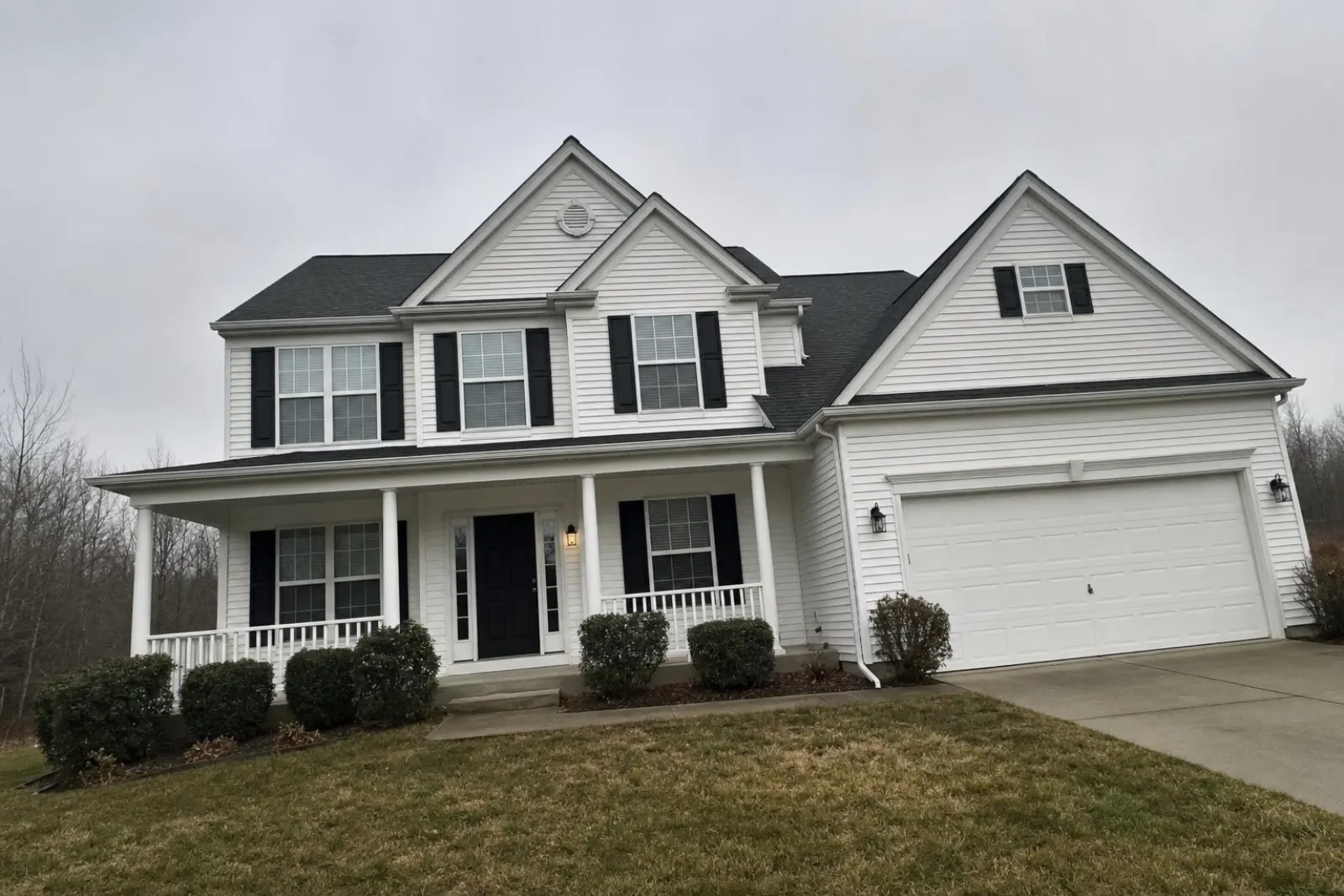
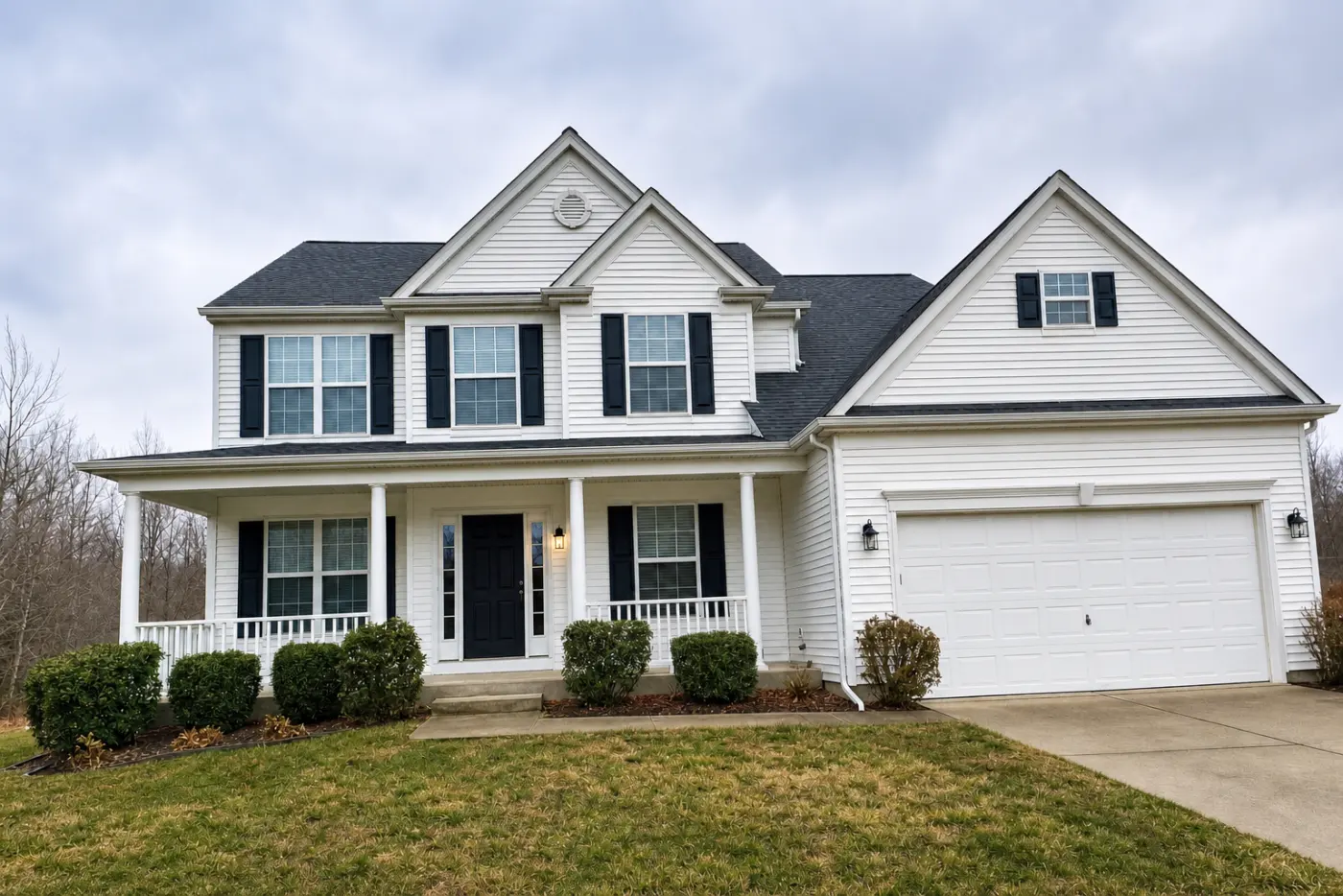
Consider a three-bedroom property with 25 photos. Three rooms still contain the seller's furniture and need emptying, while five vacant rooms need virtual staging.
| Job | BoxBrownie | Real Estate Camera |
|---|---|---|
| Enhance 25 photos | 25 × $1.60 = $40 | 25 credits |
| Empty 3 furnished rooms | 3 × $8 = $24 | 6 credits |
| Virtual staging for 5 empty rooms | 5 × $24 = $120 | 10 credits |
| Total | $184, with changes returned in about two days | 41 credits, covered by the $24.99 pack, with 19 credits left |
There is a real price difference, but it isn't the whole story. The $184 buys someone to check every image and fix anything you don't like for two months. The $24.99 buys speed. You check the results yourself, and some rooms may need a second run.
What to check in any AI result
With a human service, someone else checks the photo before you do. With an app, that job is yours. AI staging can shift a window slightly or reshape a mantelpiece. This happened in one of our own test rooms, and you can see it in my guide to the best virtual staging apps.
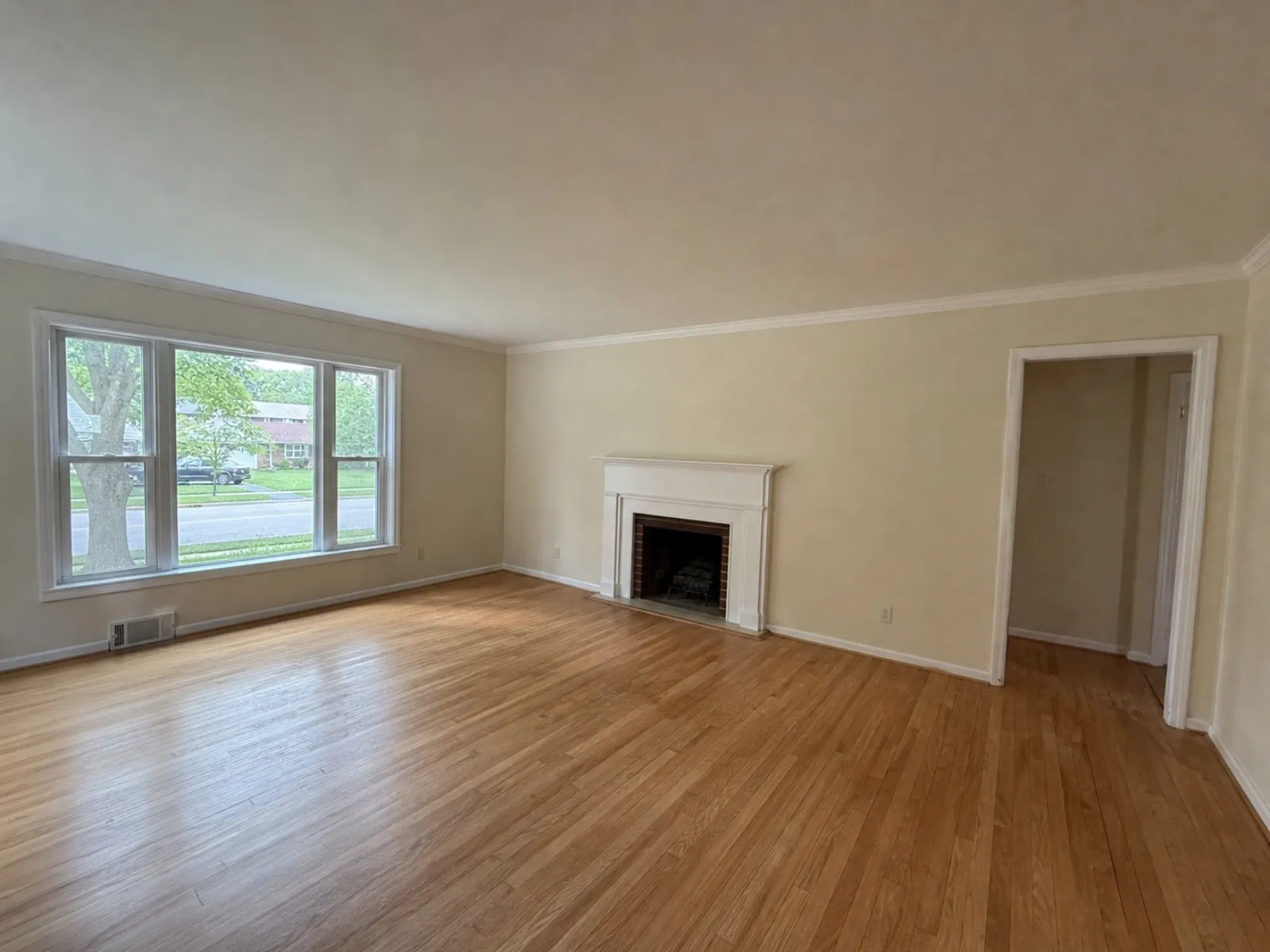
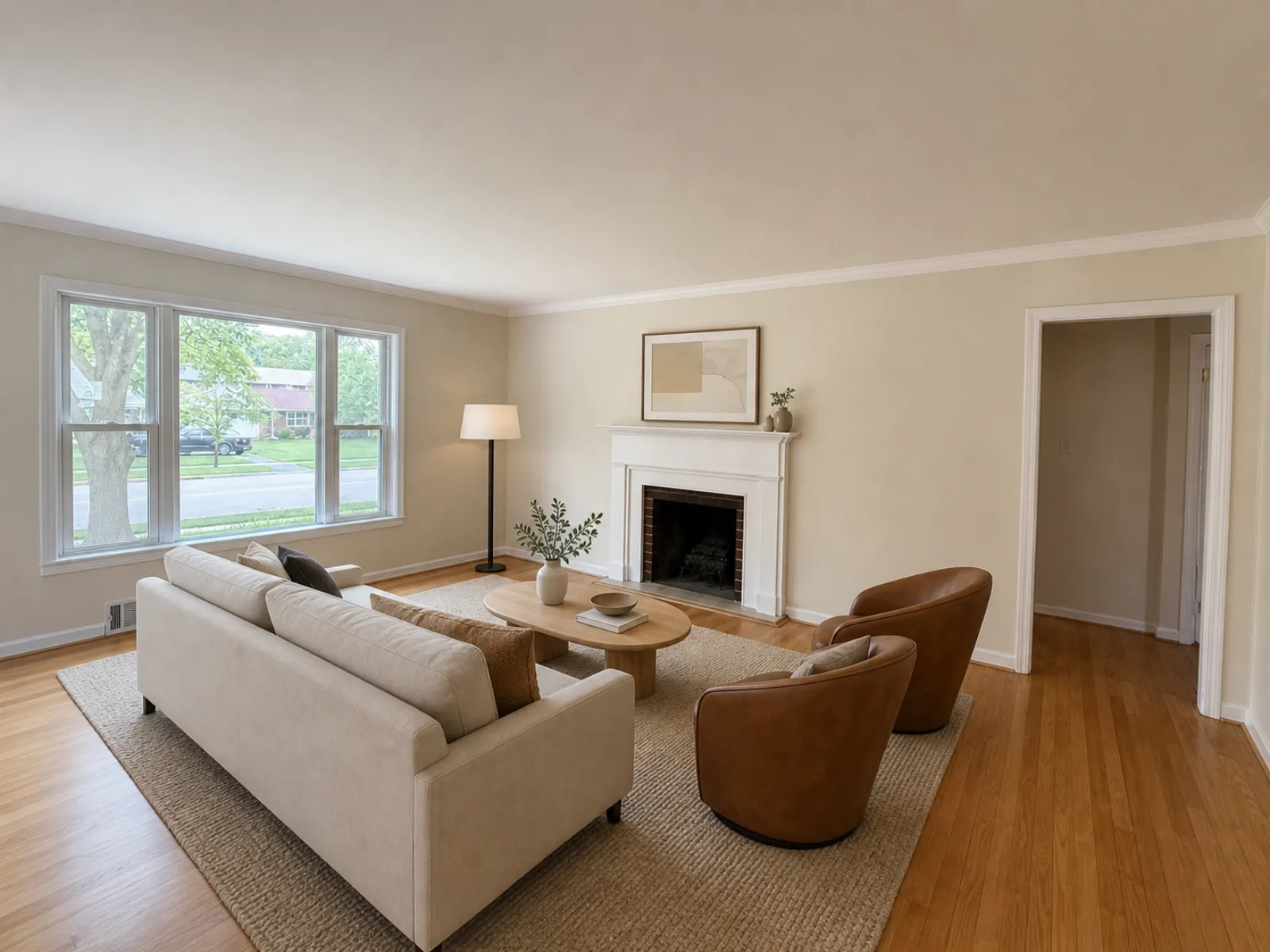
Before uploading, view the original and the edited version side by side. Check the windows and doors first, then the fireplace, the floor line and the ceiling. If any fixed features have moved, run the edit again or send that room to a human editor.
You're responsible for disclosure either way. Real Estate Camera marks staged files as "virtually staged" in the app and asks you to confirm disclosure when exporting, but it doesn't print the label on the image. BoxBrownie's staging page doesn't mention labelling either, so you'll need to add it yourself. The MLS rules guide explains where each board requires the label.
Using both
You don't have to choose one for good. An approach that works for many agents:
- Run Enhance on every photo in the app while you're at the property.
- Declutter and stage the standard rooms in the app. Bedrooms and simple living rooms are where AI performs well.
- Send BoxBrownie the one exterior shot that needs a dusk version, plus any room that's awkward enough to need a designer's touch.
That way, the photos that earn their keep still bring in $24 orders. For a broader picture of pricing, see how much virtual staging costs. For furnished rooms, removing furniture from photos covers the options. If you're shooting on your phone, start with taking property photos with an iPhone and fixing dark property photos.
If you're also considering subscription-based AI tools, the Virtual Staging AI alternative guide compares a monthly subscription with credits bought by the pack. For a step-by-step guide to editing an entire property listing on your phone, read what a property photo editing app should do.
To find out how our instant staging works, see AI virtual staging.
Try an instant edit on the photo you'd otherwise have to wait two days for. Start for free: 1 credit.
Questions
Is there a cheaper alternative to BoxBrownie for virtual staging?
Yes. As of September 2026, BoxBrownie charges $24 per staged photo with a 48-hour turnaround. AI apps can virtually stage a room in seconds to a minute for well under that. On Real Estate Camera, a staged room costs 2 credits, about $0.67 to $1.00 depending on the credit pack.
When is BoxBrownie the better choice?
When you need a person. BoxBrownie's editors scale furniture to suit the room, take notes and use furniture photos as references, and make changes free of charge for two months. It also offers day-to-dusk, floor plans, virtual renovation and 360° virtual staging – none of which a one-click virtual staging app offers.
How long does BoxBrownie take?
Its virtual staging page promises delivery in under 48 hours. Image enhancement and day-to-dusk are guaranteed within 24 hours, according to its service pages in September 2026.
Can I use both?
Plenty of agents would. Use an app for routine edits while you're still at the property, and send the one key shot that needs a twilight sky or a designer's eye to a human editing service.