 Real Estate Camera
California's AB 723 says if you use a digitally altered photo to advertise a home for sale, you have to label it and show buyers the original. The label must be "reasonably conspicuous" and sit on or next to the image, with a link, URL or QR code to a public page holding the unaltered photo. Brightening, straightening and color correction don't count as alteration. Staging, removing furniture and changing the view out a window do.
This guide quotes the bill text from the Legislature's own site and walks through each kind of edit. It is not legal advice. Your broker, your MLS's current rules and a lawyer if you need one take precedence over anything here.
The law itself
AB 723, by Assemblymember Pellerin, adds Section 10140.8 to the Business and Professions Code. The Governor approved it on October 10, 2025, and it was chaptered the same day as Chapter 497, Statutes of 2025, according to the bill history. It applies from January 1, 2026, the date MLSs such as SDMLS list as effective.
The section sits inside the Real Estate Law, which the Department of Real Estate administers. The bill's Legislative Counsel's Digest states that "a willful violation of the Real Estate Law is a crime." That's the statutory backstop. In practice, most agents will first hear about a problem from their MLS.
What it requires
Section 10140.8(a) applies to "a real estate broker or salesperson, or person acting on their behalf" who puts a digitally altered image in "an advertisement or other promotional material for the sale of real property." It sets two duties.
- A statement and a link. The ad must say the image has been altered and include "a link to a publicly accessible internet website, URL, or QR code" that includes and clearly identifies the original. The statement must be "reasonably conspicuous," placed "on or adjacent to the image," and must say the unaltered images can be found at that link.
- The original on your own website. If the ad is on a website you control, include the unaltered version in the posting. Linking to a public page with the originals also satisfies this, as long as the statement says where they are.
That covers more than the MLS. A flyer, an Instagram post and your own listing page are all promotional material for a sale.
What counts as a digitally altered image
Section 10140.8(b)(1) defines it as an image "created by or at the direction of" the licensee that has been altered with photo editing software or AI "to add, remove, or change elements." The named items run from furniture and fixtures to appliances, flooring, walls, paint color, hardscape, yard planting, the facade, even floor plans. It then goes past the property line, naming streetlights, utility poles, "views through windows" and neighboring properties.
"At the direction of" matters. If your photographer or an editing service makes the change because you asked, it's still your altered image.
Section 10140.8(b)(2) excludes images where "only lighting, sharpening, white balance, color correction, angle, straightening, cropping, exposure, or other common photo editing adjustments are made that do not change the representation of the real property."
Where it gets grey
The statute is clear at the edges. The middle takes judgment.
- Sky replacement. The law doesn't say "sky." But a sky swap adds and removes elements, and the Bay East MLS rule FAQ lists sky replacement as digitally altered. I'd label it.
- Recovered window views. If the window in your original was blown out to solid white and the edit shows trees, the software filled in what the camera didn't record. "Views through windows" is named in the statute. If the view isn't exactly what's out there, treat the photo as altered or don't use it.
- "AI enhancement." Bay East's FAQ also lists "AI enhancements" among altered images, broader than the statute's exclusion. On that board, even a lighting fix done by AI may need a label. CRMLS accepts "digitally enhanced" as one of its labels.
When in doubt, label it and post the original. A label costs you nothing. Leaving one off can cost you a fine or a complaint.
How to comply, edit by edit
| Edit | Altered under AB 723? | What to do |
|---|---|---|
| Exposure, white balance, color, sharpening | No, if it doesn't change how the property is represented | Nothing under the statute. Check whether your MLS wants a label for AI edits. |
| Straightening verticals, cropping | No | Nothing under the statute. Don't crop out a defect or a neighbor's wall that buyers would care about. |
| Window view pulled from a blown-out window | Depends on whether it matches reality | Compare with what's outside. If unsure, label it. |
| Sky replacement or twilight | Treat as yes | Statement plus link to the original. |
| Removing furniture or clutter | Yes, furniture is named | Statement plus link to the original. |
| Virtual staging | Yes | Statement plus link to the original. Most MLSs also want "virtually staged" in the photo label. |
| Paint color, flooring, lawn, facade | Yes | Disclose, but check your MLS first. CRMLS prohibits changes to real features like these. |
| Removing power lines, poles, neighboring houses | Yes, named in the statute | Don't. Even with a label, hiding them misleads buyers. |
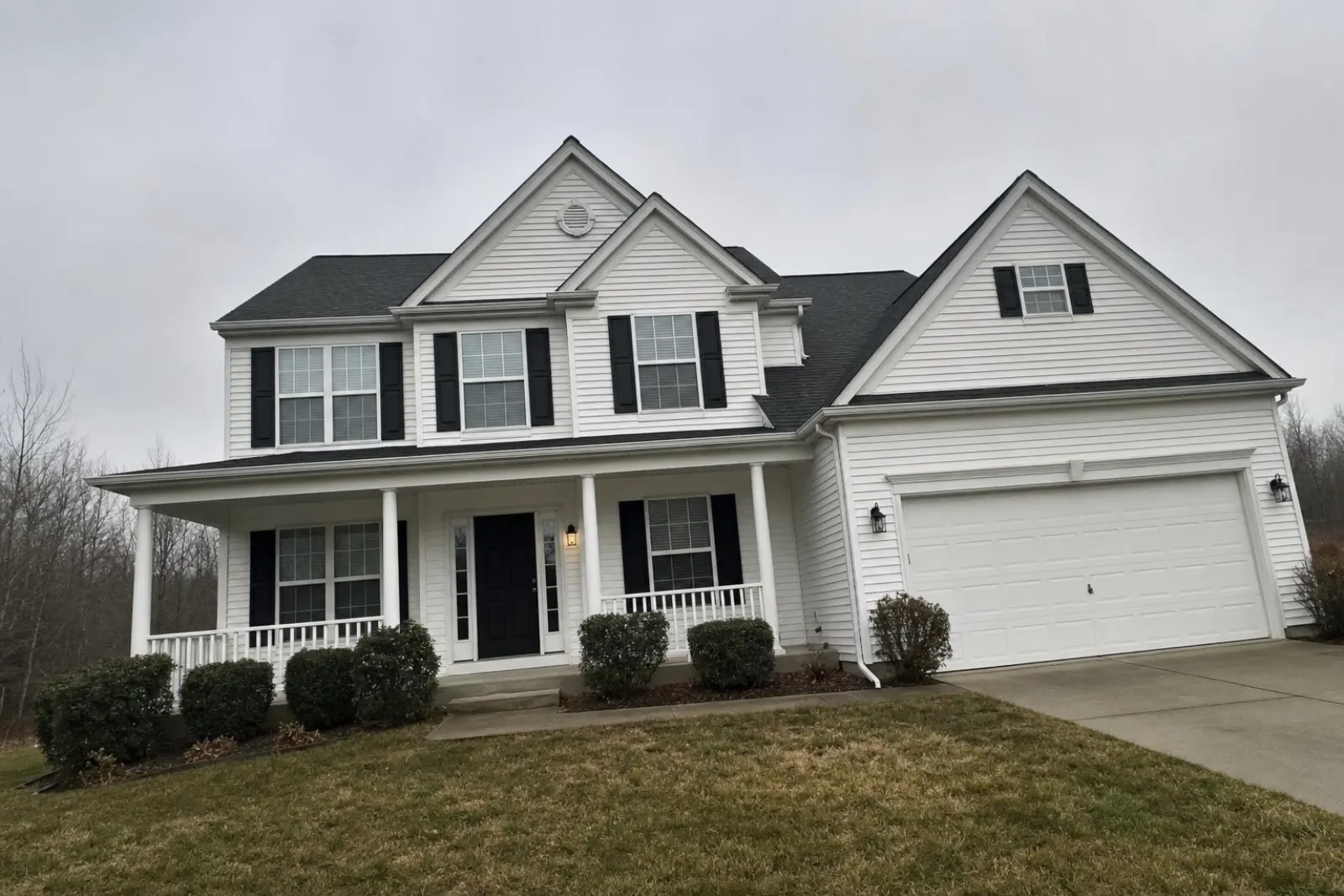
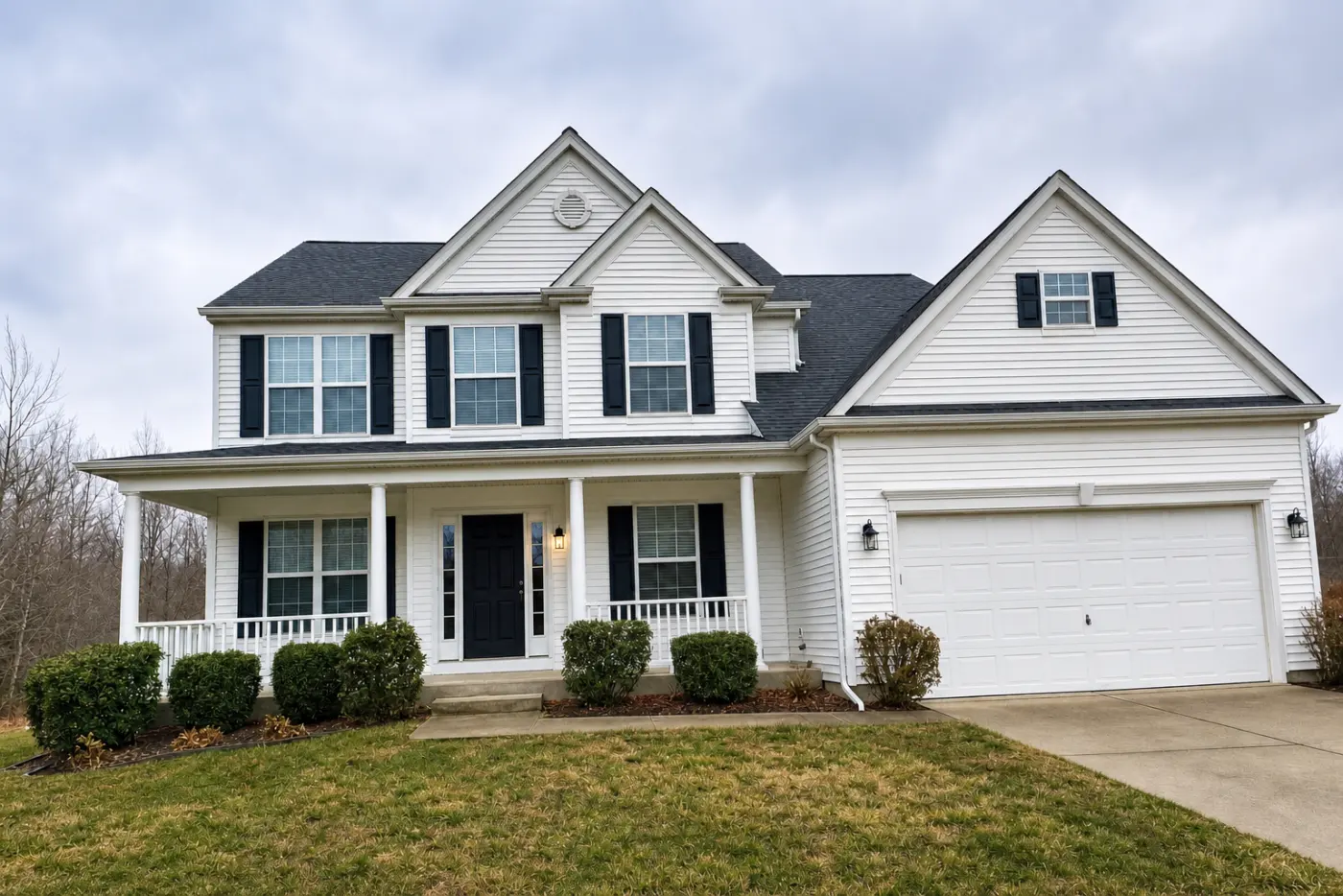
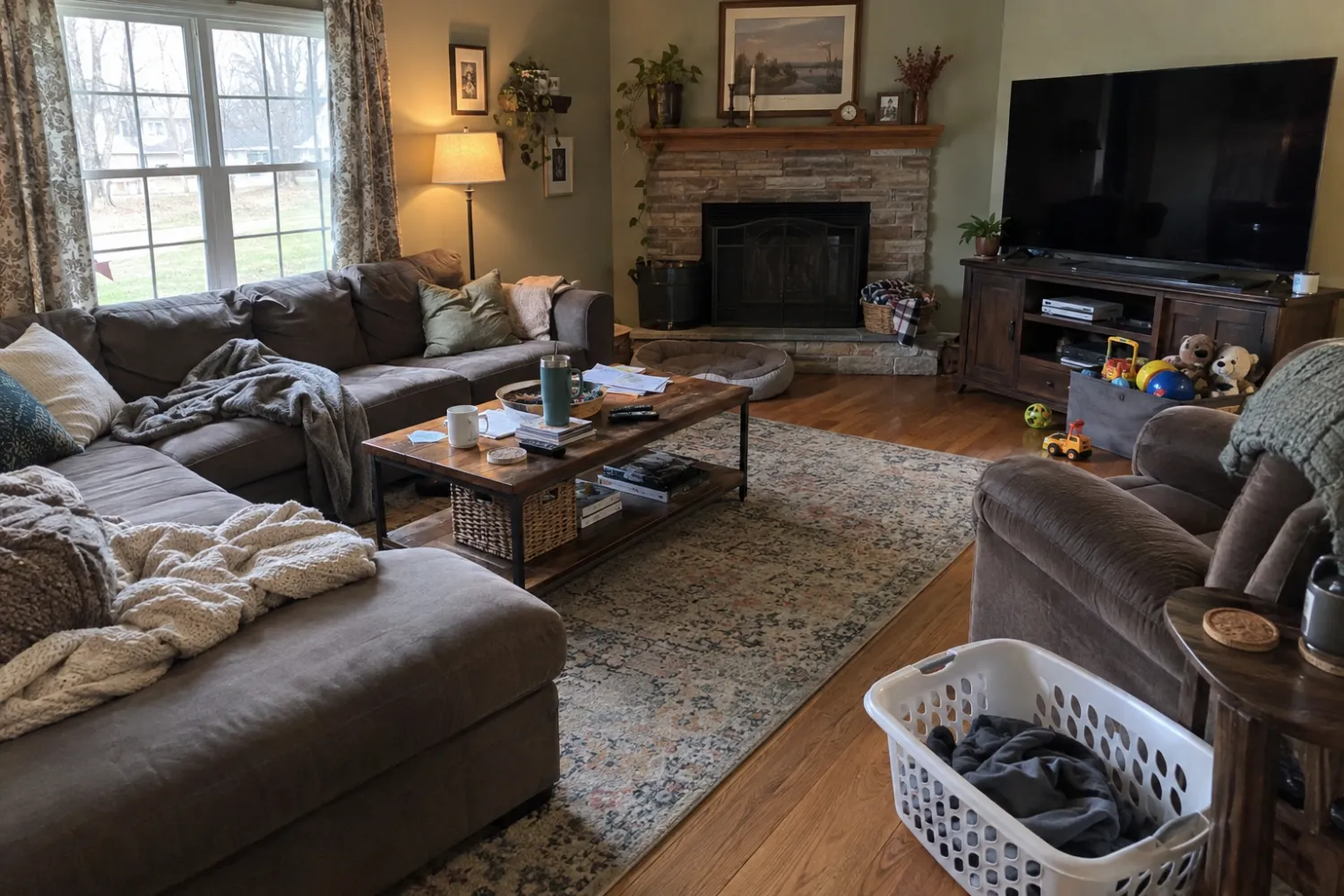
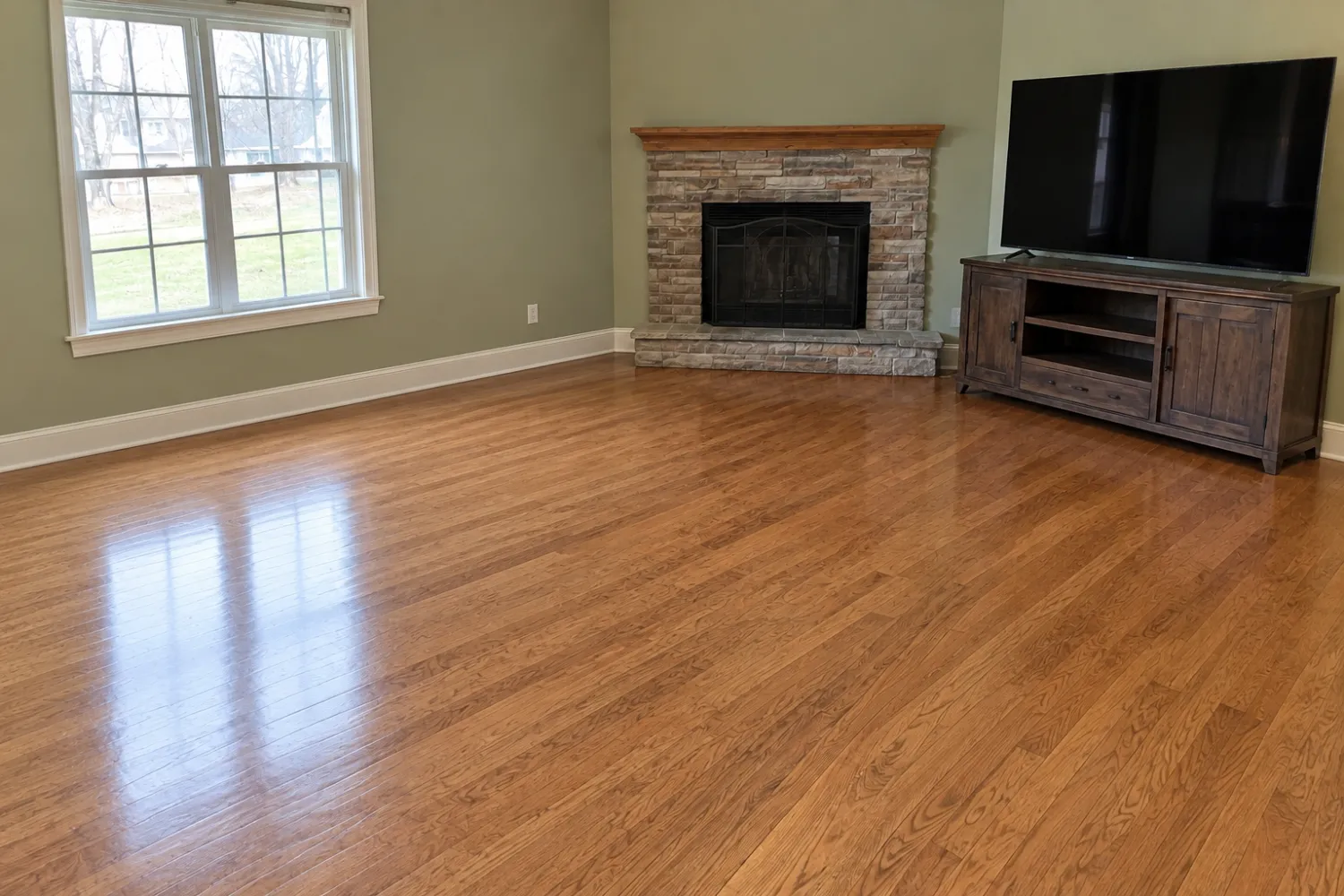
What compliance looks like in each place you advertise
The MLS
Follow your board's mechanics, which were written with AB 723 in mind. CRMLS wants the label in the photo description field ("digitally enhanced," "digitally altered" or "virtually staged") and the original immediately before or after the altered image. It starts with a warning, then a $250 fine if you don't fix it. Bay East requires the original immediately after. SDMLS says its rules also carry through to IDX, VOW and syndication displays.
Your own website
Include the original in the same listing post, or link to a public page that has it, and say so in the statement next to the photo.
Social posts and flyers
These are the easiest to get wrong, because no MLS field does the work for you. Put the statement on the image or directly beside it. On a flyer, a QR code next to the photo works. A line like this covers what the statute asks for:
Digitally altered image. See the unaltered photos at [your link].
The linked page has to be public and has to clearly identify which photo is the original. A page on your site with each before and after, labeled, is the simplest way to do it.
How Real Estate Camera fits
We built Real Estate Camera around this line, so here's exactly what it does and doesn't handle for you.
- Enhance fixes light, white balance and verticals, and keeps the sky exactly as shot. It doesn't touch architecture or landscaping. Most Enhance-only photos stay inside the statute's exclusion. The exception is a window that was solid white in the original, so check those.
- Declutter and virtual staging are alterations. The app flags staged results "virtually staged" and asks you to confirm disclosure when you export.
- The label is not printed on the image. For a flyer or a social post, where the statement has to sit on or beside the photo, you add it yourself.
- Your original stays in the app next to the edit, ready to upload beside it or post on your originals page.
The app doesn't do twilight or sky swaps, so those gray-area edits don't come up. If you get them elsewhere, label them.
AB 723 checklist
- Sort every photo into "corrected only" and "altered." Staged, decluttered, sky-swapped and anything with a changed view go in the altered pile.
- Compare each altered photo with its original. Windows, doors, the fireplace, flooring and the ceiling should match. Defects stay visible.
- Check every edited window view against what's actually outside.
- Build one public page with each original, clearly labeled, and get its URL and a QR code.
- MLS: label the photo the way your board specifies and upload the original in the order it requires.
- Your website: put the originals in the post or link to the originals page, with the statement beside each altered image.
- Social and print: statement on or next to the image, plus the link or QR code.
- Don't remove power lines, poles or neighboring buildings, and don't change paint, flooring or landscaping.
- Keep originals and edits together in the listing folder in case anyone asks.
For board-by-board rules outside California, read the virtual staging MLS rules guide. For the edits themselves, see removing furniture from photos, fixing dark photos and our walkthrough of editing a whole listing on a phone. If you're choosing a tool, the best virtual staging apps and what staging costs compare the options, along with the BoxBrownie and Virtual Staging AI alternative guides. To get the base photo right, see shooting listing photos on an iPhone.
Questions
What does California AB 723 require?
If a licensee, or someone acting for them, uses a digitally altered image to advertise a property for sale, the ad must say the image was altered, on or next to the image, and link to a public page, URL or QR code showing the original. On a website the licensee controls, the original goes in the posting or behind a link.
When did AB 723 take effect?
It was approved and chaptered on October 10, 2025 as Chapter 497, Statutes of 2025, adding Section 10140.8 to the Business and Professions Code. It applies from January 1, 2026.
Does brightening or straightening a photo count as digitally altered?
Not under the statute. It excludes lighting, sharpening, white balance, color correction, angle, straightening, cropping and exposure changes that don't change how the property is represented. Some MLS rules define alteration more broadly, so check your board.
Is virtual staging allowed under AB 723?
Yes, with disclosure. Adding or removing furniture makes the image digitally altered, so you need the statement next to the image and a link or QR code to the unstaged original.
What happens if I don't comply?
The Legislative Counsel's Digest notes that a willful violation of the Real Estate Law is a crime. MLSs enforce their own rules too. CRMLS, for example, issues a warning and then a $250 fine if the problem isn't fixed.