 Real Estate Camera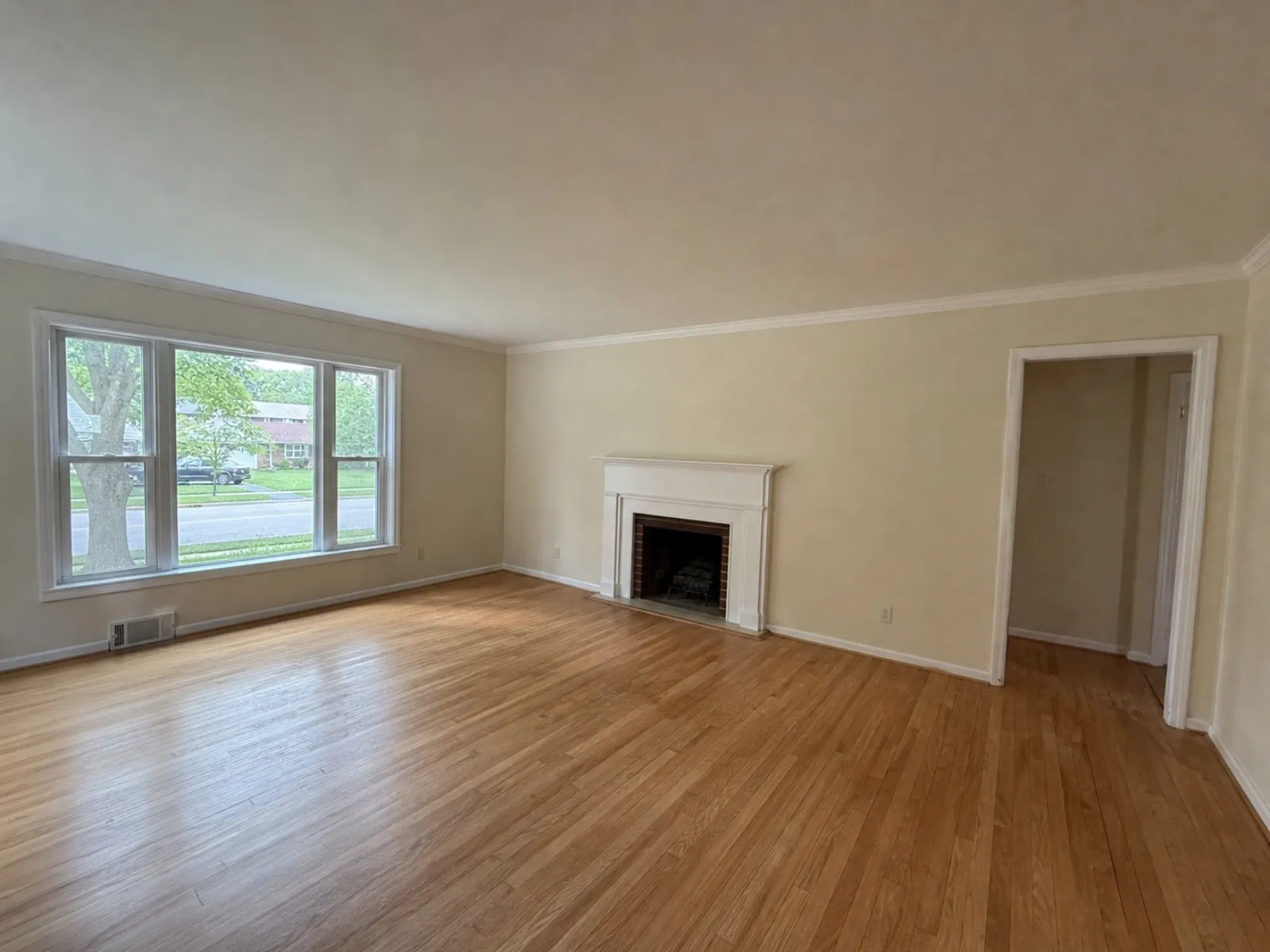
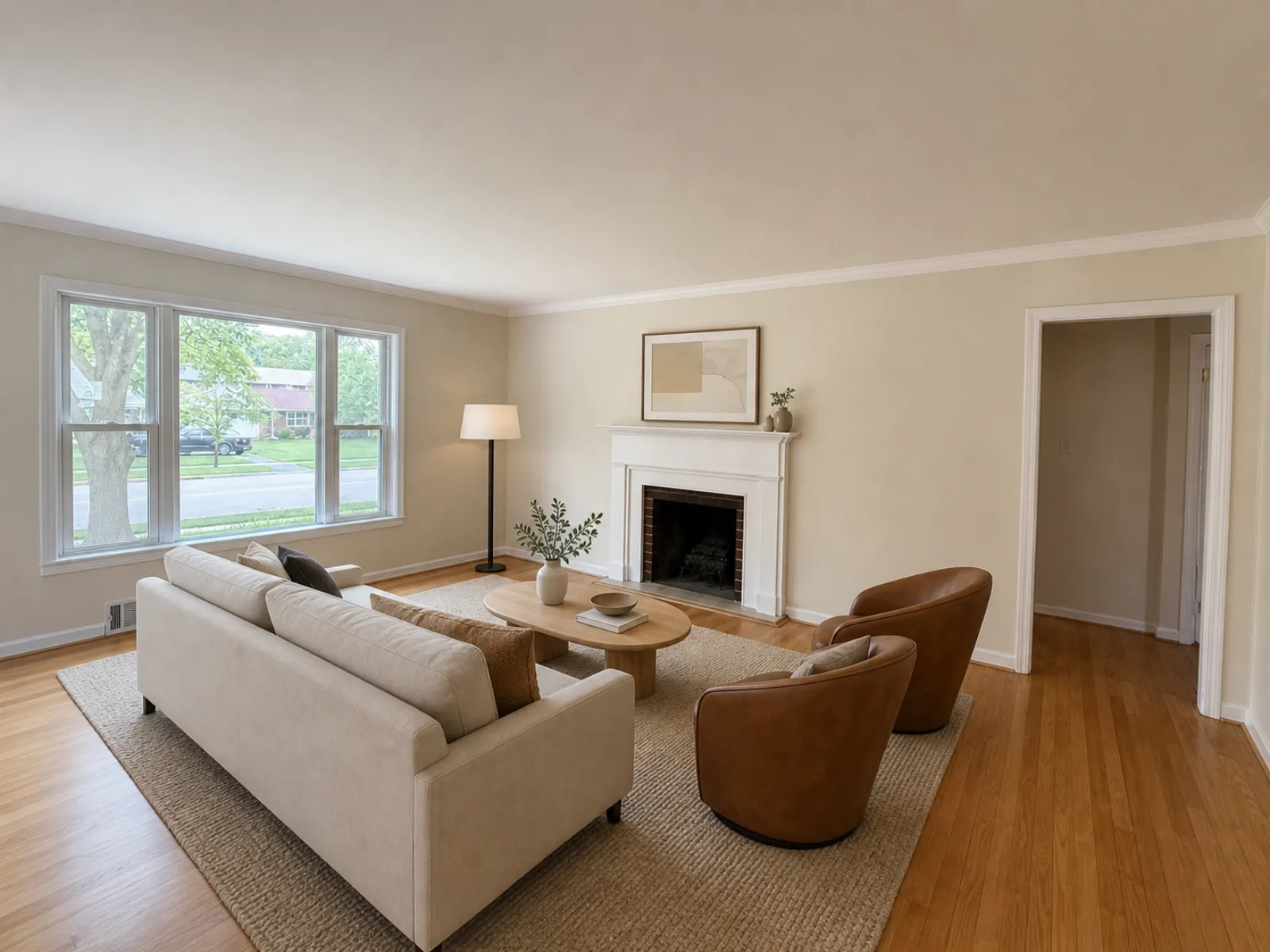
A listing video gets the same photos in front of buyers who scroll Reels and Shorts instead of the MLS. Real Estate Camera makes one from the photos you already finished in the app. Each photo becomes a short moving clip, the clips play in the order you pick, and music runs under the whole thing.
How it works
- Finish the photos. Enhance, declutter or stage them in a project, or add new ones while you build the video.
- Pick and order the clips. Click the photos in the order they should play. Turn on Reveal for a staged room.
- Choose the shape and the music. A Reel or 16:9, one of 8 tracks, and a title card and end card if you want them.
- Download and post. The finished video waits in the project, next to the photos it came from.
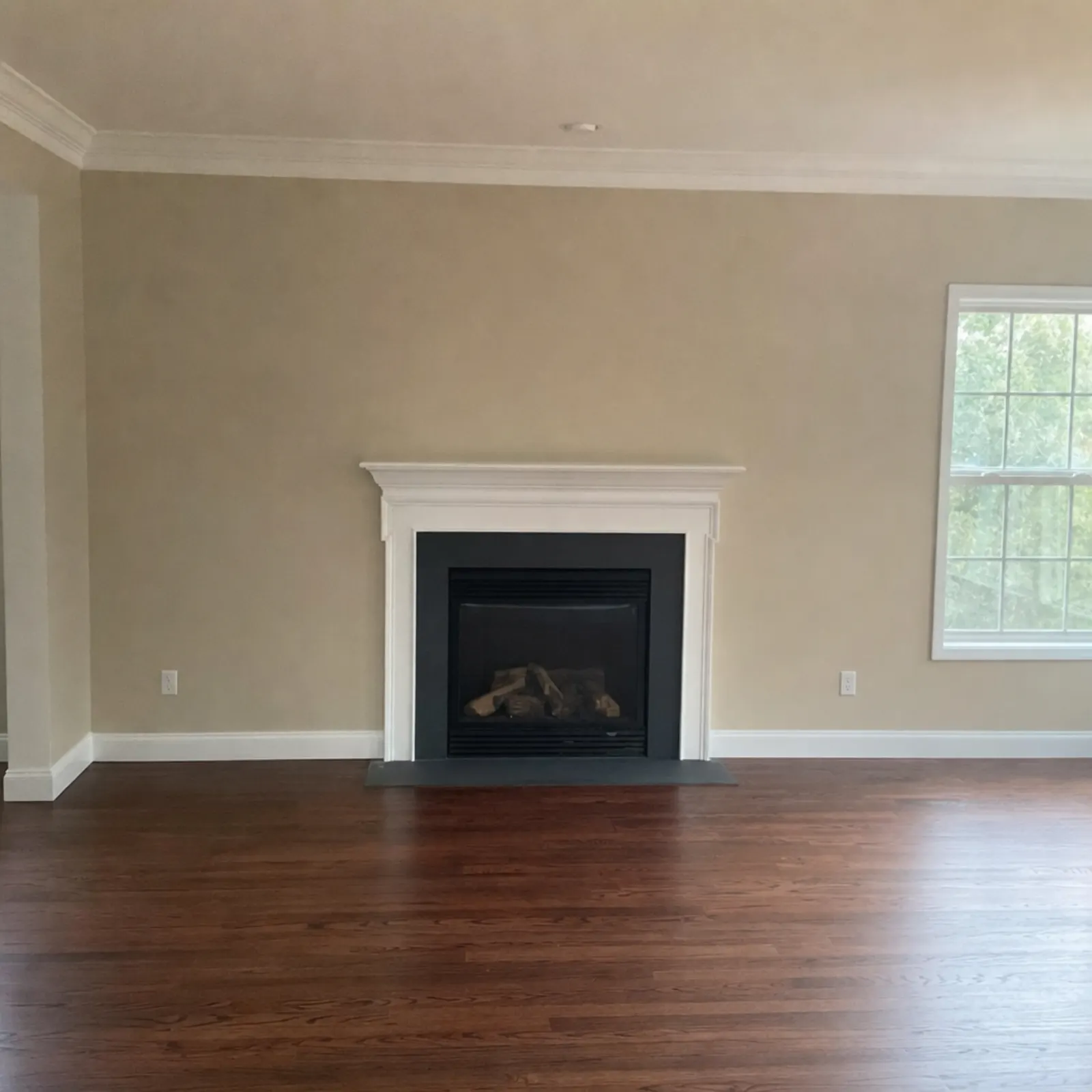 Sample phone shot
 The file the app sent back
What a video costs
Each AI clip is 2 credits, which works out to $0.67 to $1.00 depending on the pack. The title and end cards are free. A 10-clip video uses 20 credits ($6.67 to $9.99), from the same balance as your photo edits. Credits never expire, and a video that fails refunds its credits automatically.
What it costs
Your first 2 credits are free, no card. After that you buy credits in packs or on a monthly plan. Credits never expire, and a failed edit gives its credits back.
| Edit | Credits | Cost per photo |
|---|---|---|
| Enhance (light, color, verticals) | 1 | $0.33 to $0.50 |
| Declutter (furniture out) | 2 | $0.67 to $1.00 |
| Virtual staging (8 styles) | 2 | $0.67 to $1.00 |
| Listing video, per AI clip | 2 | $0.67 to $1.00 |
| Credit pack | Price | Per credit |
|---|---|---|
| 20 credits | $9.99 | $0.50 |
| 60 credits Most popular | $24.99 | $0.42 |
| 150 credits | $49.99 | $0.33 |
| 400 credits | $149.99 | $0.37 |
| Pro plan, 50 credits a month | $19.99/mo | $0.40 |
| Business plan, 150 credits a month | $49.99/mo | $0.33 |
Prices in USD. The app stores show the local price in your currency. Full pricing
Related
Questions
How much does a listing video cost?
2 credits per AI clip, so a 10-clip video is 20 credits ($6.67 to $9.99). Title and end cards are free, and a video that fails gives its credits back.
What shapes can I export?
A 9:16 Reel for phone feeds such as TikTok and Instagram, or a 16:9 video for YouTube and your website.
What is a reveal clip?
A virtually staged room plays as the empty room first, then the staged version. Videos with staged rooms end on a note that they're virtually staged.
Can I add music and my contact details?
Yes. Pick one of 8 built-in tracks. The title card takes the address, city, price and details, and the end card shows the name, phone and brokerage you save in Settings.
Which photos can go in a video?
Finished photos from a project, plus new JPEG, PNG or WebP files up to 25 MB each. HEIC isn't accepted for video, so export those as JPEG first.