 Real Estate Camera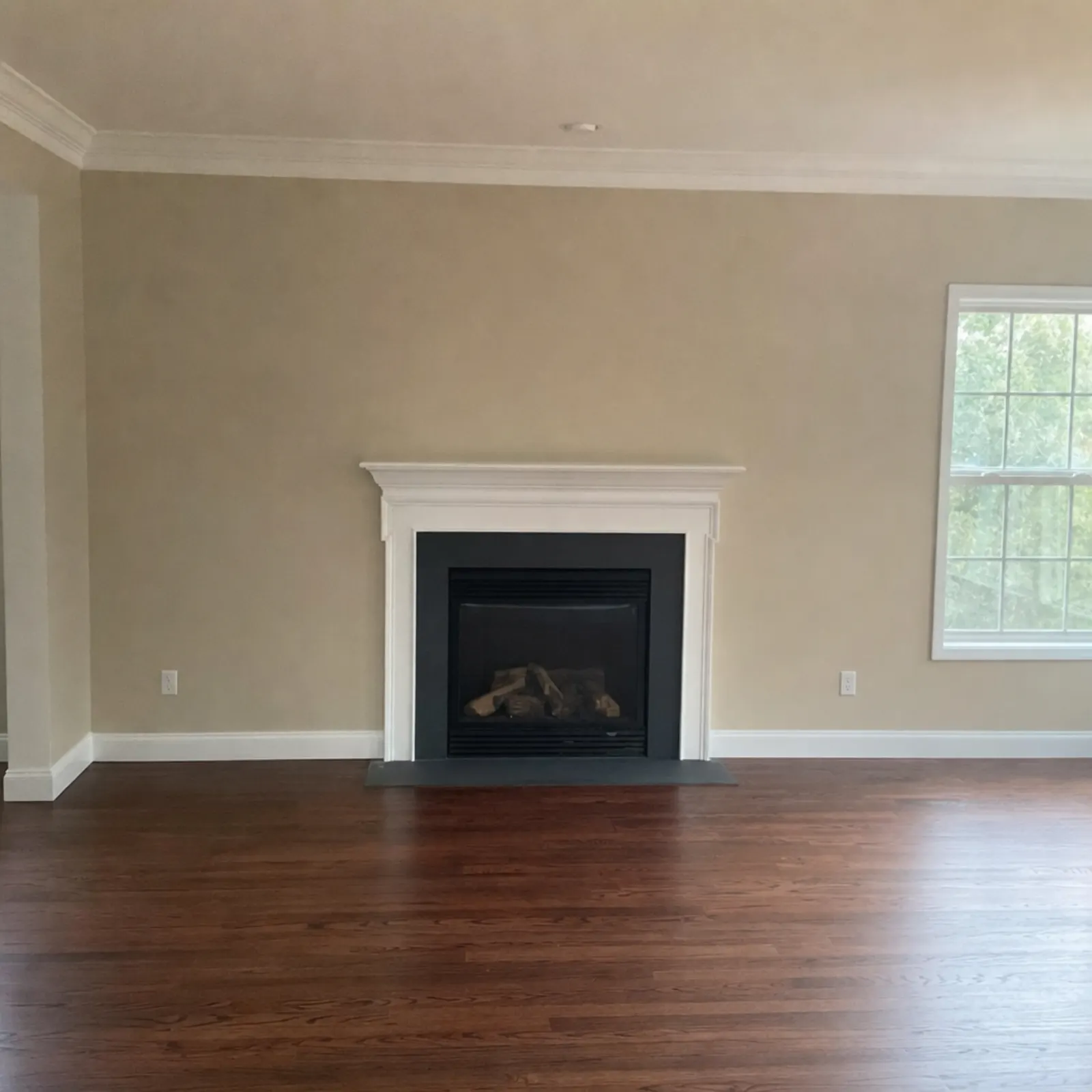
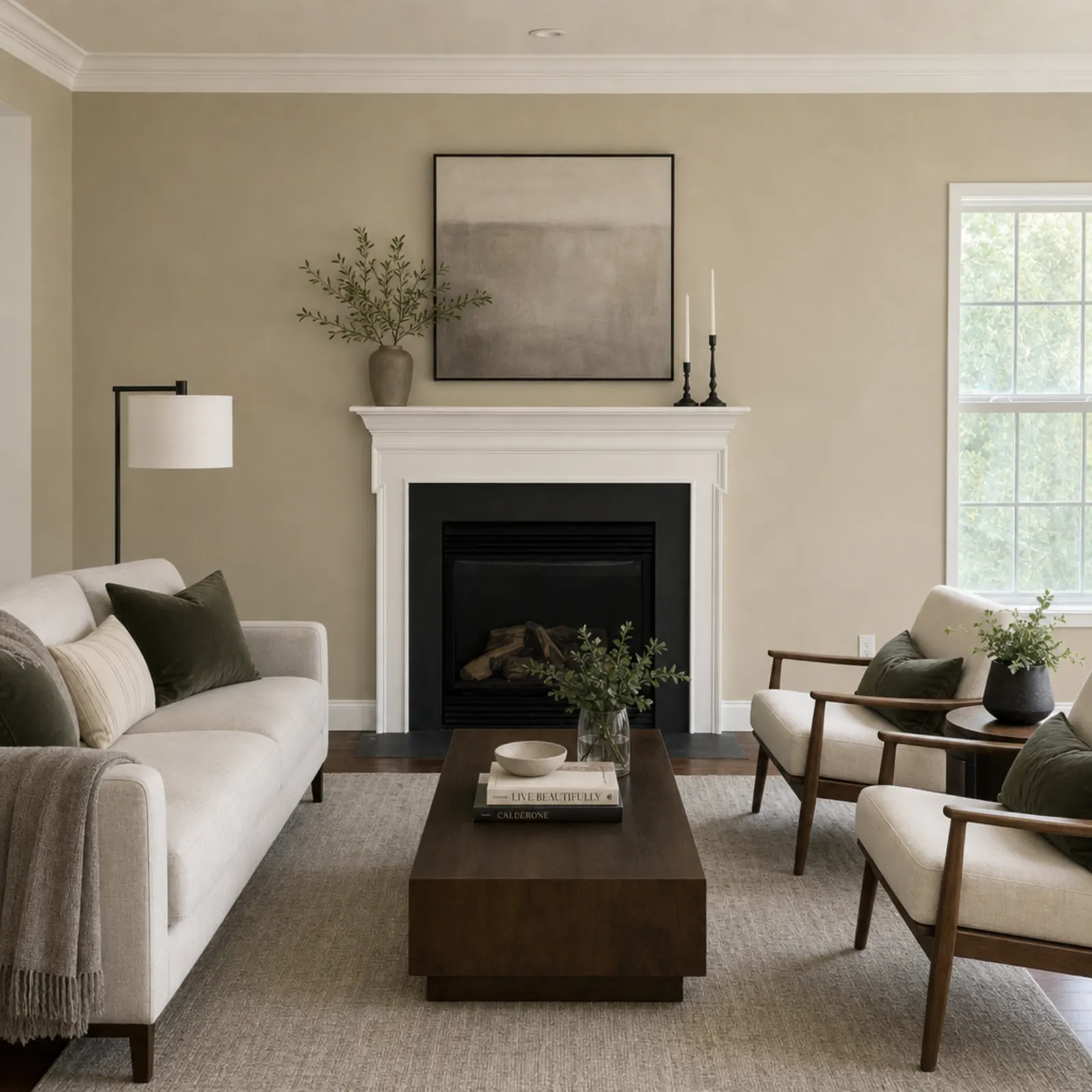
Virtual staging adds furniture to a photo of an empty room so buyers can see how it lives. AI does it in under a minute for about a dollar or less. A human staging service takes a day or two and charges around $24 a photo. The AI version has a catch: you can't ask it to move the sofa two feet left. If you need that level of control, a human editor is still the right call.
What you get back
- The same room, same walls, windows, doors and floor, with furniture that fits the style you picked.
- A full-resolution file ready for the MLS, Zillow or your flyer.
- The original kept beside it, so you can show the empty room too.
- A virtually staged flag on the result, so disclosure doesn't get forgotten at upload time.
What it won't do: repaint walls, swap the flooring, hide a crack or replace a grey sky. Staging furnishes the room that's there.
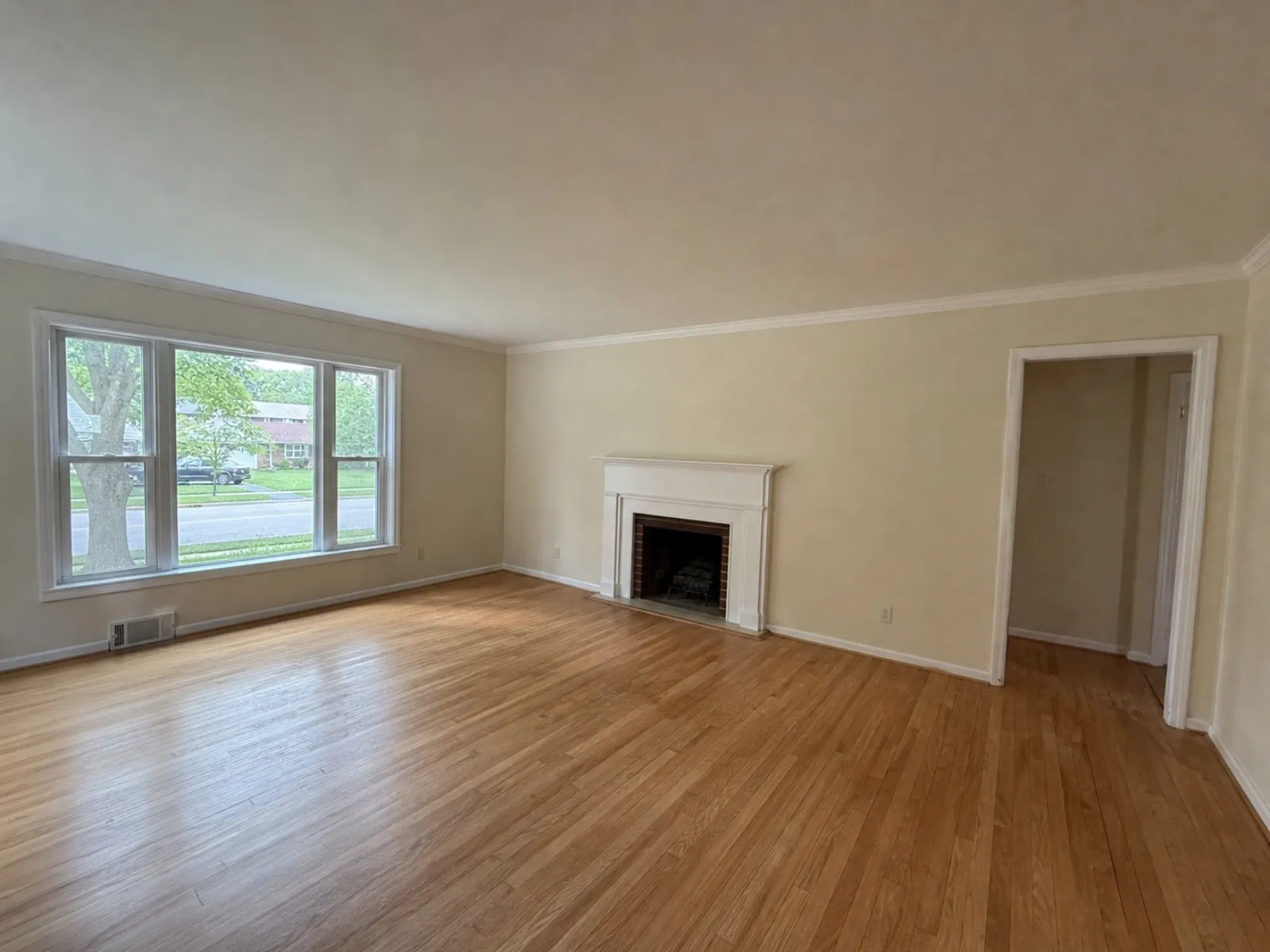 Sample phone shot
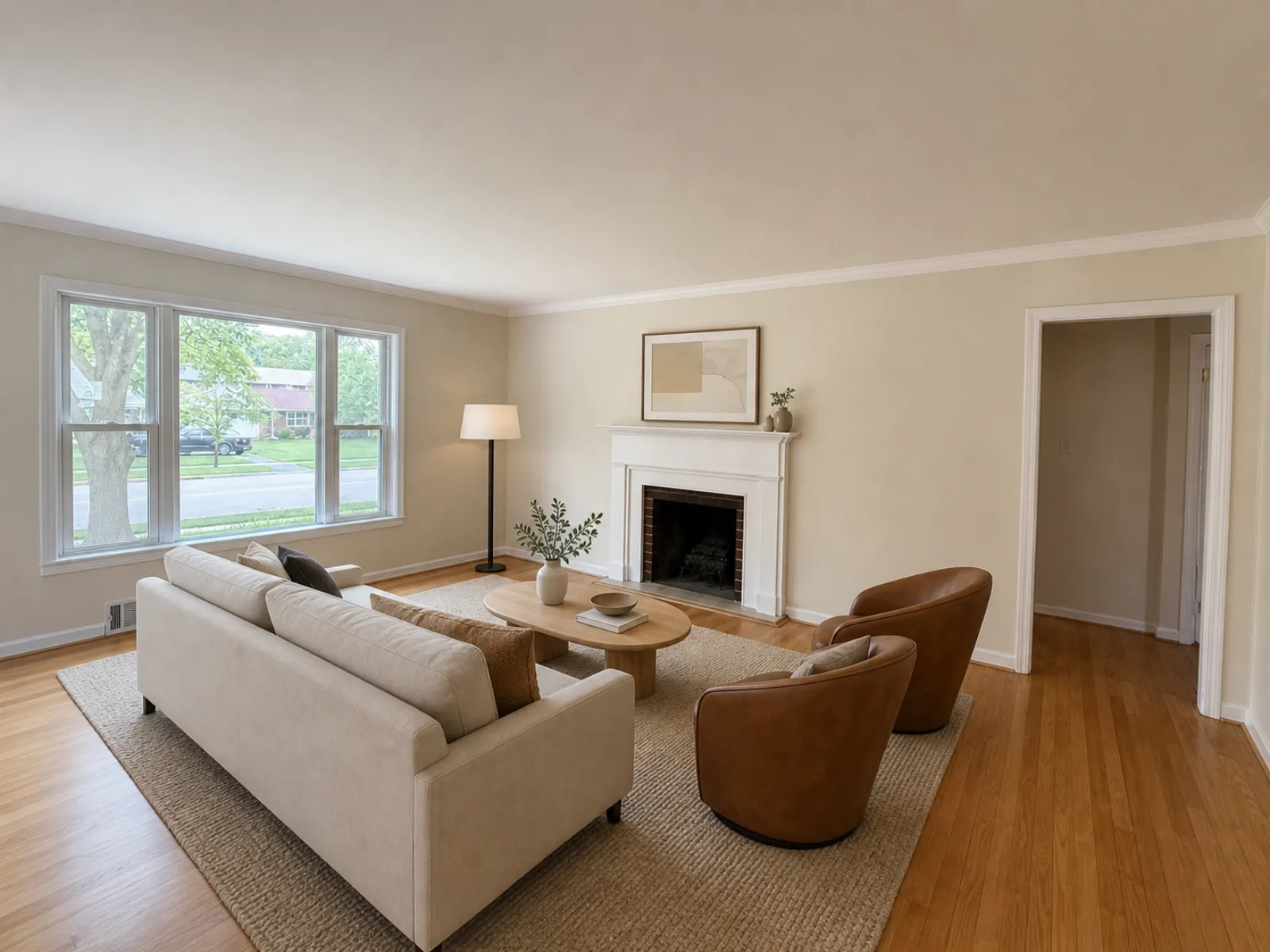 The file the app sent back
How it works
- Shoot the empty room on your phone from a corner, at chest height, lights on. Or upload a photo you already have.
- Pick a style. Modern, Scandinavian, Modern Farmhouse, Luxury Contemporary, Traditional, Mid-Century, Coastal, Japandi.
- Download the staged photo 20 to 60 seconds later. Don't like it? Run it again in another style.
What it costs
Your first credit is free, no card. After that you buy credits in packs or on a monthly plan. Credits never expire, and a failed edit gives its credits back.
| Edit | Credits | Cost per photo |
|---|---|---|
| Enhance (light, color, verticals) | 1 | $0.33 to $0.50 |
| Declutter (furniture out) | 2 | $0.67 to $1.00 |
| Virtual staging (8 styles) | 2 | $0.67 to $1.00 |
| Credit pack | Price | Per credit |
|---|---|---|
| 20 credits | $9.99 | $0.50 |
| 60 credits Most popular | $24.99 | $0.42 |
| 150 credits | $49.99 | $0.33 |
| 400 credits | $149.99 | $0.37 |
| Pro plan, 50 credits a month | $19.99/mo | $0.40 |
| Business plan, 150 credits a month | $49.99/mo | $0.33 |
Prices in USD. The app stores show the local price in your currency. Full pricing
AI staging next to the other options
| Option | Per room | Turnaround | Good for |
|---|---|---|---|
| Real Estate Camera | $0.67 to $1.00 | 20 to 60 seconds | Staging every vacant room on every listing |
| BoxBrownie (human) | $24 | Under 48 hours | A hero shot with a specific brief |
| VirtualStaging.com (human) | $24 | 24 hours, 4 to 8 rush | Unlimited revisions |
| Physical staging, vacant home | $4,000 to $6,000 total | Days to book | Showings, not just photos |
Prices as of September 2026, from each company's own pages and Angi. The full breakdown is in how much virtual staging costs and the best virtual staging apps for realtors. If you're moving off a human service, read the BoxBrownie alternative guide.
Related
- Virtual staging for realtors
- Remove furniture from photos
- Pricing
- MLS rules for staged photos
- Which staging style to pick
Questions
How much does AI virtual staging cost per photo?
On Real Estate Camera a staged room is 2 credits. Credits cost $0.33 to $0.50 each depending on the pack or plan, so a room lands between $0.67 to $1.00. Human staging services such as BoxBrownie charge about $24 a photo.
How long does virtual staging take?
20 to 60 seconds per room. You can close the app or the tab while it runs; the photo waits for you in the project.
Which staging styles can I pick?
8: Modern, Scandinavian, Modern Farmhouse, Luxury Contemporary, Traditional, Mid-Century, Coastal, Japandi. You pick one per photo, so a kids room and a living room in the same listing can differ.
Can I put virtually staged photos on the MLS?
Most MLSs allow it with disclosure. Staged results are flagged virtually staged in the app, and the original stays next to the edit so you can post both. Check your own MLS for the exact wording it wants.
What if the room still has furniture in it?
Run Declutter first (2 credits). It takes the furniture out and rebuilds the floor and walls behind it. Then stage the empty result.
Is there a free trial?
Your first credit is free with no card. That covers one Enhance. A staged room takes 2 credits, so you'd need the smallest pack (20 credits for $9.99) to stage.