 Real Estate Camera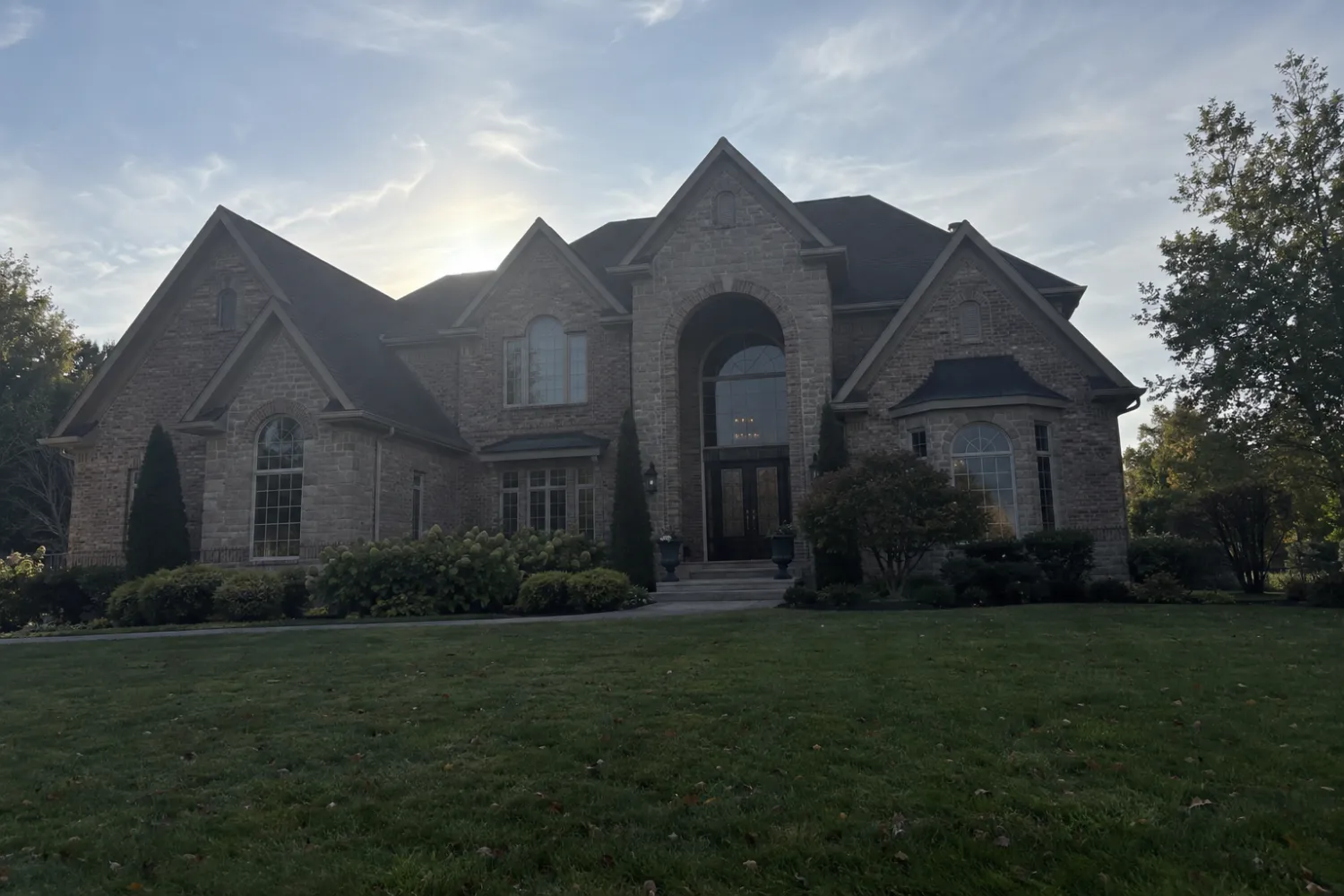
A real estate photography app should do two jobs: help you take the shot and fix it after. Most camera apps only do the first, and most editors only do the second. Real Estate Camera does both. You shoot the listing on your phone, pick an edit per photo, and each finished file comes back in 20 to 60 seconds. That's fast enough to finish the listing before you lock up.
What it does to each photo
| Edit | What changes | Credits |
|---|---|---|
| Enhance | Light, color cast, leaning verticals | 1 |
| Declutter | Furniture and clutter out, floor and walls rebuilt | 2 |
| Virtual staging | Empty room furnished in one of 8 styles | 2 |
It never swaps the sky, repaints the house or hides damage. The original stays next to every edit in the project.
 Sample phone shot
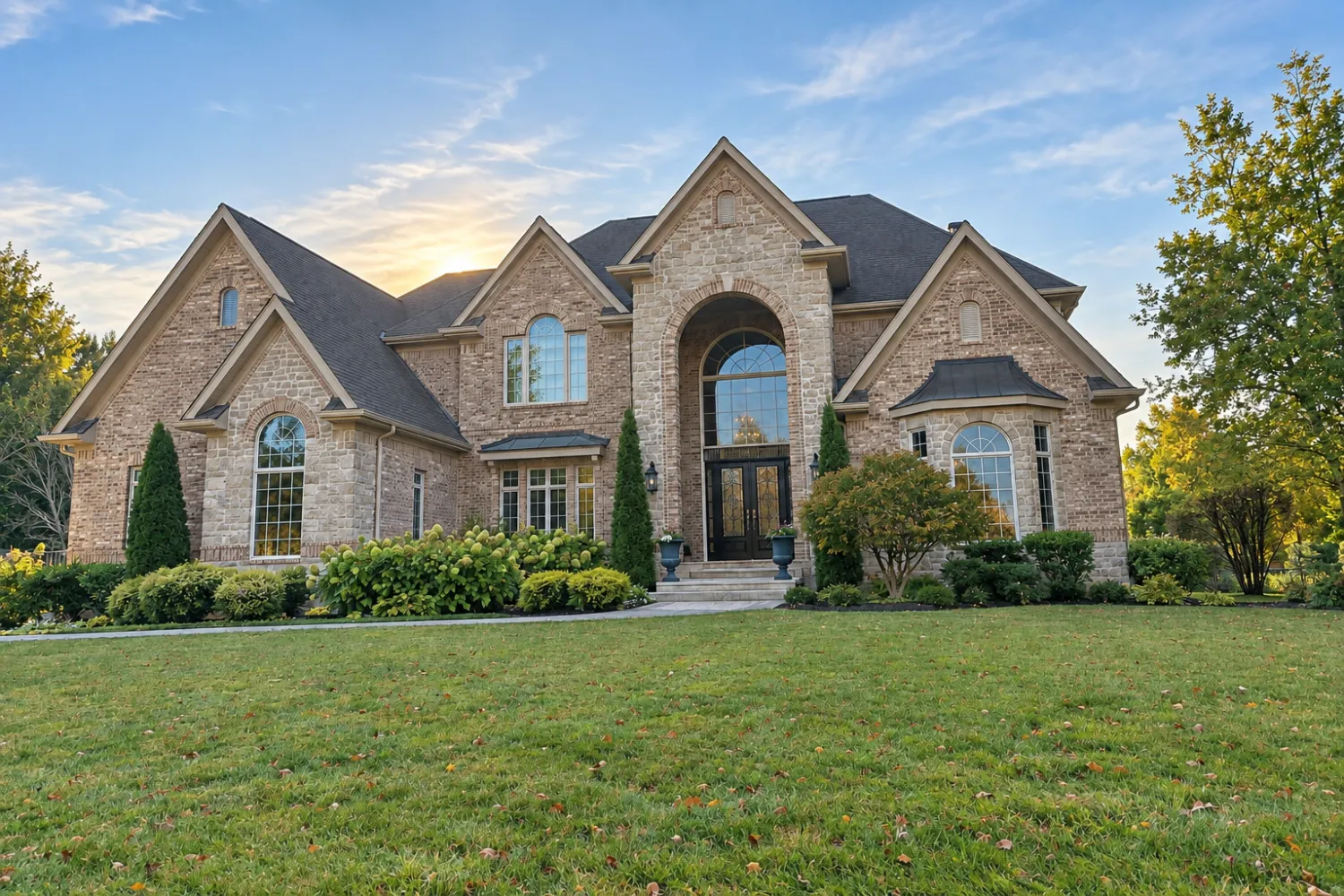
 The file the app sent back
How a listing goes
- Shoot every room in the app from the corners, lights on. Our room-by-room shot list covers what to get.
- Pick an edit per photo. Enhance the lot, declutter the lived-in rooms, stage the empty ones.
- Export to the MLS from your phone, or open the same project on the web and finish at your desk.
What it costs
Your first credit is free, no card. After that you buy credits in packs or on a monthly plan. Credits never expire, and a failed edit gives its credits back.
| Edit | Credits | Cost per photo |
|---|---|---|
| Enhance (light, color, verticals) | 1 | $0.33 to $0.50 |
| Declutter (furniture out) | 2 | $0.67 to $1.00 |
| Virtual staging (8 styles) | 2 | $0.67 to $1.00 |
| Credit pack | Price | Per credit |
|---|---|---|
| 20 credits | $9.99 | $0.50 |
| 60 credits Most popular | $24.99 | $0.42 |
| 150 credits | $49.99 | $0.33 |
| 400 credits | $149.99 | $0.37 |
| Pro plan, 50 credits a month | $19.99/mo | $0.40 |
| Business plan, 150 credits a month | $49.99/mo | $0.33 |
Prices in USD. The app stores show the local price in your currency. Full pricing
App vs. photographer vs. doing it by hand
| Real Estate Camera | Photographer | Phone camera plus Lightroom | |
|---|---|---|---|
| Cost for one listing | A 60 credits for $24.99 pack covers a typical listing | About $286 on average (Thumbtack) | Subscription plus hours |
| When you get photos | Same visit | After the shoot and edit | When you finish editing |
| Staging and furniture removal | Built in | Extra, often outsourced | Hard by hand |
| Drone, twilight, video | No | Yes | No |
More on the trade-off in hire a photographer or DIY, and on technique in how to take real estate photos with an iPhone.
Related
Questions
What is the best app for real estate photos?
One that shoots and edits in the same place, fixes light and verticals on every photo, and can declutter or stage without changing the property. Real Estate Camera does all four on iPhone, Android and the web.
Can I take professional-looking listing photos with an iPhone?
Yes, for most listings. Shoot from the corners at chest height with every light on, then fix exposure and verticals afterwards. Our iPhone guide covers the settings.
Is the app free?
The download is free and you get 1 free credit with no card. Enhance uses 1, Declutter and staging use 2 each. Packs start at 20 credits for $9.99.
Does it work on Android?
Yes. There's an Android app on Google Play, an iPhone and iPad app on the App Store, and a web app. It's one account and one credit balance across all of them.
When should I still hire a photographer?
For luxury listings, real twilight shoots, drone work and video. For a typical listing you shoot yourself, the app covers the edits a photographer would make.