 Real Estate Camera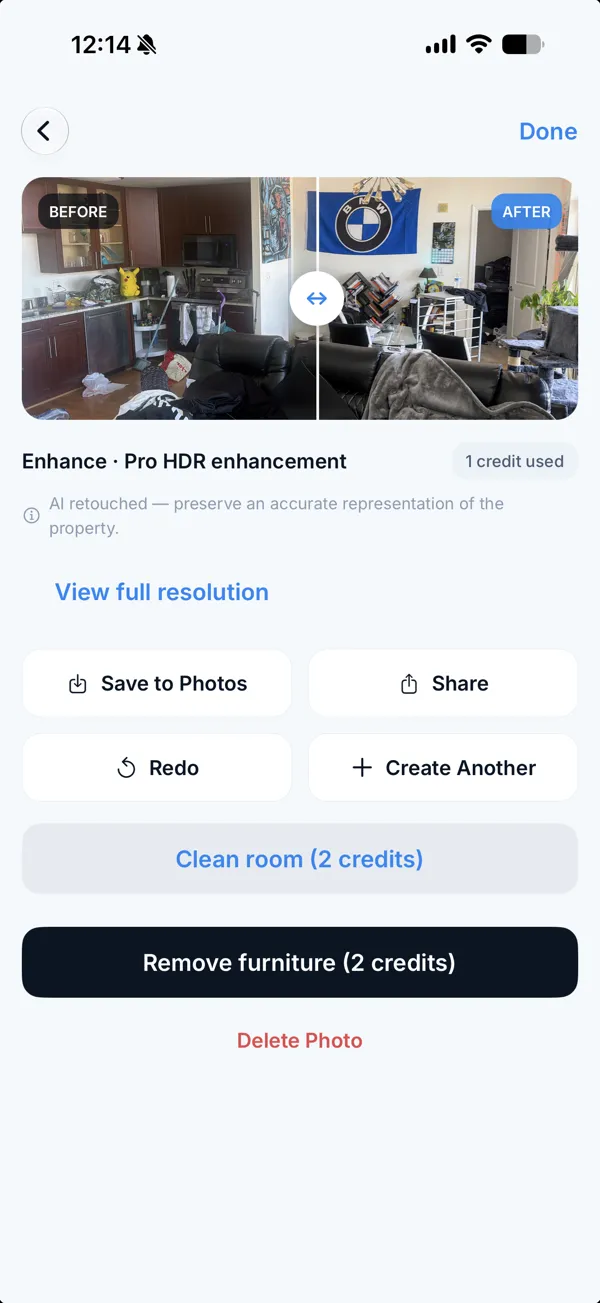
There is no single best AI virtual staging app for real estate agents. It depends on how you work. For hands-on furniture placement, consider Apply Design. For high volumes at under $1.25 per photo, consider Virtual Staging AI or a subscription tool. For photographing and staging rooms on one phone and paying per room, consider Real Estate Camera.
Prices come from each company's pricing page, checked on 24 October 2026. Real Estate Camera is our app, so weigh my view with that in mind.
Choose based on how you work
| If you... | Consider | Price (Oct 2026) |
|---|---|---|
| Want to place furniture yourself | Apply Design | $10.50 to $15 for one-click staging, $7 to $10 for DIY |
| Stage 20 or more photos a month | Virtual Staging AI | As low as $0.32, or $1.25 on the $25 plan |
| Use chat to change a room | REimagineHome | From $19 a month, see our comparison |
| Photograph and stage rooms on one phone, pay per room | Real Estate Camera | 2 credits, about $0.67 to $1.00 |
| Want a person to stage it | BoxBrownie or Styldod | See cost per photo |
What Virtual Staging AI offers
Its homepage promises unlimited revisions, free decluttering, multi-angle staging and no credit card required for the free trial. The $25 monthly plan lists 20 photos, which is $1.25 each, and credits roll over. A larger plan at $49 works out to $0.98 per photo. It suits high volumes.
What Apply Design offers
A drag-and-drop editor and 360 photos. Its one-click mode costs $10.50 to $15 per photo, putting it at the pricier end. Our Apply Design comparison has the full table.
What Real Estate Camera offers
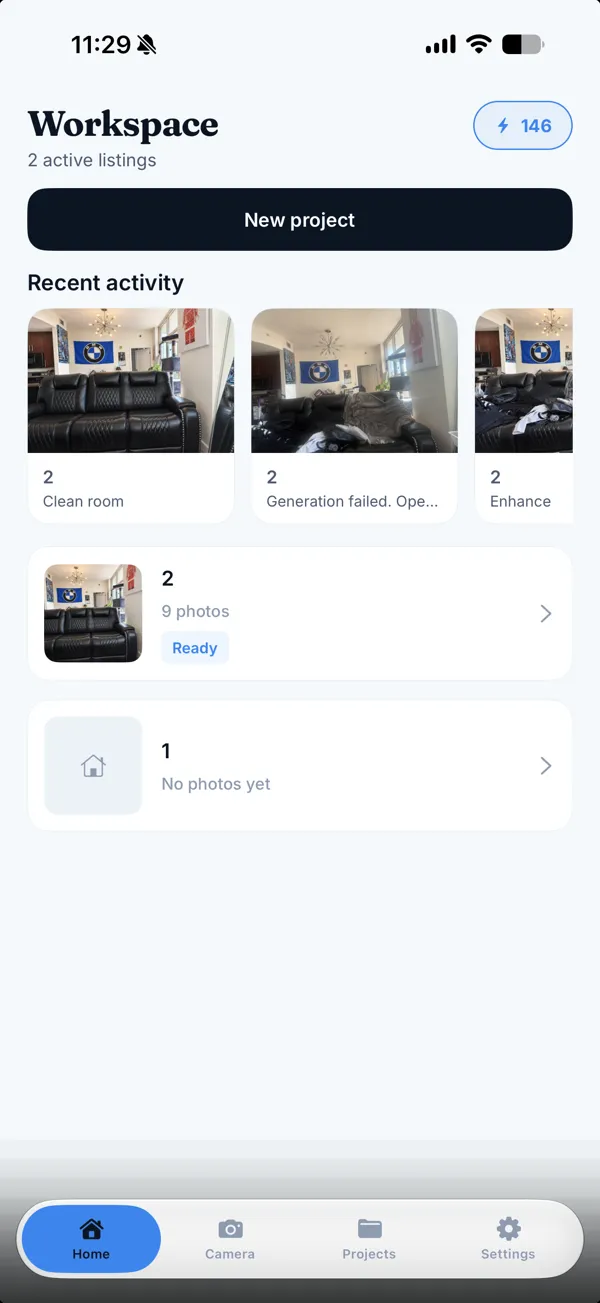
Photograph the room in the app, or upload a photo via the web, and stage it for 2 credits in 20 to 60 seconds. Eight styles, every file labelled "virtually staged", credits that never expire and credit refunds for failed edits. The same credits work with Enhance (1) and Declutter (2).
What you give up: manual furniture placement, 360 photos and a human designer.
Before you publish a staged photo
Compare the staged image with the original to check for shifted windows or doors, and label it. Read the MLS rules and the disclosure wording.
For seven tools in one table, read best virtual staging apps for real estate agents. For tools focused on design, see AI interior design apps for real estate. Start free.
Questions
What is the best AI virtual staging app for real estate agents?
There is no single best option. Apply Design suits hands-on furniture placement. Virtual Staging AI and subscription tools suit high volumes. Real Estate Camera suits agents who photograph and stage rooms on a phone and pay per room. Choose based on volume and whether you need to move furniture.
How much does Virtual Staging AI cost?
As of 24 October 2026, its homepage says as low as $0.32 per image. Its pricing page lists a $25 monthly plan for 20 photos, which is $1.25 each, and a $49 plan at $0.98 per photo. Unlimited revisions per image are listed.
How much does Apply Design cost?
Its pricing page sells coins from $10 down to $7 each. One-click staging costs 1.5 coins, so $10.50 to $15 per 2D photo. The first image is free.
Which virtual staging app is cheapest?
At high volumes, subscription tools come in at under $1 per photo. For a few rooms a year, pay-per-use avoids paying for months you don't use. Real Estate Camera costs about $0.67 to $1.00 per room.
Is AI virtual staging allowed on the MLS?
Usually, if you label it. Rules differ by MLS and US state, and some states require disclosure. See our MLS rules guide.
Can I stage a photo from my phone?
Yes. Real Estate Camera runs on iPhone, iPad and Android and stages the photo you've just taken. Several web tools also work in a phone browser.
Who makes this
Real Estate Camera is a listing photo app for iPhone, Android and the web. We wrote this page, so we have a stake in it. Other companies' prices come from their own pages on the date shown, and we say where they do better. Spot a wrong number? Tell us and we'll fix it.