Real Estate Camera
A good virtual staging disclosure is short and clear: "Virtually staged. Furniture and decor are not included." Put that label on or under the staged photo, add a line to the public listing remarks, and upload the unstaged original right next to it. Below are copy-and-paste versions for captions, MLS remarks, social posts, flyers and an open home sign for listing photos processed with Virtual staging, Declutter or Enhance.
Each template relates to a rule we've already checked in our guides to virtual staging MLS rules and California's AB 723. This isn't legal advice. Your MLS's current rules and your broker take precedence.
What the wording needs to cover
Rules vary by board, but they all expect the disclosure to cover the same ground.
- Name the edit. Every set of MLS rules in our MLS guide requires staged photos to be labelled. CRMLS accepts "virtually staged", "digitally altered" or "digitally enhanced" in the photo description field.
- Place it where buyers are looking. Canopy MLS requires the disclosure on the image or in the virtual tour and says captions or remarks alone are not acceptable. California's AB 723 calls for the statement to be "on or adjacent to the image".
- Point to the original. AB 723 requires a link, URL or QR code to a public page showing the unaltered photo. CRMLS and Canopy want the original placed immediately before or after the edited photo.
Wisconsin is next. 2025 Wisconsin Act 69, effective 1 January 2027, says a licensee "shall in all advertising disclose" when it has been altered using technology, including AI, "to add, remove, or change elements of the property that creates a false or misleading impression of the property." Zillow's July 2026 post on AI listing photos says New York and New Jersey also have bills under consideration.
Templates for virtually staged photos
On the image
Two or three words, in a corner that survives cropping. This is the version Canopy asks for.
Virtually staged
Photo caption or description field
CRMLS wants the label here. On boards that don't require it, it still costs you nothing.
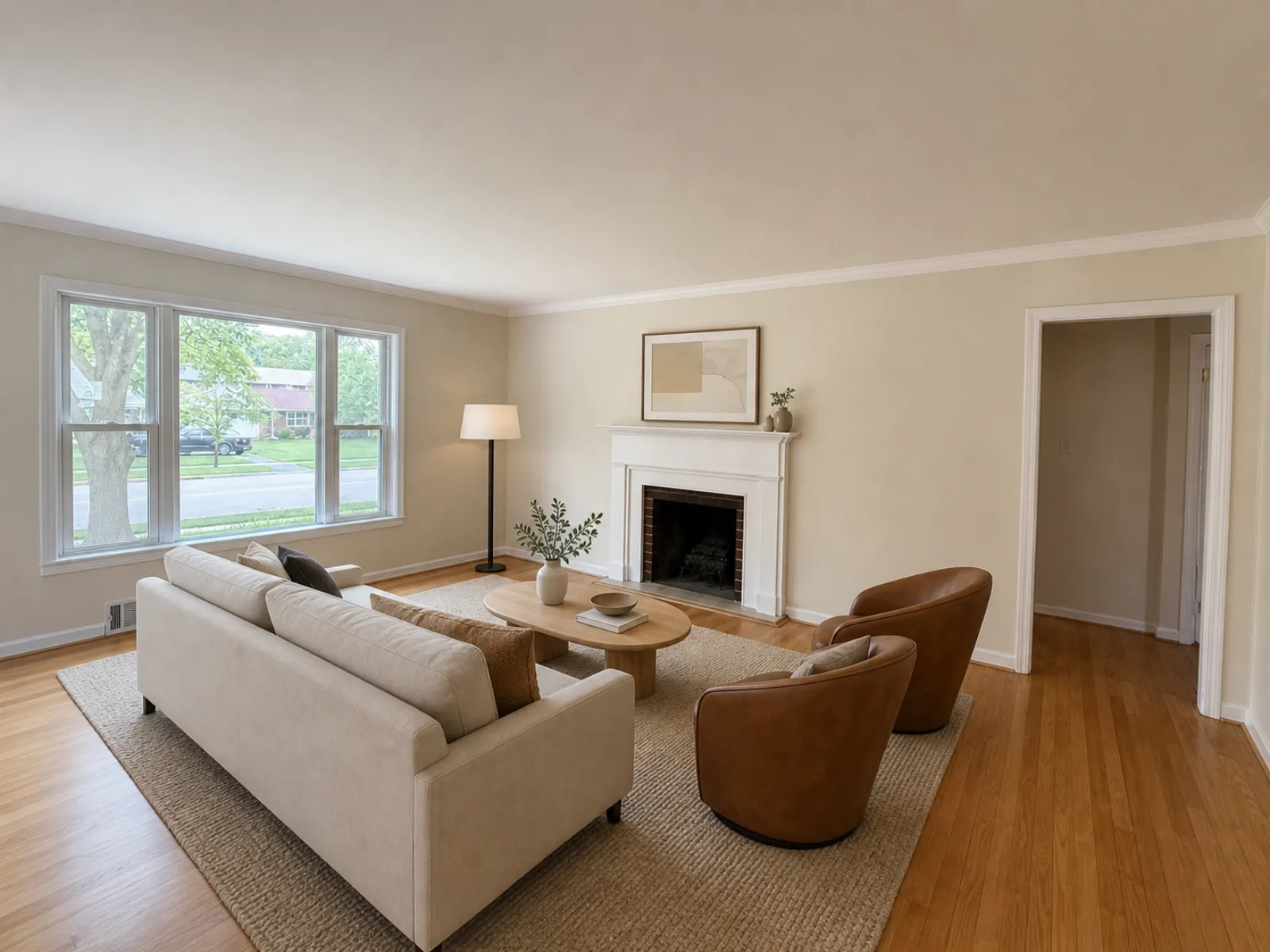
Virtually staged. Furniture and decor are not included. Unstaged photo follows.
Change "follows" to "precedes" if your board wants the original first. Bay East requires it immediately after. CRMLS accepts it on either side.
Public remarks in the MLS
This is the wording CVR MLS requires and the placement NC REALTORS® recommends in North Carolina.
Some photos are virtually staged. The furniture and decor shown are not included. Unstaged originals are included in the photo set.
Put it in the first two lines of the remarks, not after the viewing instructions. A disclosure nobody reads is doing the bare minimum.
Instagram or Facebook post
In California, the statement has to sit on or next to the image, so I'd put "Virtually staged" on the photo itself and repeat it in the caption with the link. The caption alone may not count as adjacent in a carousel.
Just listed: 3 bed, 2 bath on Maple Street. The living room and main bedroom are virtually staged, and the furniture isn't included. Unedited photos: [link]
Flyer or printed brochure
No MLS field does this job in print, and a flyer counts as promotional material under AB 723. Print this alongside the photo with a QR code.
Digitally altered image: virtually staged. Scan to view the unaltered photos.
Sign at the open home
No rule we've read requires one. Print it anyway. A buyer who has seen a furnished living room online and then walks into an empty one should find the explanation taped by the door, rather than having to work it out alone.
Some online photos of this home were virtually staged. The furniture you saw isn't here and isn't included in the sale. The empty rooms you're walking through are the real ones.
Templates for decluttered photos
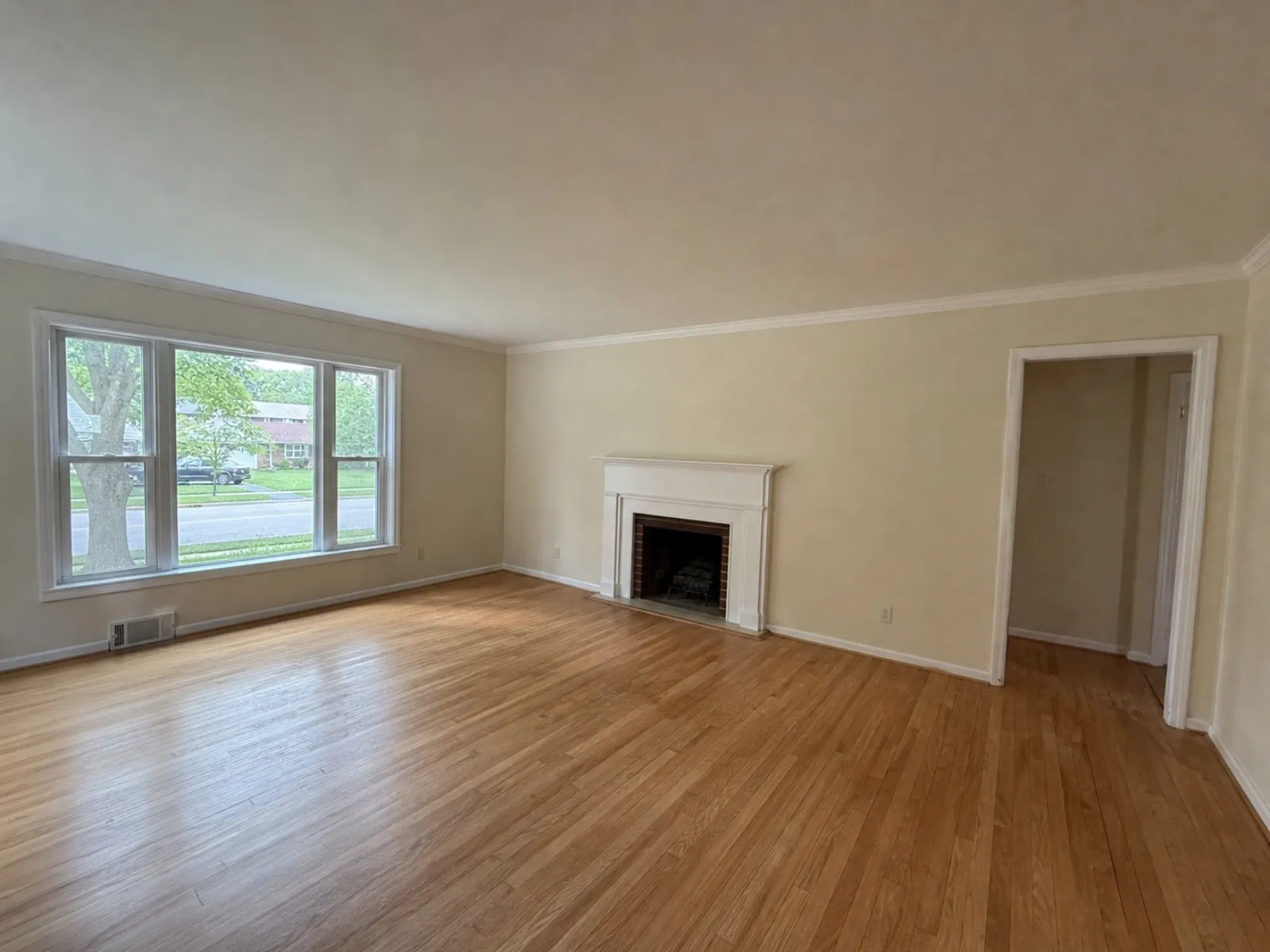
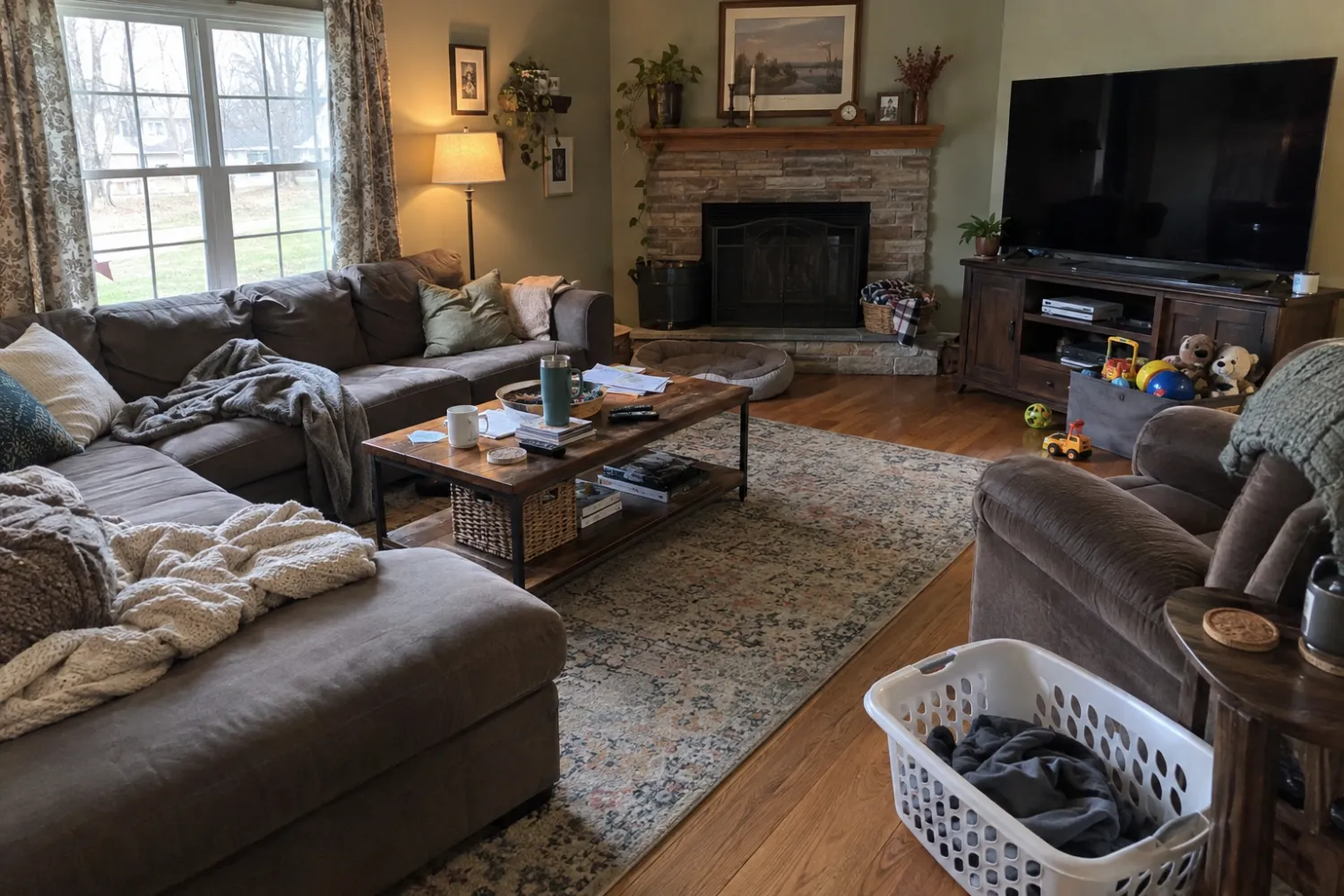
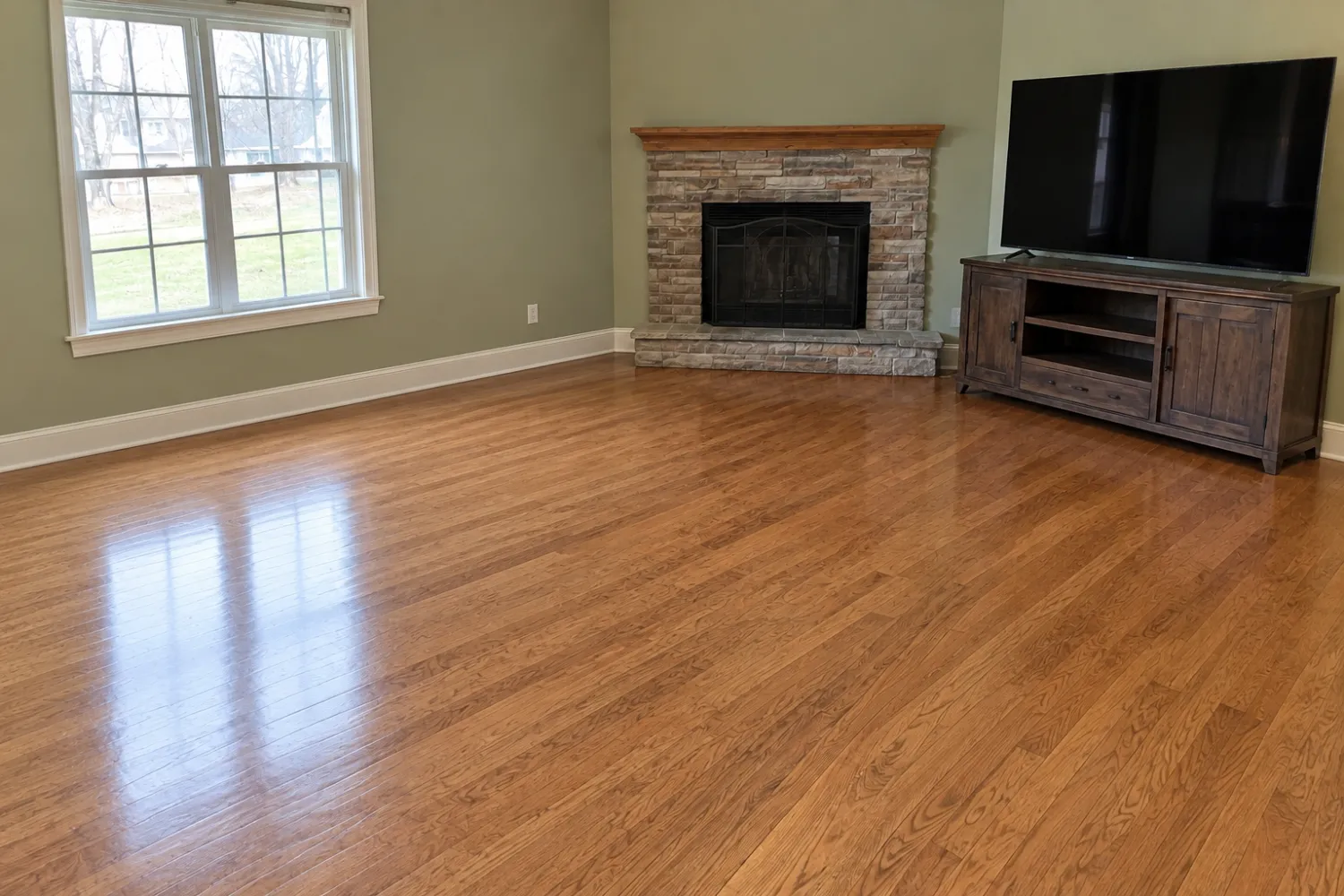
Decluttered photos are the easiest to forget. Removing a vendor's furniture is an alteration under AB 723, which specifically refers to furniture. CRMLS's guidance also treats a virtually emptied room as altered. State what was removed so no one thinks the room was already empty.
Caption: Digitally altered: furniture and personal items removed. Original photo follows.
Listing description: Some photos have been digitally altered to remove furniture. The originals are included.
If you removed furniture and then virtually staged the same room, state both: "Digitally altered: existing furniture removed and room virtually staged."
Templates for enhanced photos
California's legislation excludes changes to lighting, sharpening, white balance, colour correction, straightening, cropping and exposure "that do not change the representation of the real property". A photo that has only been brightened and straightened usually needs no label under the legislation.
Two exceptions. The Bay East MLS rules FAQ includes "AI enhancements" among altered images, which goes beyond the legislation. And if a window was completely white in the original image and the edit now shows a view, the software has filled in something the camera did not capture. Check it against what is outside the window. If your board requires a label, or you are unsure, use this:
Digitally enhanced: colour and exposure corrected, walls straightened. Nothing added or removed.
That last sentence matters. It tells buyers exactly what was changed.
Which line to use
| Edit | Photo caption | On the image | Remarks | Original beside it |
|---|---|---|---|---|
| Virtually staged | Yes (CRMLS) | Yes (Canopy) | Yes (CVR MLS) | Yes (CA, Canopy) |
| Decluttered | Yes | Where your board requires it | Yes | Yes (CA) |
| Staged after decluttering | Mention both edits | Yes | Yes | Yes |
| Enhanced only | If your board requires it | No | No | Not required under AB 723 |
Wording that can cause problems
- "Photos for illustration purposes only." Vague. It doesn't say what changed, and a buyer can't tell which photos it covers.
- "AI enhanced" on a staged photo. It understates the edit. Staging adds furniture, so call it staging.
- A disclaimer on the first photo only. Label every staged or decluttered image. Photos are often shared one at a time.
- A label buried below the viewing instructions and the HOA details. Put it near the top.
- "Staged" on its own. Buyers take that to mean the furniture is really there. Write "virtually staged."
None of this wording makes an edit that shouldn't be there acceptable. Canopy prohibits adding a pool or fireplace, or removing power lines, and CRMLS forbids changing wall colour, flooring or landscaping. No label makes those changes acceptable.
How Real Estate Camera handles disclosure
Real Estate Camera flags every staged result "virtually staged" in the app and asks you to confirm disclosure before export. It doesn't print the label on the image, so you need to add the wording above yourself: on the image where your board or state requires it, and in the caption and remarks everywhere else. The original stays next to the edit in the app, ready for you to upload alongside it.
Staging costs 2 credits per room. Declutter costs 2 credits, and Enhance costs 1. The app doesn't offer sky replacement or twilight, so you'll never need those labels.
For the complete board-by-board rules, read the virtual staging MLS rules guide. For details of the edits, see removing furniture from photos and which rooms are worth staging. And if Zillow is where most of your buyers look (in Australia, try Domain or realestate.com.au), start with our Zillow listing photos guide. It covers what Zillow said in July 2026 about AI-altered photos.
For details on how our app flags staged photos, see virtual staging for real estate agents.
Stage a room and paste the label that fits your board. Start free: 1 credit.
Questions
What should a virtual staging disclosure say?
Keep it short and clear: "Virtually staged. Furniture and decor are not included." Put "Virtually staged" in the photo caption, add a line to the public listing remarks, and upload the unstaged original next to the staged photo. In California, the statement must also include a link or QR code to the original photos.
Do I need to disclose photos edited with Declutter?
In California, yes. AB 723 identifies removing furniture as an alteration. CRMLS treats a virtually emptied room as altered. Label it "Digitally altered: furniture removed" and show the original.
Do I need to label a photo that was only brightened or straightened?
Not under California's legislation, which excludes alterations to lighting, white balance and colour correction, as well as straightening and exposure changes that don't change how the property is represented. Some MLSs have broader requirements. Bay East lists AI enhancements as altered, so check with your board.
Is a disclaimer at the bottom of the listing description enough?
Not everywhere. CVR MLS accepts a disclosure in the remarks, but Canopy MLS says captions or remarks alone are not acceptable and that the label must be on the image. California's rules call for the statement to be on or next to the image itself.
Does Real Estate Camera add the label to the photo?
No. The app flags staged results as virtually staged and asks you to confirm the disclosure when you export. It doesn't print text on the image. Add the wording yourself using the templates in this guide.