Real Estate Camera
Virtual staging costs about $24 per photo with a human service and 13 cents to about $15 with an AI app, as of September 2026. Most one-click apps charge under $3. For the usual five photos of a vacant three-bedroom home, that comes to roughly $120 with a human editor, or from under $5 to about $75 with AI. Physical staging of the same empty house costs $4,000 to $6,000, according to Angi's 2026 cost guide.
These September 2026 prices come from each provider's own pricing page. The comparisons include what each plan commits you to and the calculations for a single listing.
The three types of staging and what each one costs
Physical staging
According to Angi, the average cost of staging a home is $1,846, with most jobs costing between $830 and $2,917. Stagers charge $300 to $700 per room per month. Staging a completely empty home costs an average of $4,000 to $6,000, as every piece of furniture has to be hired and transported to the property. Add consultation fees and monthly rent if the home is left staged.
That $4,000 to $6,000 buys something virtual staging cannot provide: furniture in the room when buyers view the property. For an empty luxury listing with numerous viewings, that still matters.
Human-led virtual staging services
A designer adds furniture by hand to the photos you upload, following your chosen style. Two of the major providers advertise the same headline price:
- BoxBrownie: US$24.00 per image for virtual staging, with a 48-hour turnaround shown on its staging page. Standard item removal costs $8.00.
- VirtualStaging.com: $24 per image, $19.20 with a bulk discount, 24-hour delivery or a 4- to 8-hour rush service, with unlimited revisions.
At $24 per photo, you are paying for a designer's judgement. A designer sizes the sofa to suit the room and follows instructions, such as keeping the furniture neutral for buyers who are downsizing. You also have to wait a day or two.
AI staging apps
The software adds furniture to your uploaded photo within seconds or minutes, using the room type and style you select. Prices vary more widely here than anywhere else, mainly because the plans operate in different ways. The prices below are those listed on each provider's pricing page in September 2026:
| App | Example plans | Per staged photo | Payment options |
|---|---|---|---|
| Collov AI | $19/month for 60 credits, $49/month for 150 | approximately $0.32 to $0.33 | Billed annually ($228, $588). Usage resets each month. |
| Virtual Staging AI | $16/month for 6 photos, $19/month for 20, $39/month for 60 | $2.67, $0.95, $0.65 | The prices shown are for annual billing ($192, $228, $468). |
| REimagineHome | $19/month for 30 credits, $36/month for 200, $119/month for 900 | $0.63, $0.19, $0.13 per credit | Prices are monthly, as shown. 5 free designs to get you started. |
| Apply Design | $7 to $10 per coin, 1.5 coins per automatically staged photo | $10.50 to $15 | Pay as you go; the first image is free. |
| Real Estate Camera | 20 credits $9.99, 60 credits $24.99, 150 credits $49.99 | $0.67 to $1.00 (2 credits per room) | One-off packs; credits never expire. |
Apply Design uses AI to create the initial version, then lets you reposition the furniture yourself using a drag-and-drop editor. That is why it costs more per photo than the one-click apps.
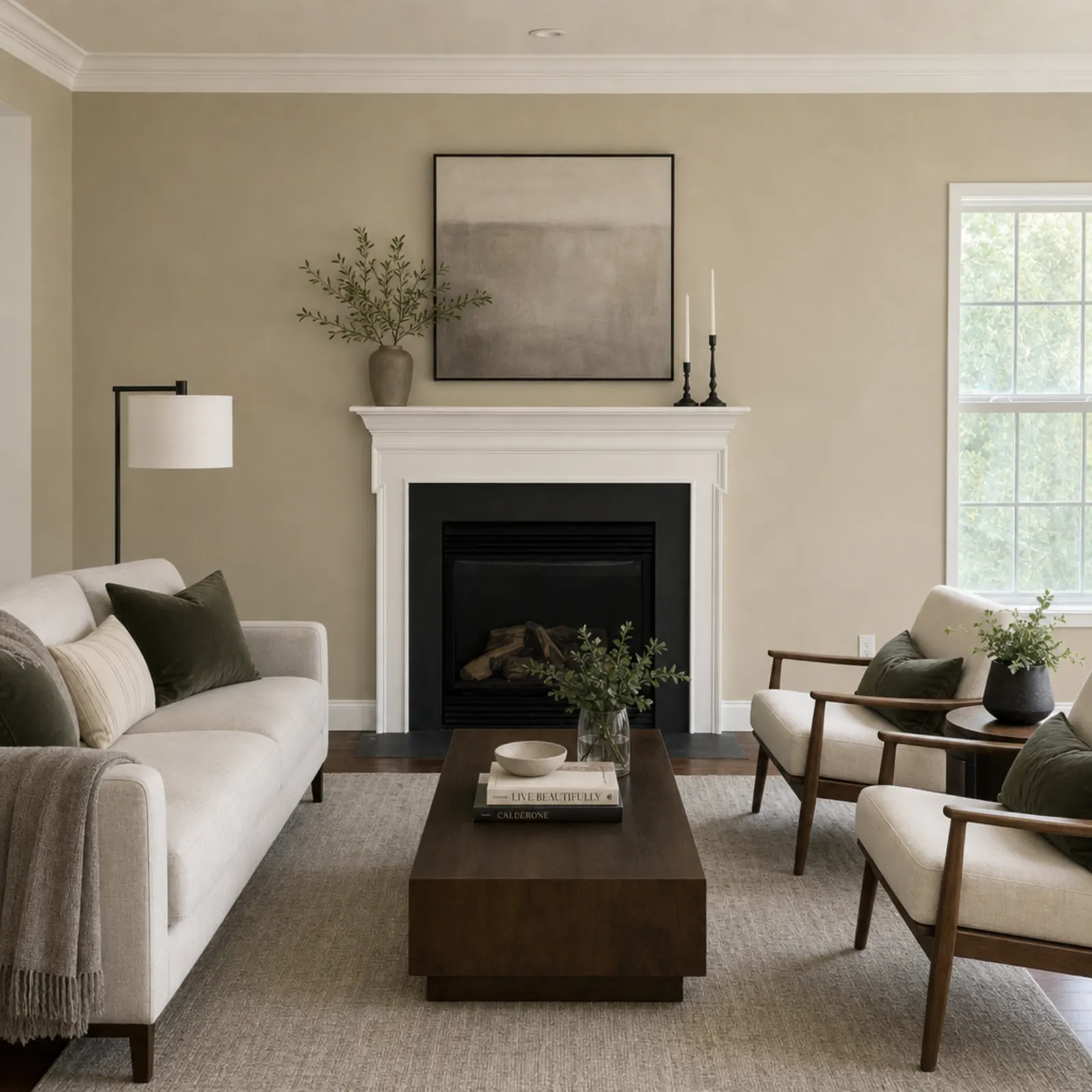
What one listing actually costs
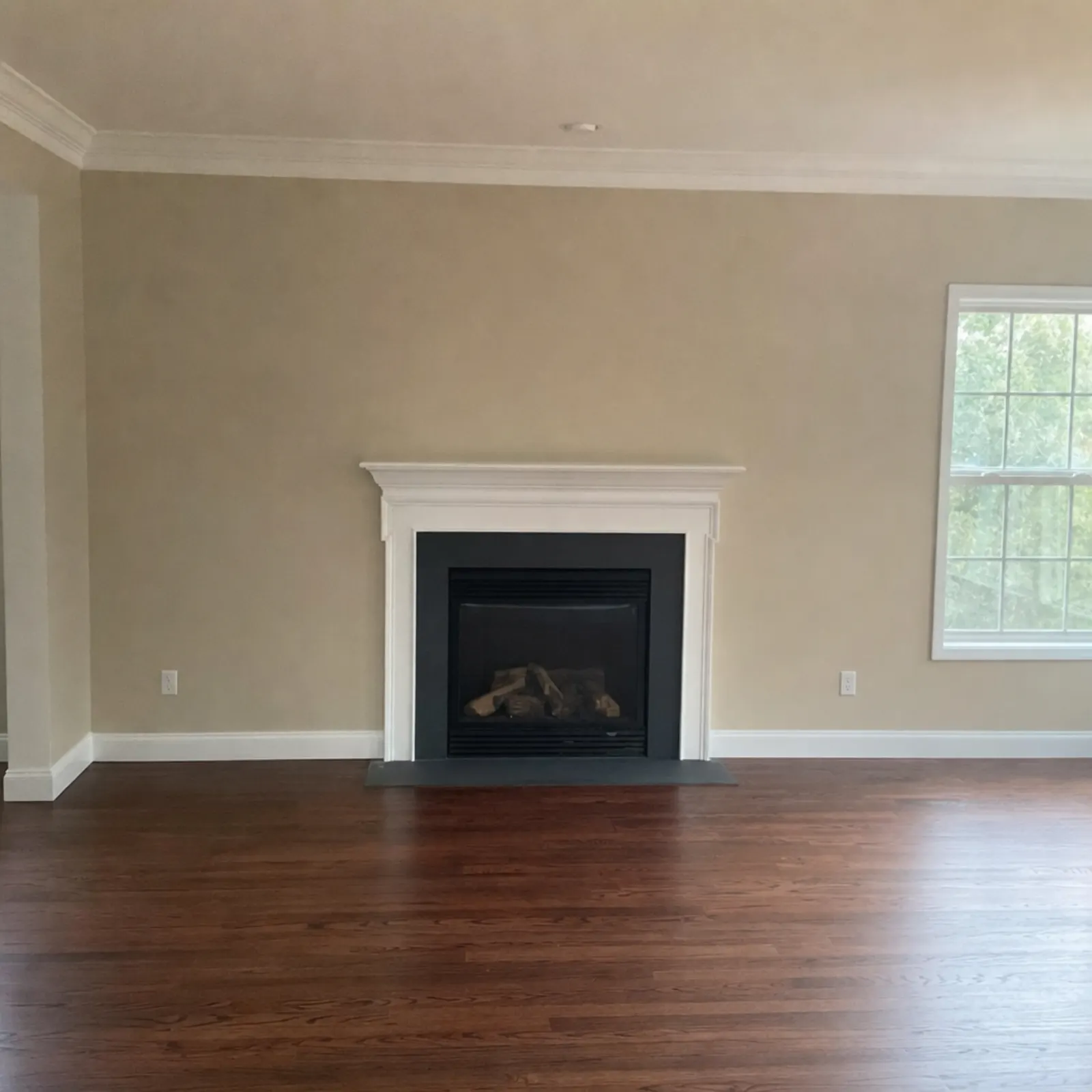
Take a vacant three-bedroom property. I'd stage five photos: the living room, the kitchen and dining area, the main bedroom, one of the other bedrooms, and whichever room is hardest to picture when empty. Usually, that's the spare room or home office. I'd leave bathrooms and hallways alone.
| Option | Cost of 5 staged photos | What you actually pay |
|---|---|---|
| Physical staging, vacant property (Angi) | $4,000 to $6,000 | A contract, monthly rental fees, delivery and collection |
| BoxBrownie | $120 | $120, with a wait of about 48 hours |
| VirtualStaging.com | $120, or $96 at the bulk rate | The same, with a 24-hour or rush service |
| Apply Design, automatic staging | about $75 | 7.5 coins at the $10 rate for small orders, less if one of them is your first free image |
| Virtual Staging AI, Standard | under $5 of your monthly allowance | $228 for the year up front |
| Collov AI, Standard | about $1.60 of your allowance | $228 for the year up front |
| Real Estate Camera | 10 credits, about $5 | $9.99 for the 20-credit pack, 10 credits left over |
The middle column shows the price of the five photos. The right column shows what actually comes out of your bank account. The figures differ for every subscription plan, and that difference is what you need to compare.
Subscriptions vs packs: the maths that matter
A subscription is cheapest per photo only if you use it. Collov's Standard plan costs $228 a year, or $19 a month, whether you stage 60 photos or none. Its pricing page says photo usage resets each month. List two vacant properties a year and you've paid $228 to stage ten photos: $22.80 each. That's almost what a human designer charges.
Start by counting your listings:
- For a few vacant listings a year, pay per use. Credit packs or pay-as-you-go coins cost less than any annual plan.
- At one or two vacant listings a month, a monthly AI plan starts to earn its keep, provided you'll use the allowance each month.
- For a team staging dozens of photos a week, high-volume AI plans bring the per-photo cost down to cents. REimagineHome's $36 plan includes 200 credits at $0.19 a credit.
Also check what a "credit" gets you. With REimagineHome, one generation uses one credit. With Real Estate Camera, staging costs 2 credits, Enhance costs 1 and Declutter costs 2. Apply Design charges 1.5 coins for automatic staging. Compare the cost of a room that has been fully staged.
Costs nobody mentions on the pricing page
- Allow for poor-quality renders. AI sometimes makes a rug appear to float or places a bed across a doorway. If each redo costs credits, a room that takes three attempts costs three times the advertised price. Collov and Virtual Staging AI advertise unlimited regenerations. Real Estate Camera automatically refunds the credits for failed edits, but a render you simply don't like still uses up credits.
- A furnished room needs the furniture removed first. That's $8 with BoxBrownie and 2 credits with Real Estate Camera, on top of staging.
- Watch out for poor source photos. If you stage a dark, tilted photo, you'll end up with a dark, tilted staged image. Start by fixing the lighting and straightening the vertical lines. Our guides to fixing dark photos and fixing leaning walls cover those repairs. For advice on getting the shot right in the first place, read our guide to shooting on an iPhone.
- Allow time for compliance. Every board in our guide to virtual staging MLS rules requires a label, and several require the unstaged original alongside it. It takes a few minutes per listing, and it's compulsory. The guide includes a checklist.
When physical staging is still worth it
Virtual staging sells the image. Physical staging sells the image and the in-person viewing. For a vacant house priced at the upper end of the local market, with plenty of in-person viewings expected, a $4,000 staging cost can pay for itself. Some buyers will assess the size and flow of an empty room, and they may not be impressed.
For everything else, virtual staging does the job for the price of lunch: the starter flat, the house being sold, the let between tenants, the listing that has to go live on Friday. Some agents split the difference, physically staging the living room and main bedroom and using virtual staging for the rest. For a side-by-side comparison of cost, set-up time and viewings, see virtual staging vs traditional staging.
Who pays for it
At AI prices, the listing agent can easily cover the cost, just like the photos and the sign. At $24 per photo for a larger home, some agents include staging in the listing agreement as a cost for the seller. Agree this before you order.
To compare more than just price, the best virtual staging apps for agents looks at each app's features and weaknesses, as well as who it's best suited to. To decide which rooms to photograph, use the real estate photo shot list.
To find out how staging works in our app, see AI virtual staging.
Virtual stage a room for 2 credits and compare the results. Start free: 1 credit.
Questions
How much does virtual staging cost per photo?
As of September 2026, BoxBrownie and VirtualStaging.com list $24 per image. AI apps range from about $0.13 to $15 per photo, depending on the app and plan, with most under $3. Real Estate Camera works out at $0.67 to $1.00 per staged room.
Is virtual staging cheaper than real staging?
By a wide margin. Angi's 2026 cost guide puts the cost of physically staging a house at $830 to $2,917 on average, and at $4,000 to $6,000 for a vacant home. Staging five photos costs about $120 with a human service and under $10 with most AI apps.
Who pays for virtual staging, the agent or the seller?
Either. At AI prices, it's small enough to treat as a marketing cost, like a sign or a leaflet. At $24 per photo on a large listing, some agents include it in the listing agreement.
Why are AI staging subscriptions cheaper per photo?
You pay in advance for a large volume of images. The low per-photo rates offered by Collov, Virtual Staging AI and REimagineHome are based on annual or monthly plans. Several of these apps reset your unused photo count each month.