Real Estate Camera
If you stage photos every week, Virtual Staging AI's subscription makes sense. If you list a vacant home a few times a year, a pay-per-pack app like Real Estate Camera costs less because its credits never expire and there's no monthly reset. As of September 2026, Virtual Staging AI's cheapest plan costs $192 a year for 6 photos a month. Real Estate Camera's smallest pack costs $9.99 for 20 credits, and a staged room costs 2 credits.
Real Estate Camera is our app, so I've relied on what each company publishes. Every Virtual Staging AI detail below comes from its pricing page, its FAQ or its homepage, all checked this month.
What Virtual Staging AI charges
Four plans are available, with prices shown for annual billing. The page has a monthly toggle and labels annual billing as "up to 50% off".
| Plan | Photos per month | Per month (annual billing) | Billed annually | Per photo if you use them all |
|---|---|---|---|---|
| Basic | 6 | $16 | $192 | $2.67 |
| Standard | 20 | $19 | $228 | $0.95 |
| Professional | 60 | $39 | $468 | $0.65 |
| Enterprise | 150 | $79 | $948 | $0.53 |
Every plan includes unlimited renders and downloads, furniture removal and no watermark. The pricing page states a 10-second turnaround, and the homepage mentions 50+ design styles. Enterprise adds API access.
Four points in the FAQ matter more than the headline price:
- "No, unused credits do not roll over." Credits renew on the same date each month.
- A credit is an upload. Once a photo has been uploaded, you can re-render it as often as you like at no charge.
- Furniture removal is only carried out when you upload the image. If you want another removal pass, you need to upload it again and use another credit.
- On an annual plan, you're "committing to the full year." Cancelling prevents renewal. For refunds, the FAQ refers to a 7-day money-back guarantee under its refund policy.
There's also a separate Image Editing subscription for Enhance and day-to-dusk. The FAQ gives no price, so check the price in your account before you factor it in.
Subscription vs pay-as-you-go packs: the real costs
The per-photo price on a plan assumes you use every photo, every month. Most agents don't list vacant homes on a schedule. Here's what a year looks like at three different paces.
| Your year | Virtual Staging AI | Real Estate Camera |
|---|---|---|
| 4 vacant listings, 5 rooms each (20 staged photos) | Basic, $192. About $9.60 per photo you actually used. | 40 credits. One $24.99 pack covers this, with 20 credits left over. |
| 2 vacant listings a month, 5 rooms each (120 staged photos) | Standard, $228. About $1.90 per photo used. | 240 credits. One 150-credit pack and two 60-credit packs, $99.97. |
| 60 staged photos every month (720) | Professional, $468. $0.65 per photo. | 1,440 credits. Ten 150-credit packs, $499.90. |
At high volume, Virtual Staging AI is cheaper, and unlimited re-renders widen the gap. On Real Estate Camera, each re-run you don't like costs credits again. Credits are only refunded automatically for failed edits.
At low volume, the subscription costs more because of the months you don't use. Twenty staged photos on a $192 plan works out at nearly $10 each, and the unused allowance is lost at each renewal. A pack you bought in March still works in November.
A "credit" doesn't mean the same thing on either platform. On Virtual Staging AI, one credit covers one uploaded photo, and every re-render of it is free. On Real Estate Camera, each edit is priced separately: Enhance is 1 credit, Declutter is 2, and Virtual staging is 2. Emptying a furnished room and then staging it costs 4 credits on Real Estate Camera, or 1 upload on Virtual Staging AI if its built-in removal gets the job done in one pass.
The middle row is where you have to be honest. Two vacant listings a month, every month, is a steady workload. If your listings are more unevenly spread throughout the year, the packs work out better.
Feature differences that matter
Where Virtual Staging AI is ahead
- More styles. 50+, according to its homepage. Real Estate Camera has eight: Modern, Scandinavian, Modern Farmhouse, Luxury Contemporary, Traditional, Mid-Century, Coastal and Japandi.
- Free re-renders. Once you've uploaded a room, you can try again as often as you like. That's a real advantage for a picky seller.
- Some control over removal. Its FAQ explains that you can edit a mask to choose which furniture to remove and which to keep. Real Estate Camera's Declutter clears the room in one pass, without a mask.
- An API on the Enterprise plan, if you run a brokerage or photography business and want staging built into your own tools.
How Real Estate Camera differs
- It's a camera app. You can shoot on iPhone, iPad or Android and edit the photos straight away, or upload them on the web. One account and one credit balance cover both.
- Enhance uses the same credits. Enhance fixes light, white balance and leaning verticals and recovers window views for 1 credit. You don't need a second subscription to fix the photos you aren't staging.
- It keeps the sky as it was captured. Enhance never turns a grey sky blue and never changes architecture or landscaping. If you wanted a twilight or blue-sky version, that's a limitation. In California, that keeps most Enhance-only photos within the law's exclusion for lighting and colour, though you should still check any window that was blown out in the original.
- Credits never expire, and failed edits are refunded automatically. The first credit is free.
Where they're about the same
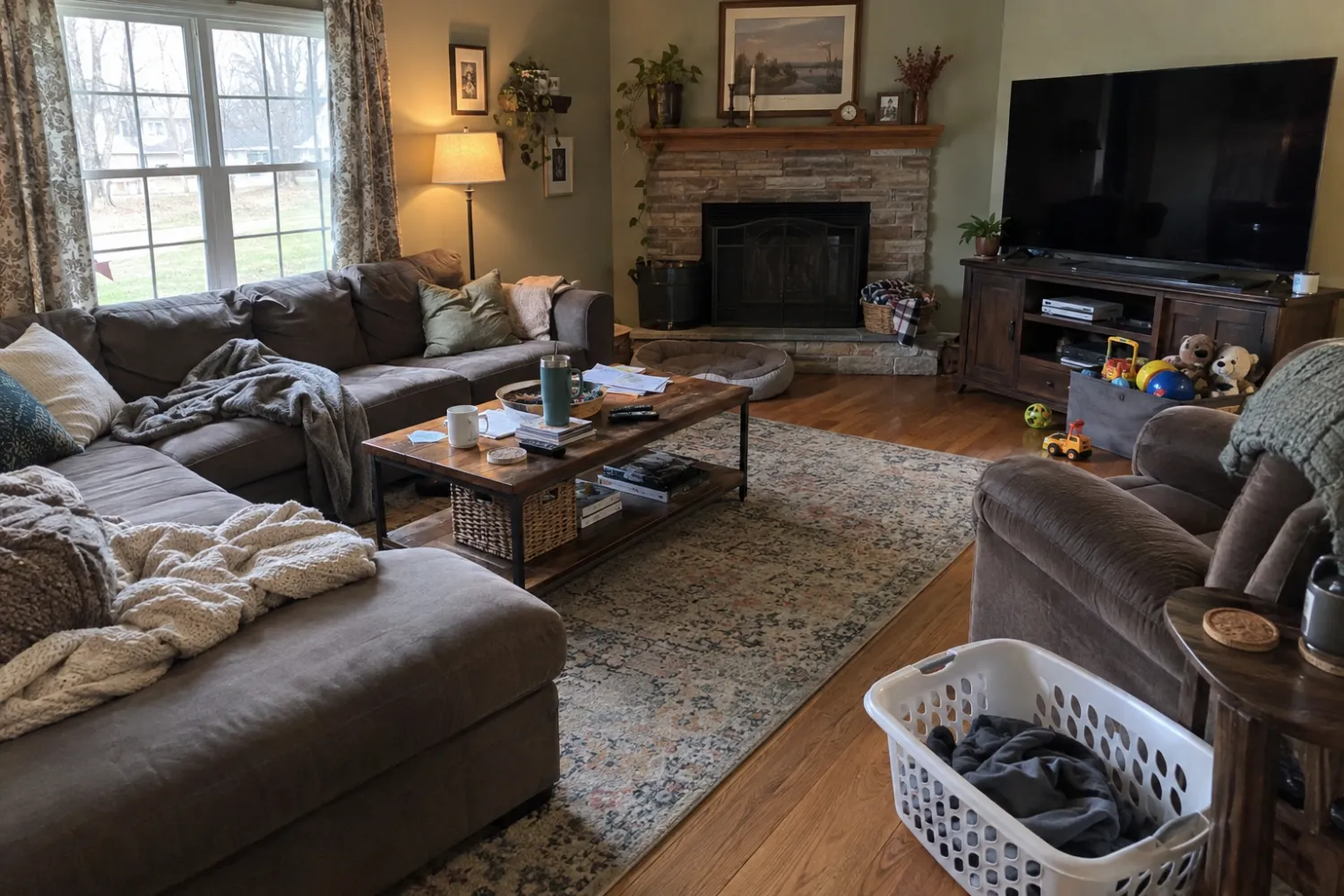
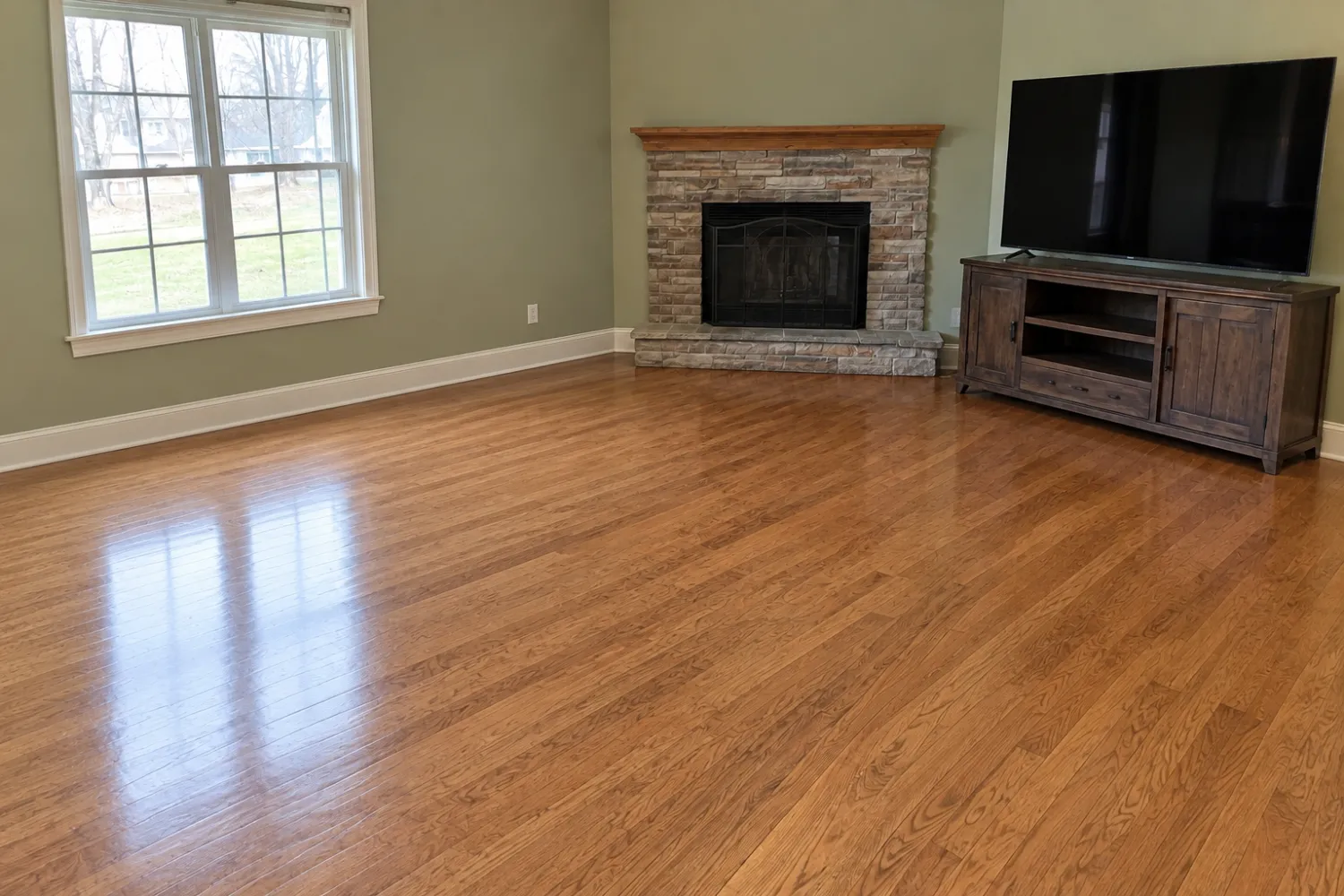
Both are one-click tools. Neither lets you drag a chair across the room. If the layout is wrong, you render again. Both produce results in seconds to about a minute: Virtual Staging AI says 10 seconds, and Real Estate Camera takes 20 to 60. For hand placement, look at Apply Design's editor or a human service. The best virtual staging apps guide covers both, and the BoxBrownie alternative guide compares an app with a human editor directly.
Check the render, whichever tool you use
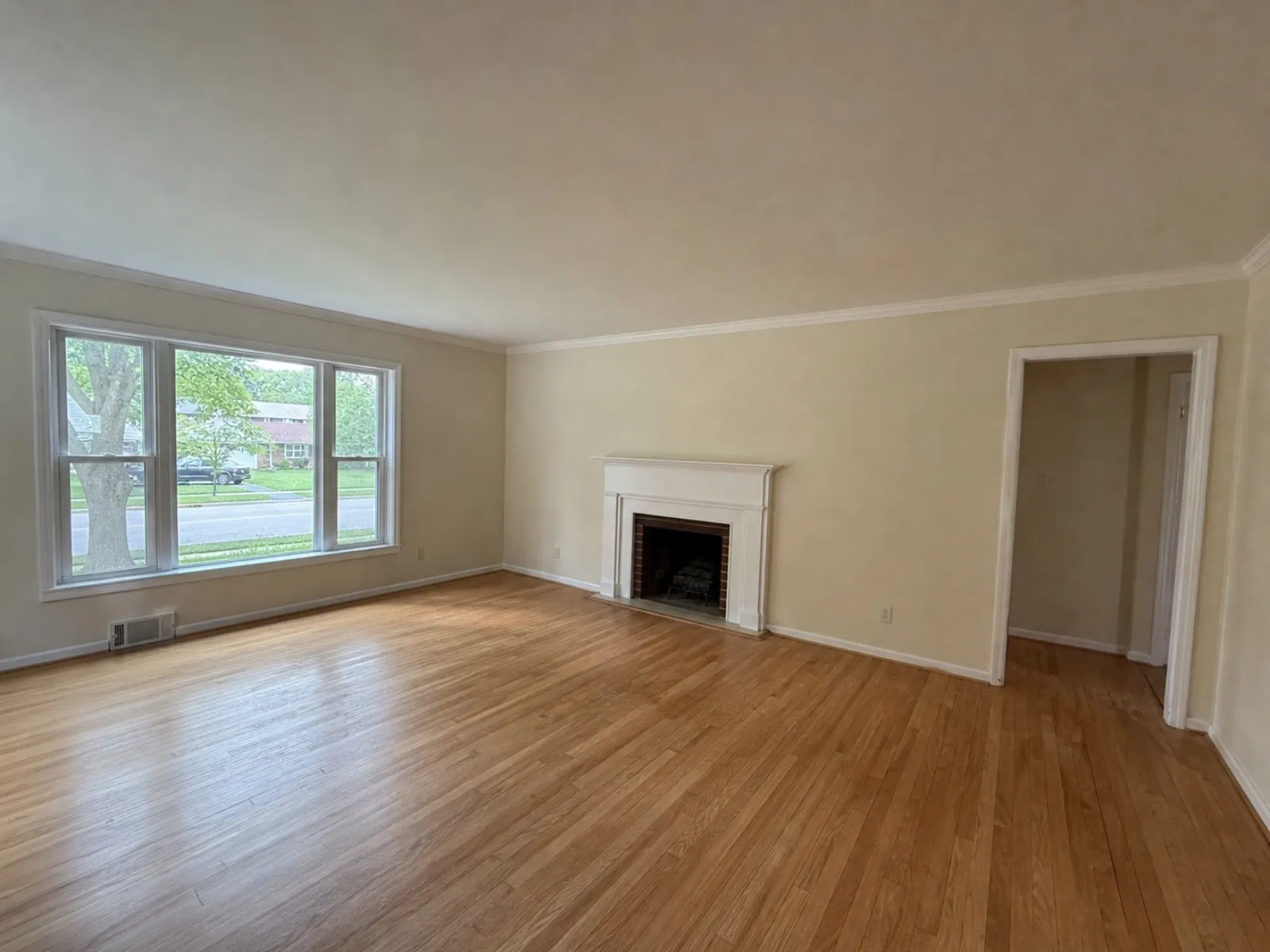
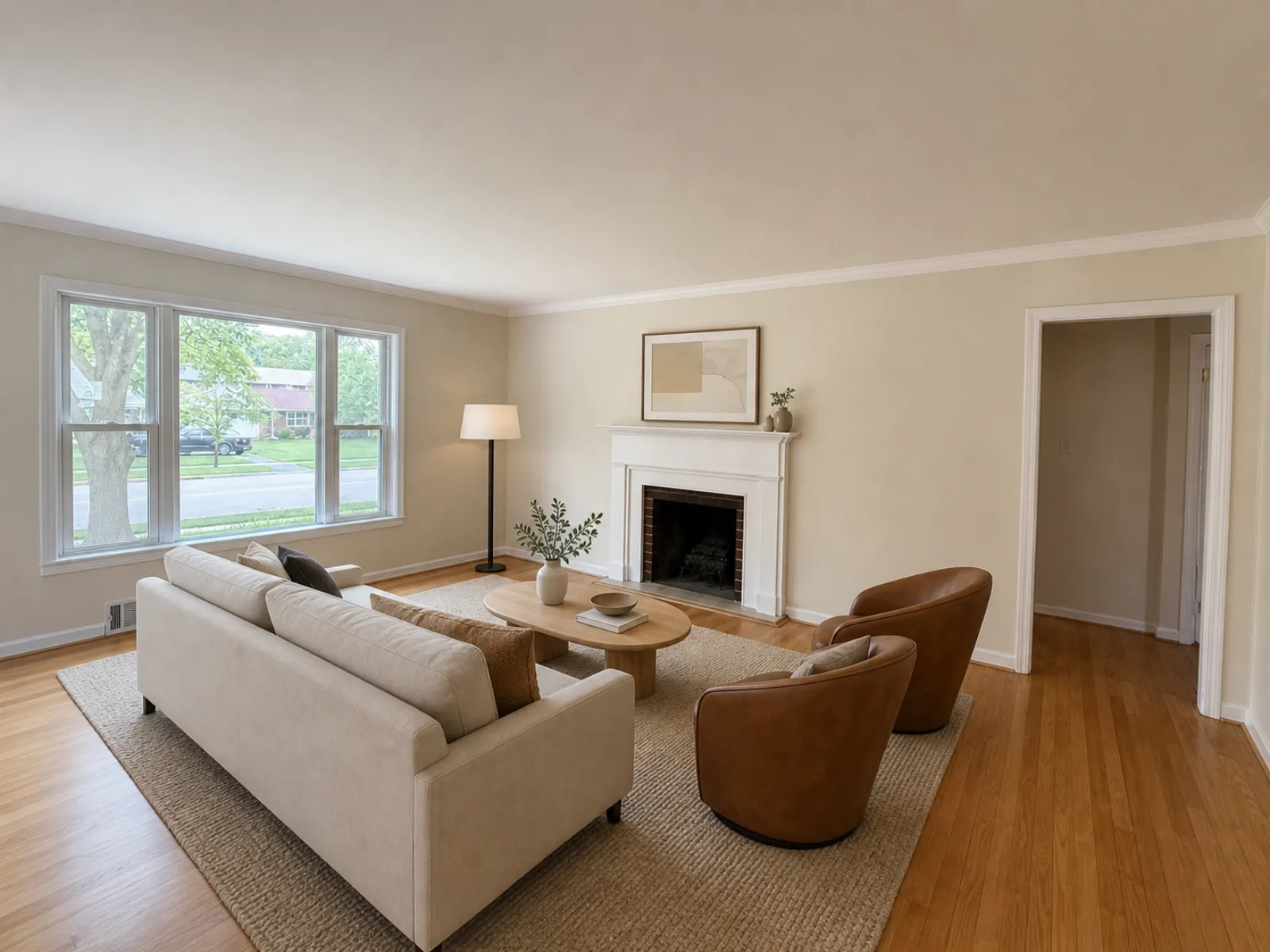
AI staging can shift a window or alter the shape of a mantelpiece. Put the original and the render side by side before uploading. If any permanent features have changed, run it again. And add a label. Most MLSs want a "virtually staged" note and many want the original photo alongside it. The MLS rules guide has the details for each board, and California agents should read the AB 723 guide too.
Which one I'd pick
- You regularly stage 20 or more rooms each month: Virtual Staging AI's Standard or Professional plan. The per-photo price and free re-renders are hard to beat.
- You list empty homes a few times a year: buy credit packs. Real Estate Camera's never expire, so you only pay for the rooms you stage.
- You take your own photos on a phone: Real Estate Camera combines photography, Enhance, Declutter and Virtual staging in one app. Our walkthrough of editing an entire listing on a phone shows how it works.
- You need more than eight styles: Virtual Staging AI.
You can try both before spending much. Virtual Staging AI's home page says you can try it without signing up or providing a credit card, and Real Estate Camera gives you your first credit free. Run the same empty room through each and inspect the windows as closely as the sofa. For a fuller cost comparison across seven tools, see how much virtual staging costs. For tips on getting the base photo right, read fixing dark property photos.
For more on ours, see the Real Estate Camera virtual staging app.
Stage one empty room without taking out a subscription. Start free: 1 credit.
Questions
How much does Virtual Staging AI cost?
As of September 2026, its pricing page lists $16 a month for 6 photos, $19 for 20, $39 for 60 and $79 for 150. Those prices are for annual billing, so the plans cost $192, $228, $468 and $948 for a full year, payable up front.
Do Virtual Staging AI credits roll over?
No. Its FAQ says unused credits do not carry over, and your credits renew each month on the date of your first purchase.
What's the difference between a subscription and a credit pack?
A subscription gives you a monthly allowance whether you list anything or not. A credit pack is a one-off purchase that you use as you go. On Real Estate Camera, credits never expire, so a quiet month costs nothing.
Which is cheaper, Virtual Staging AI or Real Estate Camera?
It depends on volume. At a few vacant listings a year, packs cost less because nothing goes unused. At 60 staged photos every month, Virtual Staging AI's Professional plan works out at $0.65 per photo with unlimited re-renders, which is hard to beat.