Real Estate Camera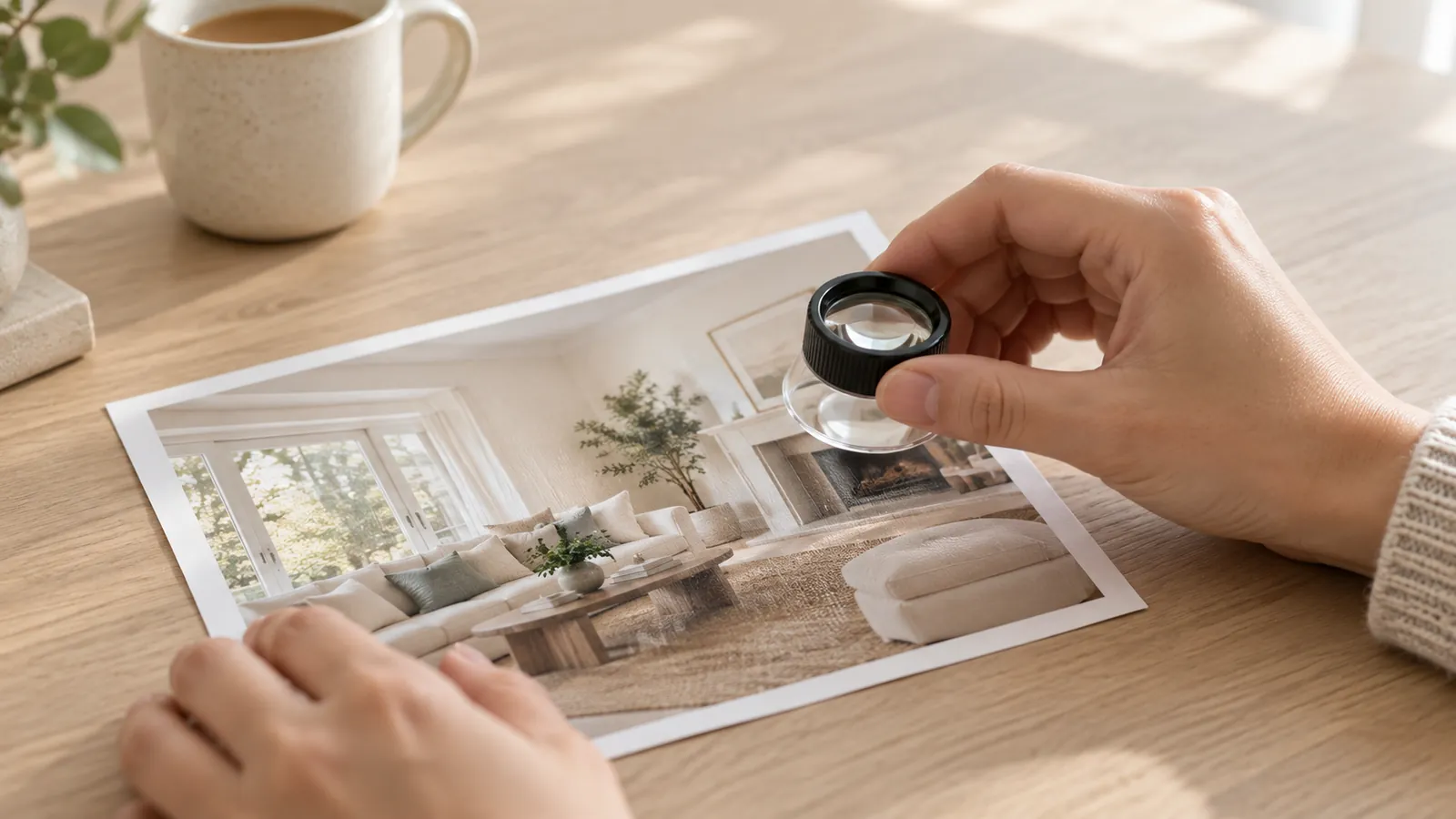
Start with the label. Most MLSs require "virtually staged" or "digitally altered" in the photo caption, on the image or at the start of the listing description, and California requires a link to the unedited original. Then compare the photos with the floor plan, the 3D tour and the street view. Edits tend to show up in skies, lawns, window views and floors. If the photos still don't add up, ask for the originals or a live video walkthrough before you head over.
I make an app that edits listing photos, so I've spent a lot of time examining what AI changes and what it gets wrong. This guide is for buyers, and for agents who want their own listings to withstand the same scrutiny.
How common are AI-edited listing photos?
Common enough to check every time. An analysis by real estate tech company Coraly, reported by Realtor.com, examined nearly 40,000 primary listing images. Almost 11% showed signs of digital alteration. Sky replacement accounted for 69% of the alterations. Only 4.5% of interior images were altered, and more than 90% of the altered images carried no visible disclosure.
Buyers have noticed. On Reddit, "AI listing photos need to be banned" drew more than 600 comments, and agents themselves asked "is there any way to tell if listing photos have been enhanced with AI before viewing them?"
Where to find a disclosure
A photo with a label is the easy option. Where the label goes depends on the MLS, as at September 2026:
- In the public remarks. Stellar MLS in Florida requires the public remarks to begin "One or more photo(s) was virtually staged."
- On the image. Canopy MLS wants the disclosure visible directly on the image.
- In the caption. NorthstarMLS accepts the photo caption or a visible filename.
- Next to the original image. In California, AB 723 requires a statement plus a link or QR code to the unaltered image. CRMLS puts the original directly before or after the altered one.
A disclosure in the MLS remarks may not appear in the same way on every site you view (in your market: realestate.com.au or Domain). If you have an agent, ask them to retrieve the full MLS listing.
What AI edits usually look like
| Where to look | What gives it away | How to check |
|---|---|---|
| Sky | A bright blue sky or sunset over a house whose other exterior shots are grey, or lighting that’s inconsistent with the sky | Compare every exterior photo; check the shadows against the sun |
| Lawn and garden | Grass with a uniform, vivid green right to the edges, or trees with no shadows | Street-level imagery on a maps app |
| Views through windows | A water or skyline view from a room that faces a neighbouring property | On the map: which way do the windows face? |
| Floors and walls | Timber flooring in one photo and carpet in another shot of the same room, or paint that changes colour between photos | Compare the same room in the photos and the 3D tour |
| Furniture | Sofas that appear to float, legs that merge with the rug, a bed blocking a doorway, tiny furniture in a small room | Look at where the furniture meets the floor |
| Structure | Windows that change size or position, a mantelpiece that differs from the original, doorways that shift position | Compare these with the floor plan or an unstaged photo |
The furniture issues are the least concerning. Placing a sofa in an empty room is allowed almost everywhere if it’s labelled. The details that matter are the floors, walls, windows, views and damage, because those are what you’d be buying. Stellar’s rule bans all of them by name, including "placing small furniture to make a room appear larger than it actually is."
Check the photos against the rest of the listing
Zillow’s July 2026 advice to buyers is the most useful single list I’ve seen. Read the description, do the virtual tour, look at the floor plan and make sure they all line up with the photos. "Inconsistencies are a flag."
A few cross-checks that take two minutes:
- Floor plan against photos. Count the windows in a room on the plan, then in the photo.
- 3D tour against photos. A tour is harder to fake room by room. If the tour shows carpet and the photo shows oak, trust the tour.
- Street view against the exterior. A maps app’s street-level imagery can be years old, but it will show whether the neighbour’s house, the power lines and the view are really there.
- Old listings. If the house was sold before, earlier photos on the portal show the rooms as they were then.
Do AI image detectors work?
Only to some extent. Most online detectors are designed to identify fully generated images, although some claim to detect edits as well. It's more difficult to detect an edit to one area of a genuine photo, such as a replacement sky or a smoothed floor, and a detector can't tell you whether the change affects anything you'd be buying.
File metadata can help if you obtain the original file. Google Photos has added a "How this was made" section powered by C2PA Content Credentials, which Google says can show whether an image "was generated, enhanced, or manipulated with AI tools." Google also notes that C2PA "doesn't determine if content is trustworthy." A screenshot or a re-saved web image may not contain that data at all.
So treat a detector as a clue, not a definitive answer. The original photos and a walk-through of the property will give you the answers.
What to ask the agent
- "Were any of these photos edited beyond colour and brightness? Which ones?"
- "Can you send me the unedited originals?" California law already requires access to them.
- "Can you do a live video walk-through before I come out?" Zillow also recommends this.
- "When were the photos taken?" Old photos present a different problem from edited photos, but either can lead to the same surprise when you inspect the property.
If a listing did mislead you, tell your agent first. On Zillow, the listing page has a Report Listing button. Zillow says it reviews reports submitted through that button. An MLS can remove photos and fine the listing agent. Stellar applies an automatic fine.
For agents: ensure your photos pass the same checks
Buyers can carry out every check listed above on your listing. Listings that pass have three things in common: labels placed where the board wants them, the original displayed alongside each edited photo, and no changes to the house itself. This is essentially what makes Virtual staging legal, and disclosure wording includes labels you can copy and paste.
Check your own AI output as well. Tools, including ours, can move a window or reshape a fireplace while adding a sofa. Put the staged version alongside the original and check the windows, doors, floor and ceiling line before you publish it. Real Estate Camera (our app) doesn't replace skies or change floors, labels every staged result, and keeps the original ready to upload alongside it. A staged room costs 2 credits; see pricing. See AI photo disclosure laws by state for the rules in each state.
To find out what our editing changes and leaves unchanged, see AI real estate photo editing.
Apply an edit to your next listing that you can stand behind in person. Start free: 1 credit.
Questions
How can I tell if a listing photo was edited with AI?
Look for a label in the caption, on the photo or at the start of the listing description, then compare the photos with the floor plan, the 3D tour and street-level views. Skies, lawns, windows and floors are the usual places to spot an edit. If something doesn't add up, ask the listing agent for the unedited originals or a live video walkthrough.
How common are AI-edited listing photos?
An analysis by real estate tech company Coraly, reported by Realtor.com, found that almost 11% of nearly 40,000 primary listing images showed signs of digital alteration. Sky replacement accounted for 69% of the alterations, and more than 90% had no visible disclosure.
Do AI image detectors work on listing photos?
They can flag fully generated images, but it's harder to identify a real photo with just one edited area, and no detector can tell you whether the edit misrepresents the property. Labels, original images and a video walkthrough provide a more reliable answer.
What should I do if a listing's photos were misleading?
Tell your agent, who can contact the listing agent. On Zillow, select the Report Listing button. If the listing breached your MLS's rules, the MLS can remove the photos, and in California, undisclosed alterations breach state law.