 Real Estate Camera
Vertical lines lean in real estate photos when you tilt the camera up or down. Hold the phone or camera level at about light-switch height, and step back to fit the room. Already taken the shot? Use the vertical tilt slider in iPhone Photos, the Perspective tool in Snapseed, or Upright in Lightroom.
Watch the door frame near the edge of the photo. That's usually where the lean shows first.
Why verticals lean
Walls, door frames and window edges run straight up and down. They stay that way in a photo when the camera's sensor is parallel to them. That means keeping the camera level front to back.
Point the phone down to get more floor, and the top of the frame is farther from the walls than the bottom. The walls lean inward toward the bottom. Point it up to catch a chandelier, and they fall outward at the top. Photographers call this converging verticals, or keystoning. Nothing makes a listing photo look amateur faster.
Two things make it worse:
- The problem is more obvious with wide lenses. A phone's 0.5x ultra-wide takes in a steep angle of view, so a small tilt produces a big lean. Lines near the edges lean the most. Look at the door frame at the side of the shot.
- You also get into trouble by standing too high. From eye height, the room doesn't fit unless you point down. So you point down. That's the whole problem in one habit.
Three different problems that look similar
Before you reach for a slider, check whether the lines lean, rotate or curve. Each needs a different fix.
- Lines that lean toward each other at the top or bottom are converging verticals. Tilting the camera forward or back causes this. Use a vertical perspective correction.
- If everything rotates in the same direction, as though the room is sliding downhill, you have a crooked horizon. The phone was tilted sideways. A simple straighten or rotate fixes it.
- Edges that bow outward near the sides of the frame are curved lines. That's lens distortion. Correct it with a lens profile; perspective tools won't fix it. On iPhone, the Lens Correction setting handles this for the Ultra Wide camera, and Apple turns it on by default.
Most bad listing photos have the first two problems at once.
How to avoid leaning verticals when you shoot
Fixing perspective in editing costs you something, usually the edges of the frame. Getting it right on site is faster.
Level the camera in both directions
On an iPhone, go to Settings, then Camera, and turn on Grid and Level. Apple's camera tools guide covers both. The level line catches side-to-side tilt. To check front-to-back tilt, which causes converging verticals, line up a door frame or wall corner with a vertical grid line. If they run parallel, you're square.
On a tripod, use the bubble level on the head, then check the grid. A cheap tripod head can sag after you lock it.
Lower the camera
Drop to light-switch height, around chest height, where a level camera sees a sensible split of floor and ceiling without making you want to point down. Height doesn't straighten lines. Level does that. The right height just removes the reason to tilt.
Back up instead of tilting
If the bed or island doesn't fit, back into the corner or try a different corner. Pointing down to squeeze it in is how most leaning photos happen.
Shoot a little wide
Leave space around what matters. Even a small correction crops the edges, and that spare margin can save a doorway or window from being cut off.
Exteriors are the hard case
A two-story house seen from the sidewalk is taller than the frame, so the instinct is to point up at the roofline. Every corner of the house then leans back. Instead, cross the street or walk to the end of the driveway, keep the phone level, and let the bottom of the frame fill with lawn. Crop the extra lawn off later. You end up with a smaller house in a tighter crop, and every corner stands up straight.
If you can't back up far enough, raise the camera. Holding the phone higher, at arm's length or on a tall tripod, puts the lens closer to the middle of the facade, and you need less tilt to fit the roof.
For the rest of the phone setup, see how to take real estate photos with an iPhone.
How to fix vertical lines after the shoot
iPhone Photos (free, already on your phone)
- Open the photo and tap Edit.
- Tap the crop tool.
- Choose the vertical tilt control under the frame. Drag the slider until the door frames stand straight.
- Use the straighten control if the whole image is also rotated.
- Tap Done.
Apple documents the straighten and tilt controls here. Photos is fine for small corrections. Judge by the line nearest the edge of the frame, where the lean shows most.
Snapseed (free, iPhone and Android)
Open the photo, go to Tools, then Perspective. Drag to pull the verticals upright. According to Google's Snapseed help, edge healing can fill the blank corners left by the correction. You can also switch it off and crop them out. For listing photos, I'd crop. Filled-in edges sometimes invent bits of wall or floor, and a buyer will rely on this photo.
Lightroom Classic (paid, the most control)
In the Develop module, turn on the lens profile correction for your camera first. Adobe recommends this order because lens correction gives Upright better lines to work from. Open the Transform panel and choose an Upright mode:
- Start with Vertical for interiors. It corrects vertical perspective only.
- Choose Auto to balance vertical and horizontal correction while keeping as much of the image as possible.
- Switch to Guided when Vertical grabs the wrong lines, such as a slanted ceiling beam. Draw two or more guides along edges that should be straight, such as two door frames.
After Upright, fine-tune with the Vertical slider and scale the image back to hide the gaps. You can sync the settings across a room's shots if they were all taken from the same tripod height.
Know when to stop
Big corrections stretch the top of the frame. Ceiling lights turn into ovals. Furniture looks tall and thin. If a photo needs a heavy fix, reshooting is often the better choice. In a two-story foyer shot from the floor looking up, leaving a little lean usually looks more natural than correcting it fully.
Letting the app do it
When you're editing 30 photos for a listing by hand, straightening verticals is only part of the work. The warm cast from the bulbs and a burned-out window usually need attention too.
Real Estate Camera's Enhance handles that pass in one go. It straightens verticals and corrects the light and color in 20 to 60 seconds for 1 credit. It won't change the architecture or remove anything from the room. Shoot in the app on iPhone, iPad or Android, or upload on the web.
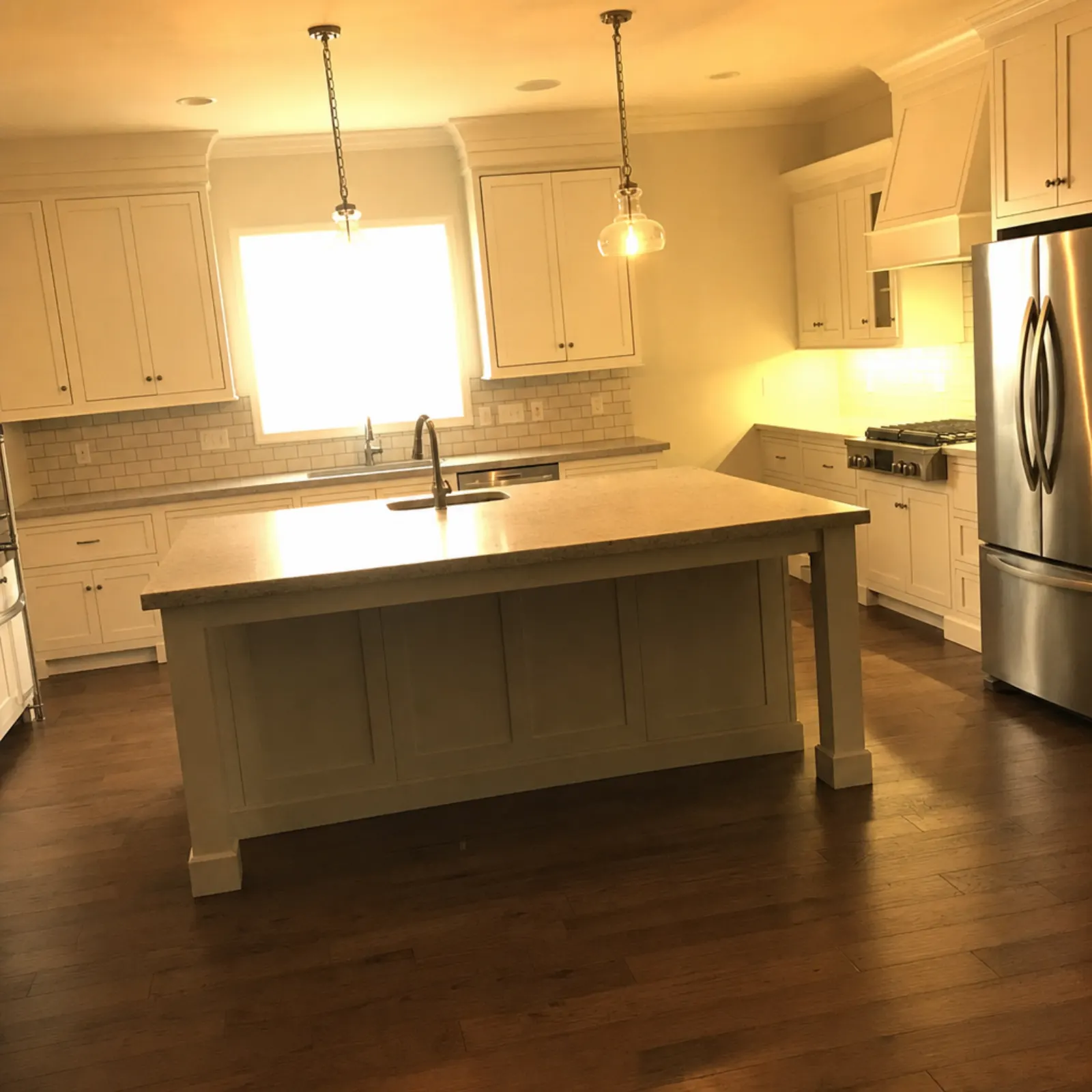
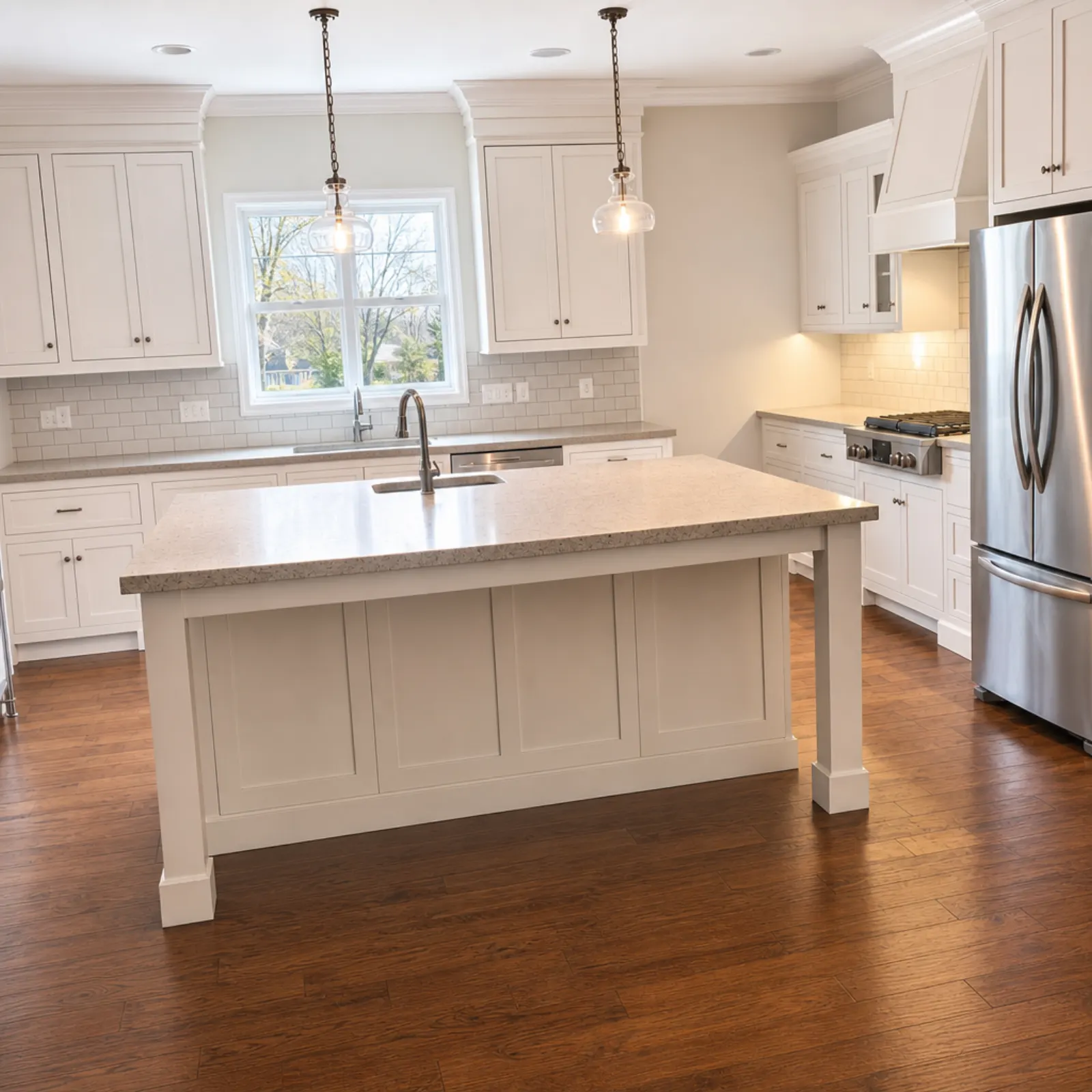
A quick check before you upload
- Look at the line closest to each side of the frame. A door frame or the side of a fridge works.
- Check wall corners in the middle of the frame. They should run straight up.
- Check the ceiling line and baseboards for a crooked horizon.
- Scan for stretching. Round light fixtures should still be round.
If a room also came out dim, fixing dark real estate photos covers exposure. For which rooms to shoot, see the real estate photo shot list.
Questions
Why do the walls lean in my real estate photos?
The camera was tilted up or down when you took the shot. Once the lens isn't parallel to the walls, vertical lines converge, and a wide lens like the iPhone's 0.5x makes the lean much stronger toward the edges of the frame.
How do I straighten verticals on my iPhone?
Open the photo in Photos, tap Edit, then the crop tool, and use the vertical tilt control to pull the lines upright. For more control, Snapseed's Perspective tool or Lightroom's Upright settings do the same job with more options.
Which Lightroom Upright setting is best for real estate?
Start with Vertical. If it overcorrects or picks the wrong lines, use Guided and draw two guides along door frames or wall corners you know are straight.
Why does my photo look stretched after fixing verticals?
Perspective correction pulls the top or bottom of the frame outward and crops the edges, so big corrections distort the room. The fix is to shoot with the camera level so the correction needed afterward is small.
Does height matter for straight verticals?
Height doesn't cause the lean, tilt does. But the right height, around light-switch level, lets you fit the room without tilting the camera up or down, which is what keeps the lines straight.