 Real Estate Camera
Good rental listing photos come from one habit: shoot each unit after the turnover clean and before the next tenant moves in, using the same short shot list every time. Hold the phone level and horizontal, turn on every light, and aim for the 10 to 15 photos Zillow Rental Manager recommends at minimum. Stage an empty unit if you like, but label it. Renters are getting less patient with listings that don't match the apartment.
This guide is for landlords and property managers doing their own photos, especially across several units. It covers the turnover shoot, empty units, disclosure, and a workflow that doesn't eat your week.
Shoot during turnover, not while the tenant is there
The best window is short. The old tenant is out, the cleaners and painters are done, and the new tenant hasn't arrived. The unit looks the way it will on move-in day, which is exactly what you want to show.
If you must list before the current tenant leaves, you'll be shooting someone's home. Check your lease and your state's notice rules for entry, ask the tenant, and give them a time. Expect clutter you can't move. Declutter can remove a tenant's furniture and belongings from the photo and rebuild the floor and walls behind them. That's an altered photo, so label it the same way you'd label staging.
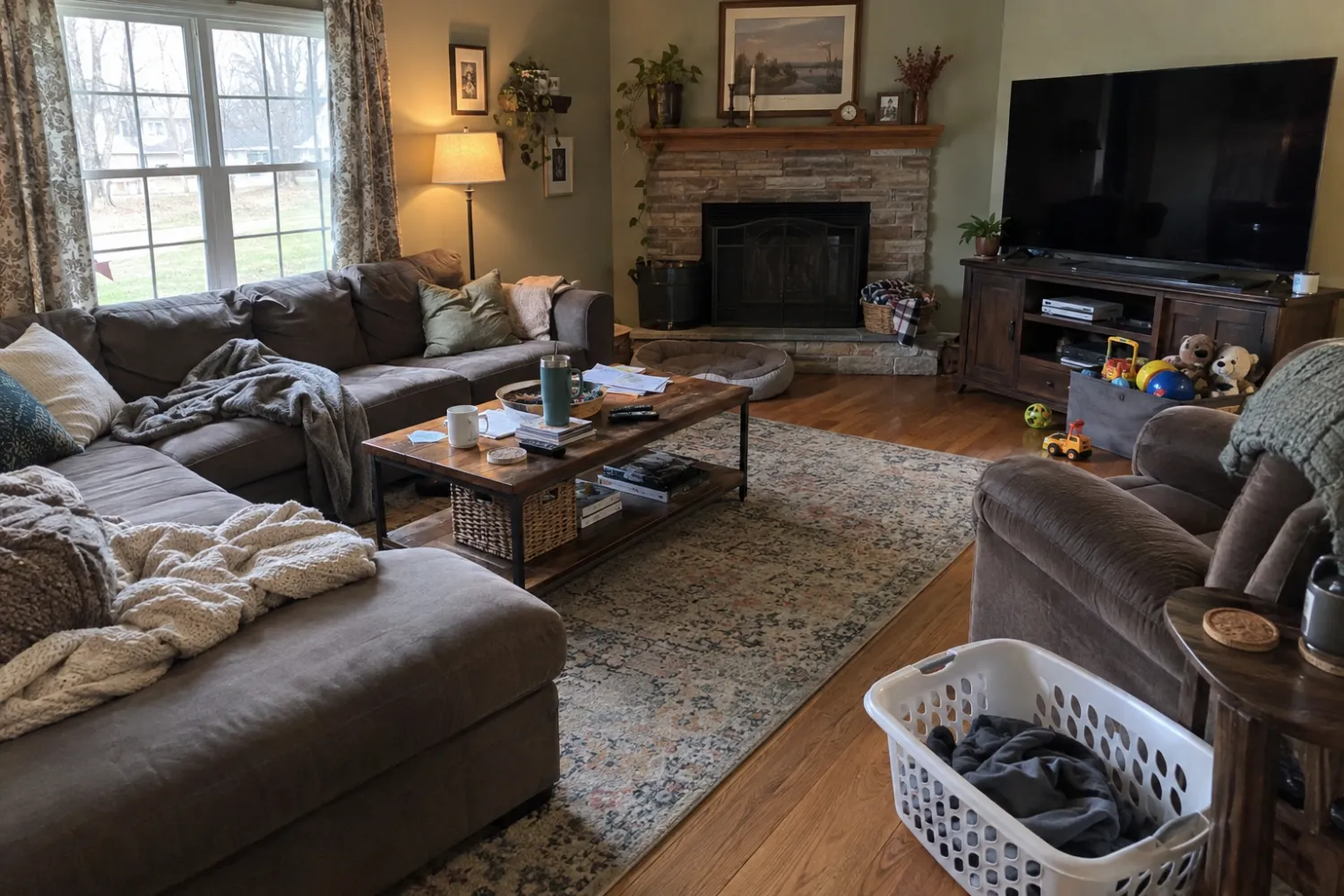
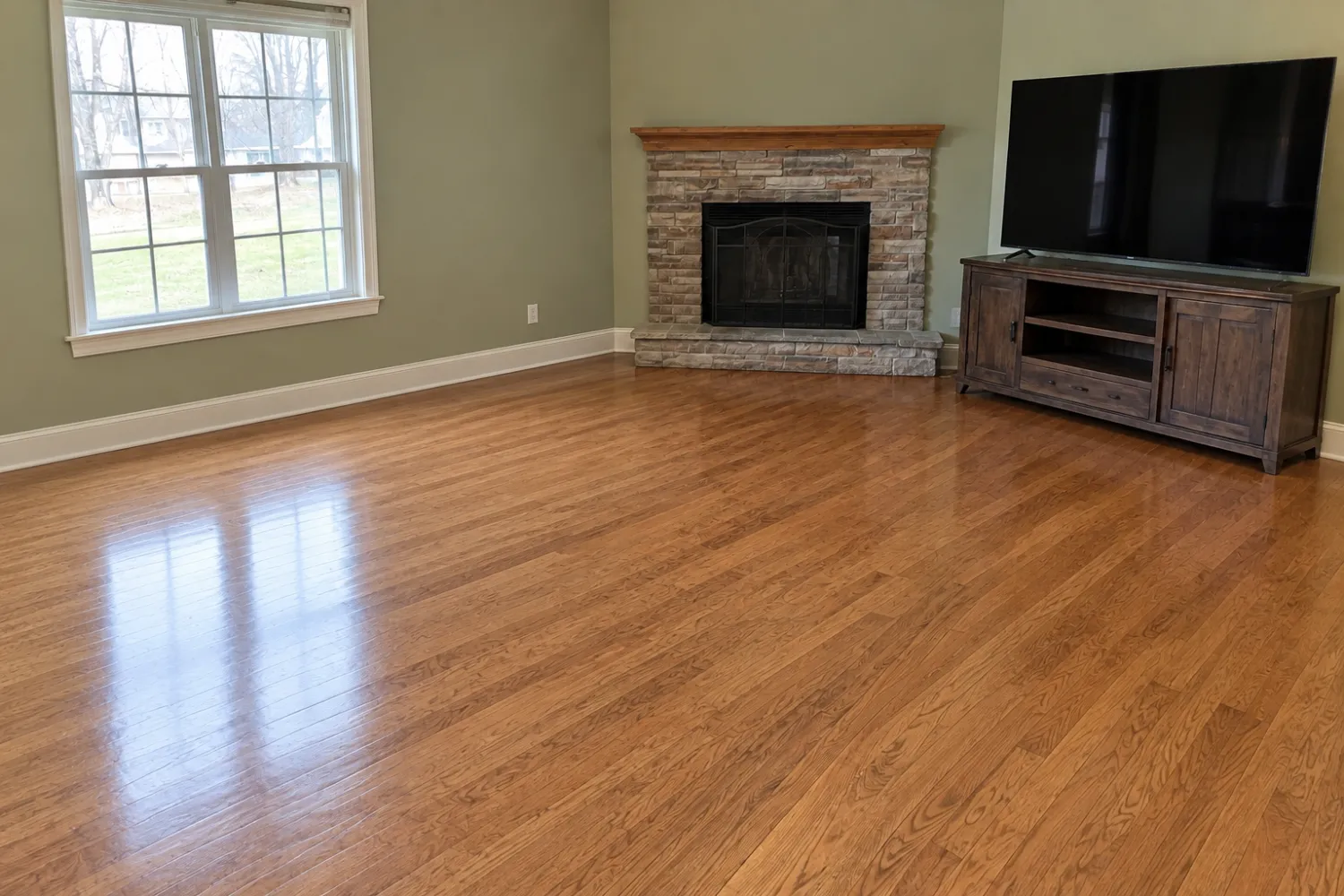
The turnover shot list
Use the same list for every unit, in the same order. It makes the shoot faster and your listings consistent.
- Living room from the corner opposite the windows, then from a second corner.
- Kitchen, wide enough to show counters, appliances and how it opens to the living area.
- Each bedroom from the corner opposite the window.
- Each bathroom. Toilet lid down, shower curtain open or removed.
- Closets and storage, if they're a selling point.
- In-unit laundry, or the building laundry room.
- Balcony, patio or yard, and the view from it if it's good.
- Building exterior and entrance.
- Amenities: gym, roof deck, parking, bike storage, package room.
Zillow's tips for rentals match what works for sales photos: shoot from corners instead of straight at a flat wall, use daylight plus every indoor light, and don't let direct sun blow out part of the room. For the phone technique itself, see how to shoot listing photos on an iPhone. The real estate photo shot list goes room by room in more detail.
Photos of "a similar unit"
If you manage a building with 40 identical one-bedrooms, it's tempting to shoot one and use it for all of them. Plenty of landlords do. It's fine only if the listing says so plainly: "Photos are of a similar unit. Finishes and views may differ."
Leaving that line out is where renters feel cheated. The floor plan might match, but the floor, the appliances or the view from the 2nd floor won't match the model unit on the 9th. Exterior and amenity photos are different. Those are the same building, so reuse them freely.
Empty units and virtual staging
An empty apartment photographs badly. Renters can't tell whether a queen bed fits the bedroom or whether the living room takes a sofa and a desk. Virtual staging answers that by adding furniture to the empty photo.
For a rental I'd stage two rooms at most: the living room and the main bedroom. Leave the kitchen and bathrooms empty. Pick a style that matches the building. Modern or Scandinavian suits most apartments. Luxury Contemporary in a basic walk-up sets expectations the unit can't meet.
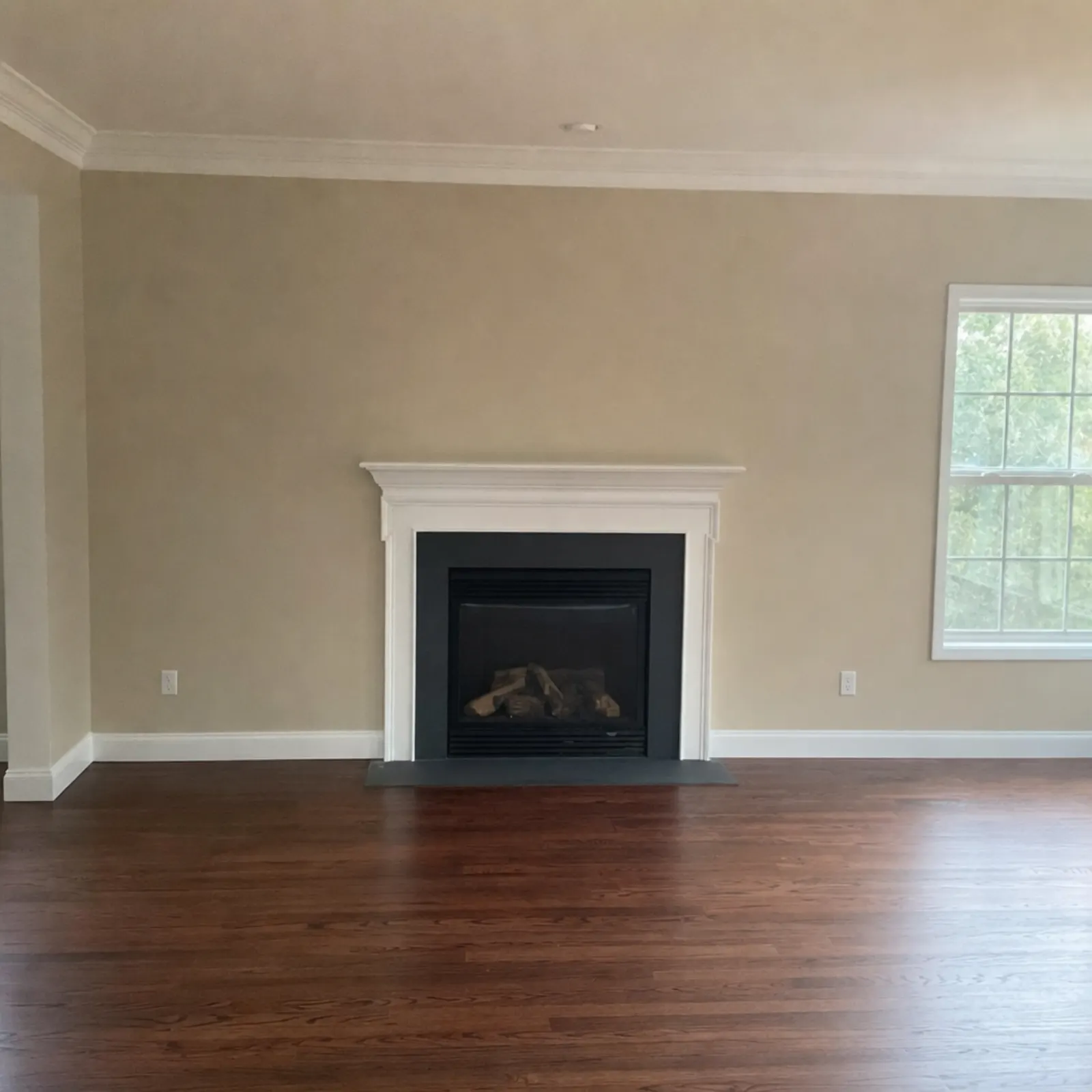
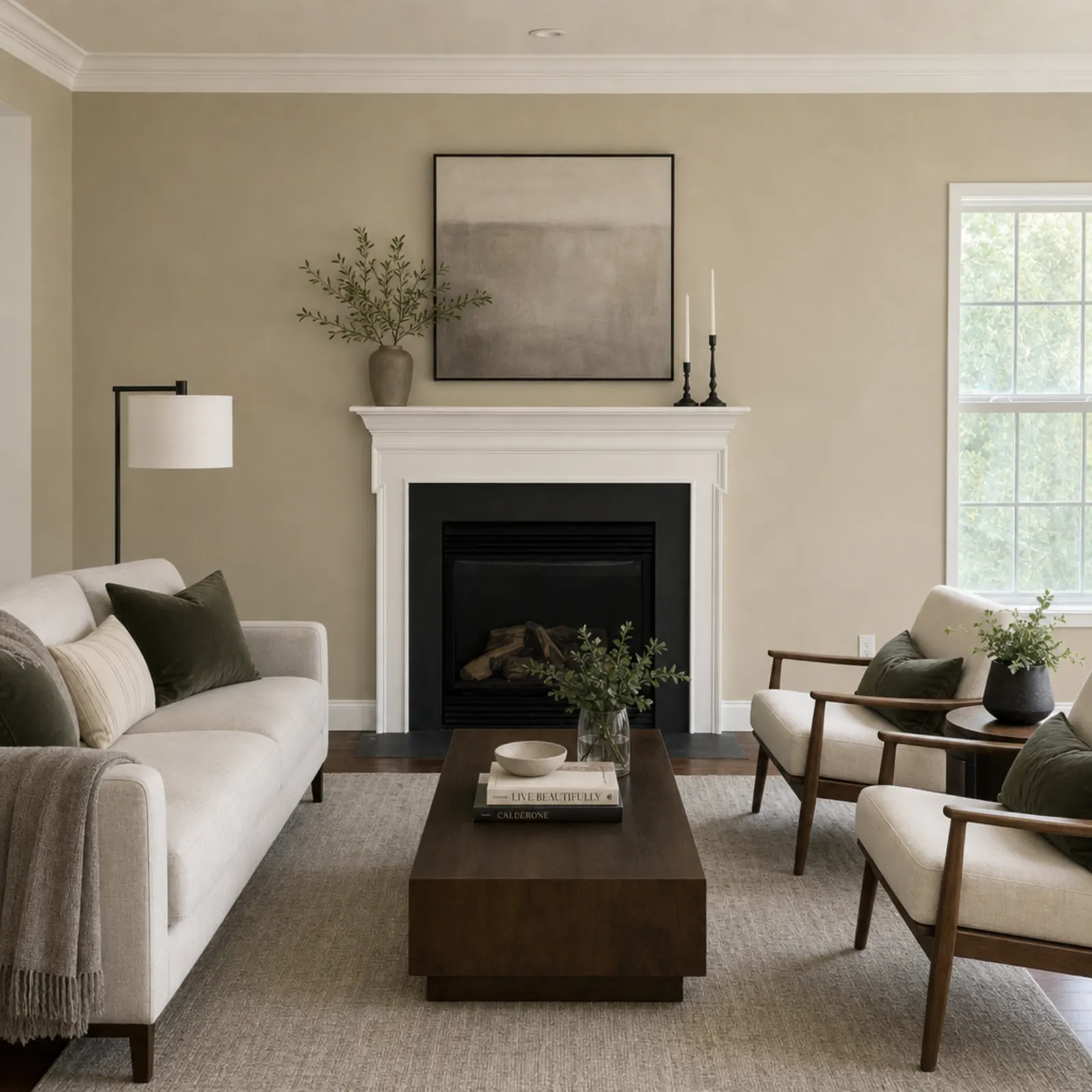
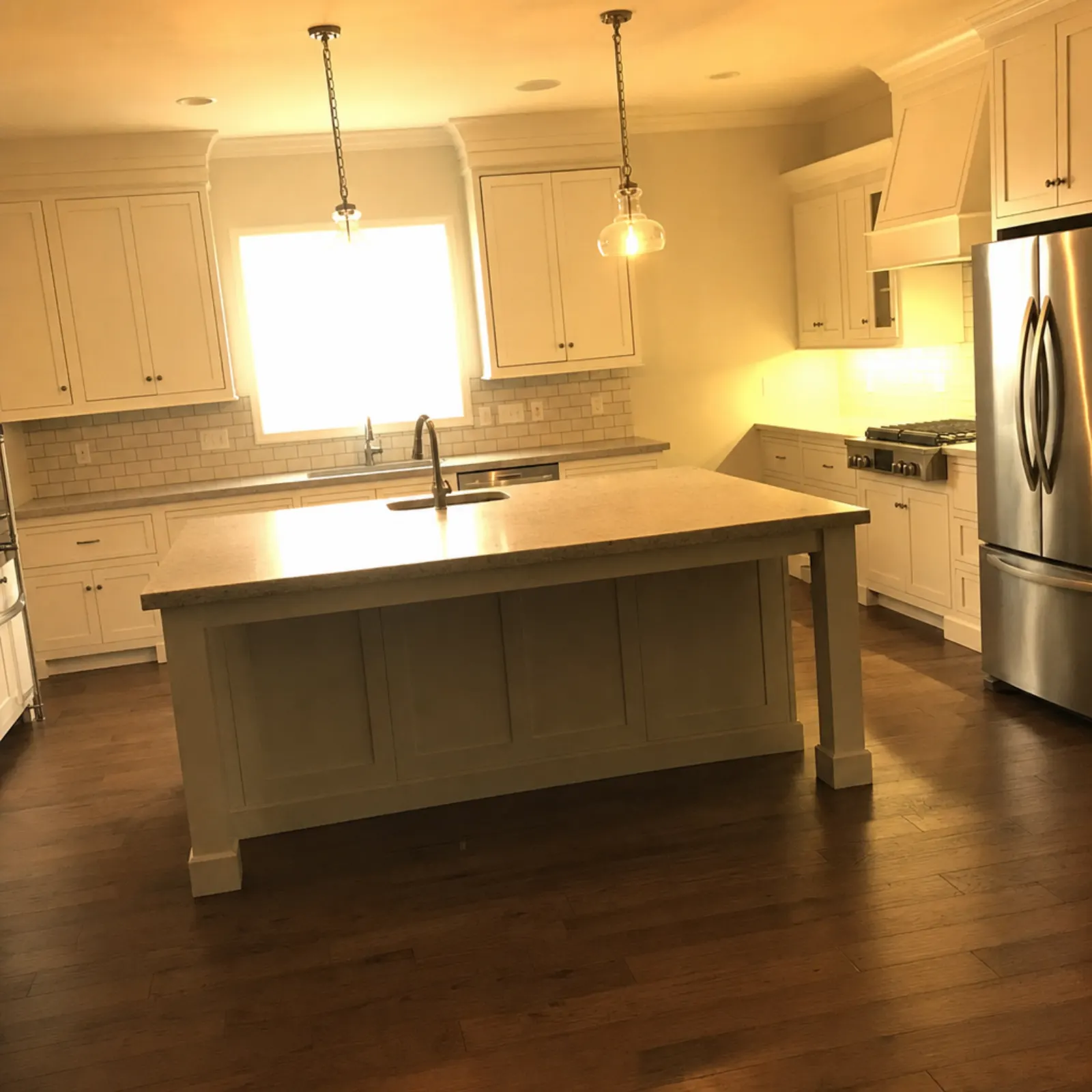
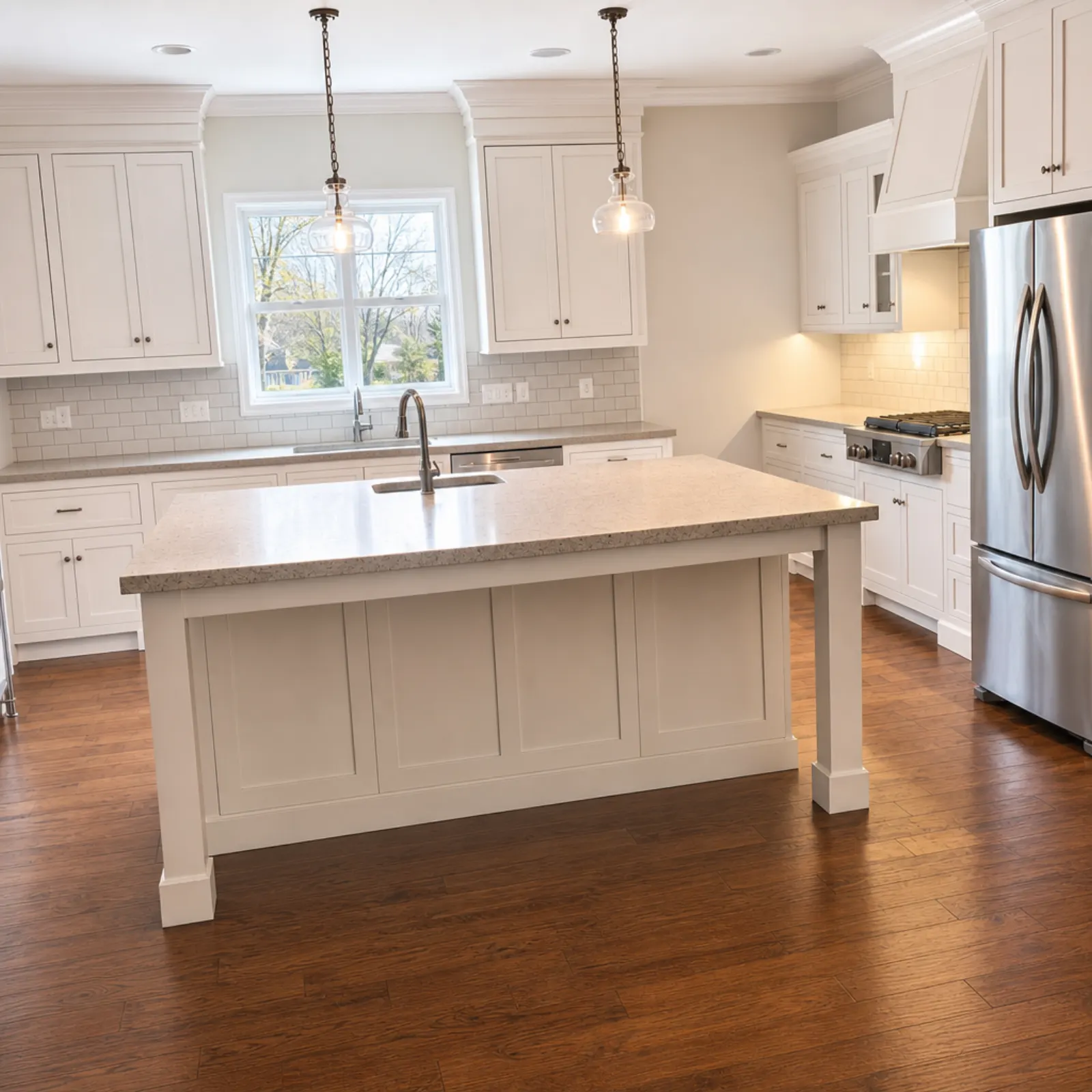
That example is the whole risk in one picture. A renter who sees a bigger window online and a smaller one in person will wonder what else is off. Look at windows, doors, floor and ceiling in every staged photo before you post it.
Disclosure rules for rentals are changing
Most virtual staging rules so far were written for home sales. California's AB 723, for example, covers brokers and agents advertising property "for the sale of real property." Rentals are next.
- New York City. In July 2026 the city released its Rental Ripoff Report, which includes requiring landlords to disclose when rental listings have been altered with AI or other digital tools. Realtor.com reports that the Department of Consumer and Worker Protection plans a "clear and conspicuous" disclosure rule, and that the city hadn't yet said whether staging or ordinary brightening would trigger it.
- Other states. Zillow wrote in July 2026 that legislation is pending in New York, New Jersey and, for rentals, California.
- Everywhere. Zillow's rental tips already say to use editing "sparingly to avoid misrepresentation." Its warning is that overexposed or filtered photos tell renters you're hiding something.
This isn't legal advice, and the rules will keep moving. The practical answer doesn't change with them. Label every staged or decluttered photo "virtually staged" or "digitally altered" in the caption, post the empty original right after it, and add a line to the description: "Some photos are virtually staged. Furniture is not included." That covers the strictest rules so far. The virtual staging MLS rules guide has the sale-side details if you also sell property.
Real Estate Camera flags every staged photo "virtually staged" in the app and asks you to confirm the disclosure when you export. It doesn't print the label onto the image, so add it to the caption on each listing site.
A fast workflow for many units
The slow part of rental photos isn't shooting. It's getting 15 photos per unit edited, named and uploaded across a dozen listings. Here's how I'd keep it moving.
- Shoot on the phone in the app, one unit at a time, following the shot list. You can also upload from a desktop on the web. It's one account on iPhone, iPad, Android and web.
- Enhance everything. It fixes light, white balance and leaning verticals and brings back the view in the windows. 20 to 60 seconds a photo, 1 credit each. It keeps the sky as it was, so the building exterior looks like the building.
- Stage only the empty living room and main bedroom, 2 credits each.
- Check each staged photo against its original, then export with the originals.
- Keep the set. If the unit turns over again next year with nothing changed, you may be able to reuse it. Reshoot if you've painted, replaced floors or changed appliances.
The cost math for one unit: 15 enhanced photos is 15 credits, plus 4 for two staged rooms, so 19 credits. The 150-credit pack is $49.99, which works out to about $6.33 a unit, and credits never expire. They'll still be there at the next turnover. Failed edits refund automatically.
Small things renters notice
- Blinds half open at different heights. Open them all the way, or all to the same height.
- A missing bulb in a fixture. Replace it before you shoot.
- Paint touch-ups that haven't dried and read as patches in the photo.
- Your reflection in the bathroom mirror or the oven door.
- No photo of the building at all. Renters want to see the entrance and the street.
- Vertical photos. Listing sites show a wide frame, so shoot horizontally.
If the building photos come out dark or grey, the exterior photo guide covers timing and angles. For dim interiors, fixing dark real estate photos helps. If you're wondering whether staging is worth it at all, does virtual staging help sell a house goes through the evidence, and virtual staging costs compares prices.
Questions
How many photos should a rental listing have?
Zillow Rental Manager's guidance is at least 10 to 15 good photos. For a typical apartment, that's the living room from two angles, the kitchen, each bedroom, each bathroom, storage, laundry, the building and any amenities.
When should I photograph a rental unit?
After the turnover clean and any paint or repairs, before the next tenant moves in. The unit is empty, clean and in the condition the new tenant will actually get.
Can I use photos of a different unit with the same floor plan?
Only if you say so in the listing, in plain words like "photos are of a similar unit on the 3rd floor." Finishes and views change between units, and renters who find out at the showing stop trusting the rest of the ad.
Do I have to disclose virtual staging on a rental listing?
It depends where you are, and the rules are moving. New York City announced in July 2026 that it plans to require clear disclosure of digitally altered rental photos. I'd label every staged photo and post the empty version beside it, wherever the unit is.