Real Estate Camera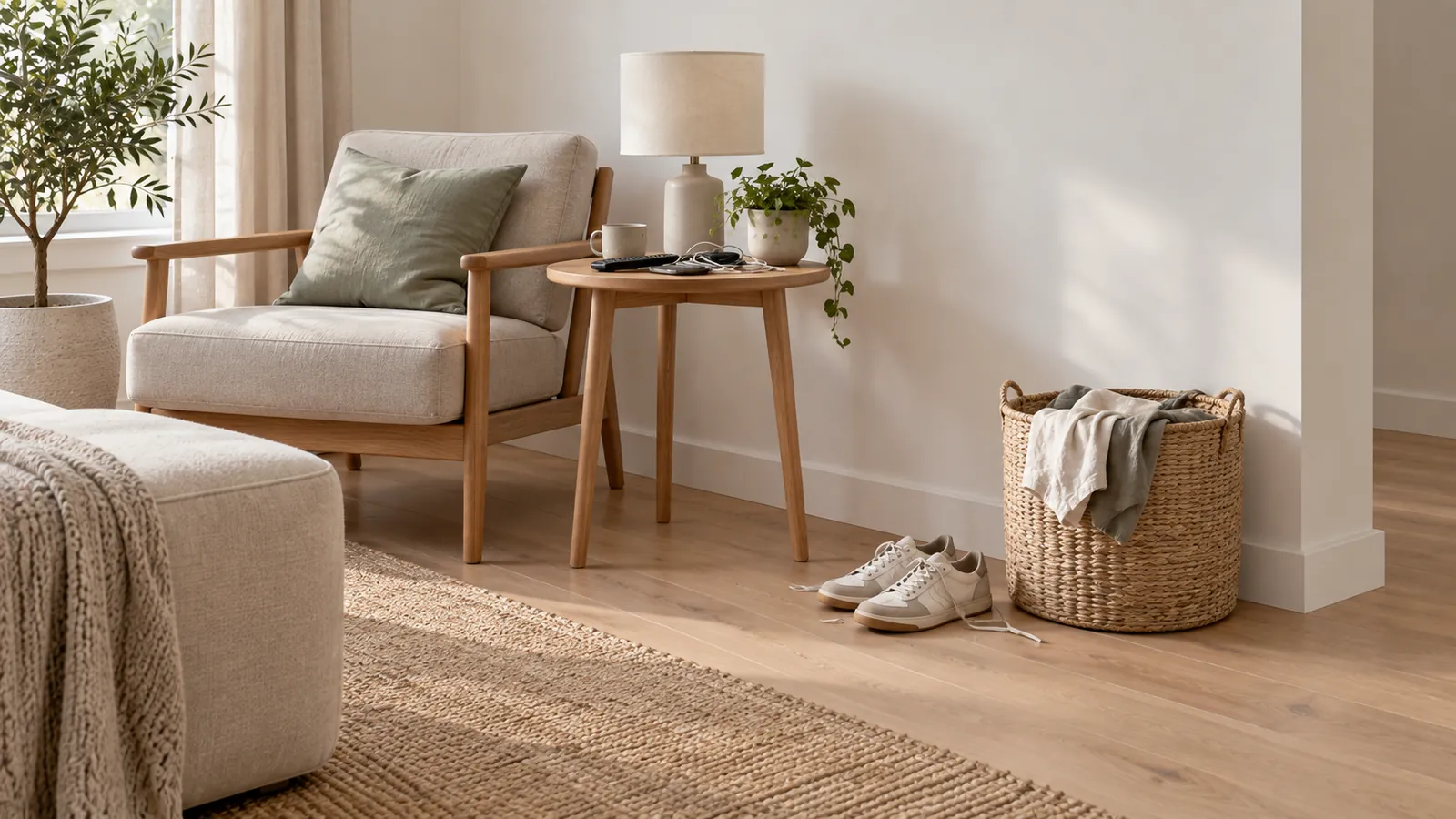
The mistakes that make buyers scroll past a listing are mostly fixable in an afternoon: a dark or crooked cover photo, walls that lean, rooms that came out yellow, windows blown out to white, clutter, too few photos and a gallery in the wrong order. Buyers notice. In NAR's 2025 Home Buyers and Sellers Generational Trends report, 83 per cent of buyers who searched online rated photos "very useful", more than any other website feature.
Here are the mistakes, what each one looks like and how to fix it.
1. A cover photo that doesn't earn the click
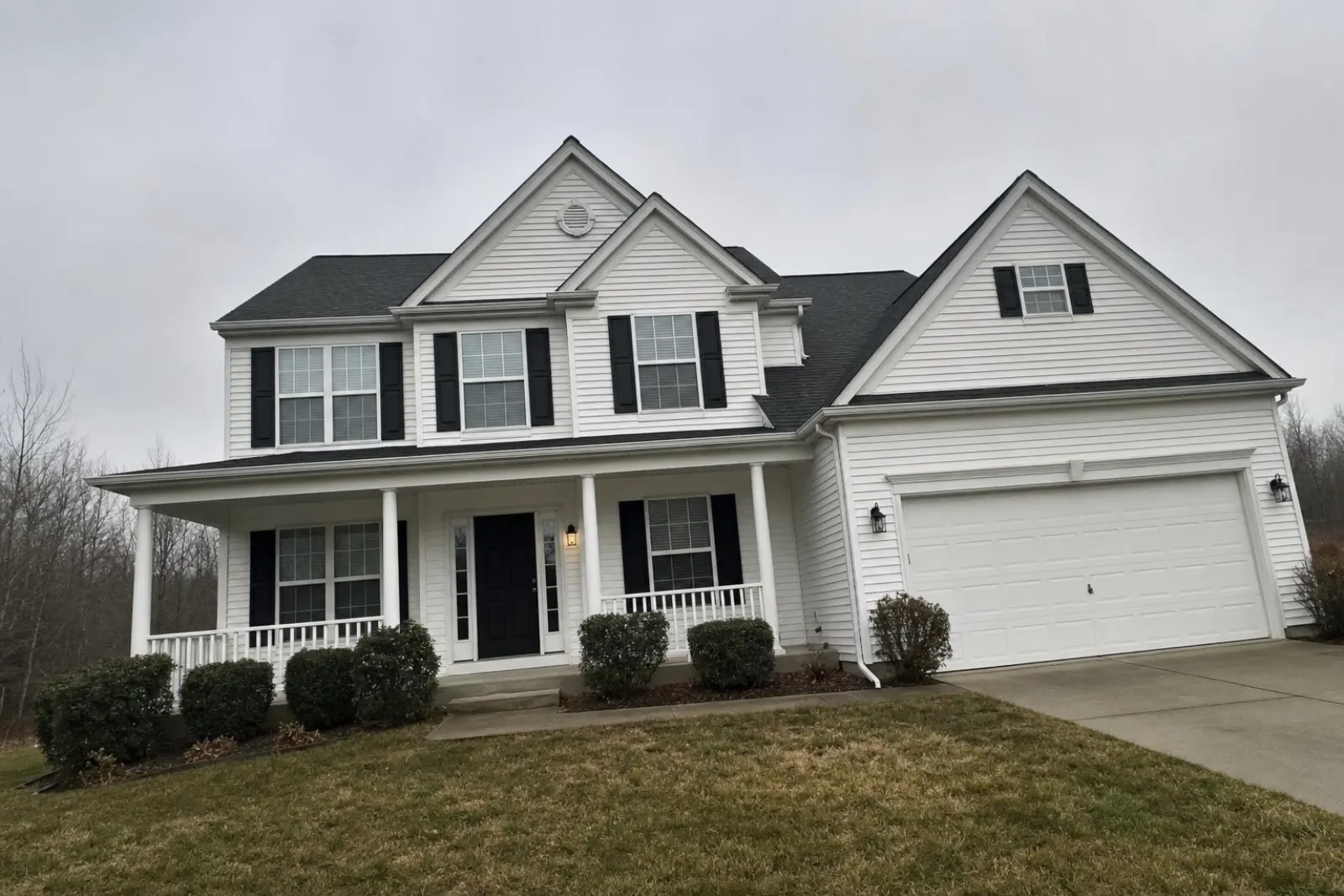
The first photo appears in search results, on the MLS, on Zillow (in your market: realestate.com.au or Domain), on every syndicated site. If it's a dark shot of the front at dusk, a garage door or a kitchen shot taken from the hallway, most people never see the second photo.
Fix: Choose the cover photo last, after the shoot, from all the photos you have. Usually, it's an angled shot of the house exterior in good light. If the exterior is plain and the kitchen is the reason to buy, lead with the kitchen. Check your MLS's photo rules before choosing it.
2. Walls that lean
Tilt the phone down even slightly and every vertical line in the room converges. Door frames lean, cabinets look as though they're falling, and the photo looks amateur before anyone notices the room. Zillow's seller photography guide calls vertical line distortion a common mistake and says it should be corrected when editing.
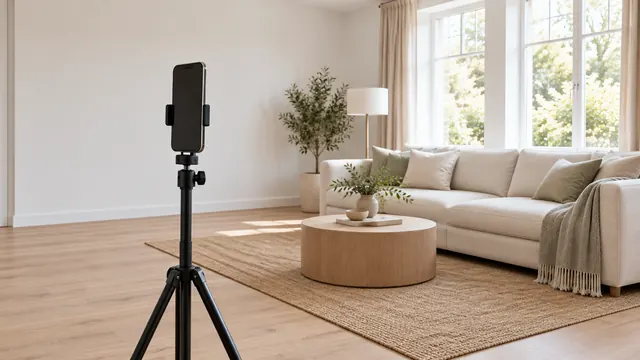
Fix: Hold the phone at chest height and keep it level using the grid or level in your camera settings. Then straighten any remaining distortion when editing. Our guide to fixing vertical lines walks you through the process.

3. Rooms that came out yellow or blue
Warm bulbs and daylight in the same room confuse the camera. It locks in one white balance, leaving the other light looking orange or blue. White cabinets end up looking the colour of weak tea.
Fix: Turn on all the lights in the room so the colour is at least consistent, then adjust the white balance in editing until the white trim looks white. Our guide to dark and yellow photos has settings for Lightroom and Snapseed.
4. Windows blown out to solid white
Expose for the room and the window becomes a glowing white rectangle. Expose for the window and the room goes dark. A phone's HDR helps, but a bright window often still wins.
Fix: Shoot when the light outside is softer, lock the exposure on a wall, and take a second shot for the window. If an editor recovers a view from a solid-white window, compare it with what's actually outside. California's AB 723 names "views through windows" among the things an alteration can change, so an invented view is a disclosure problem.
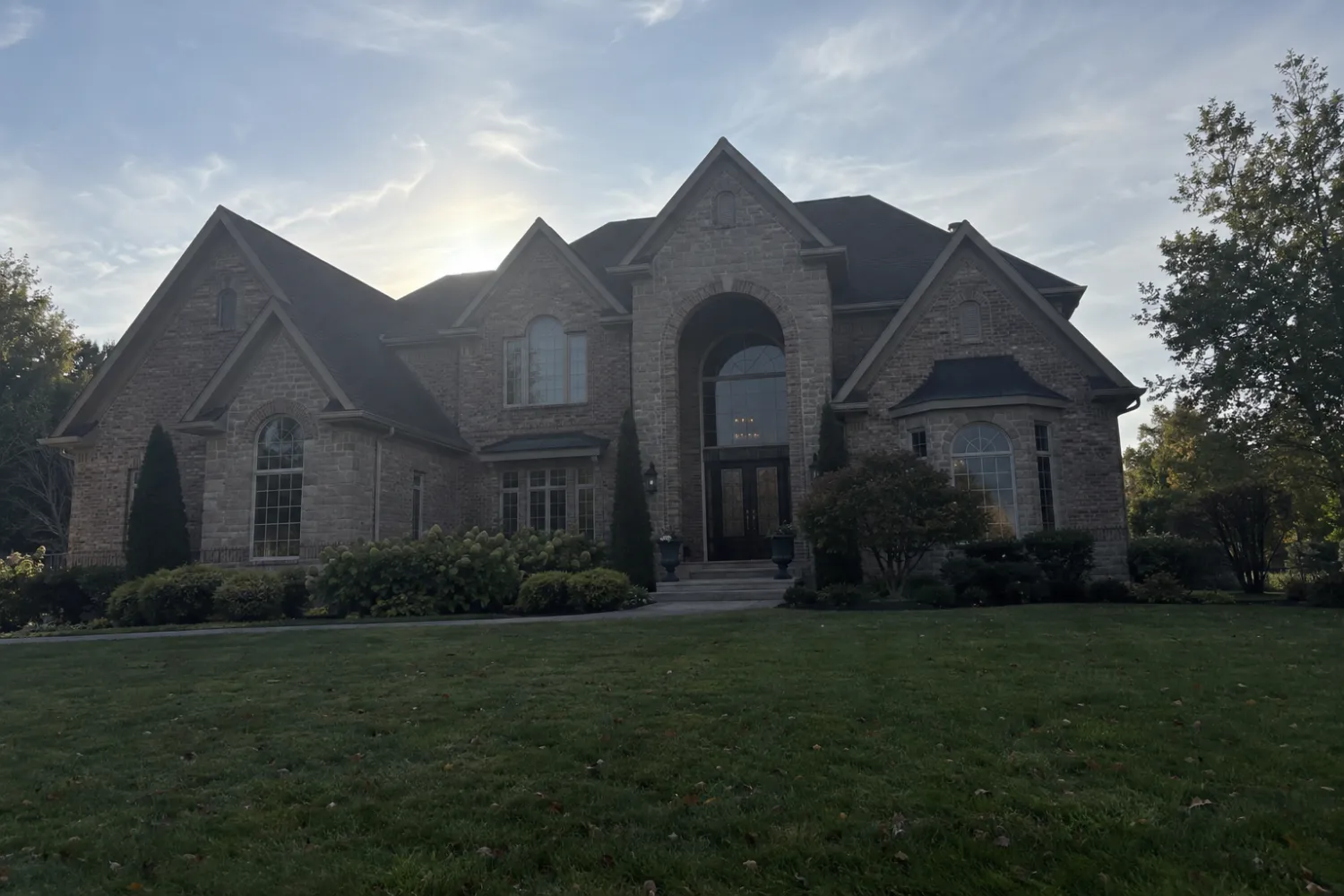
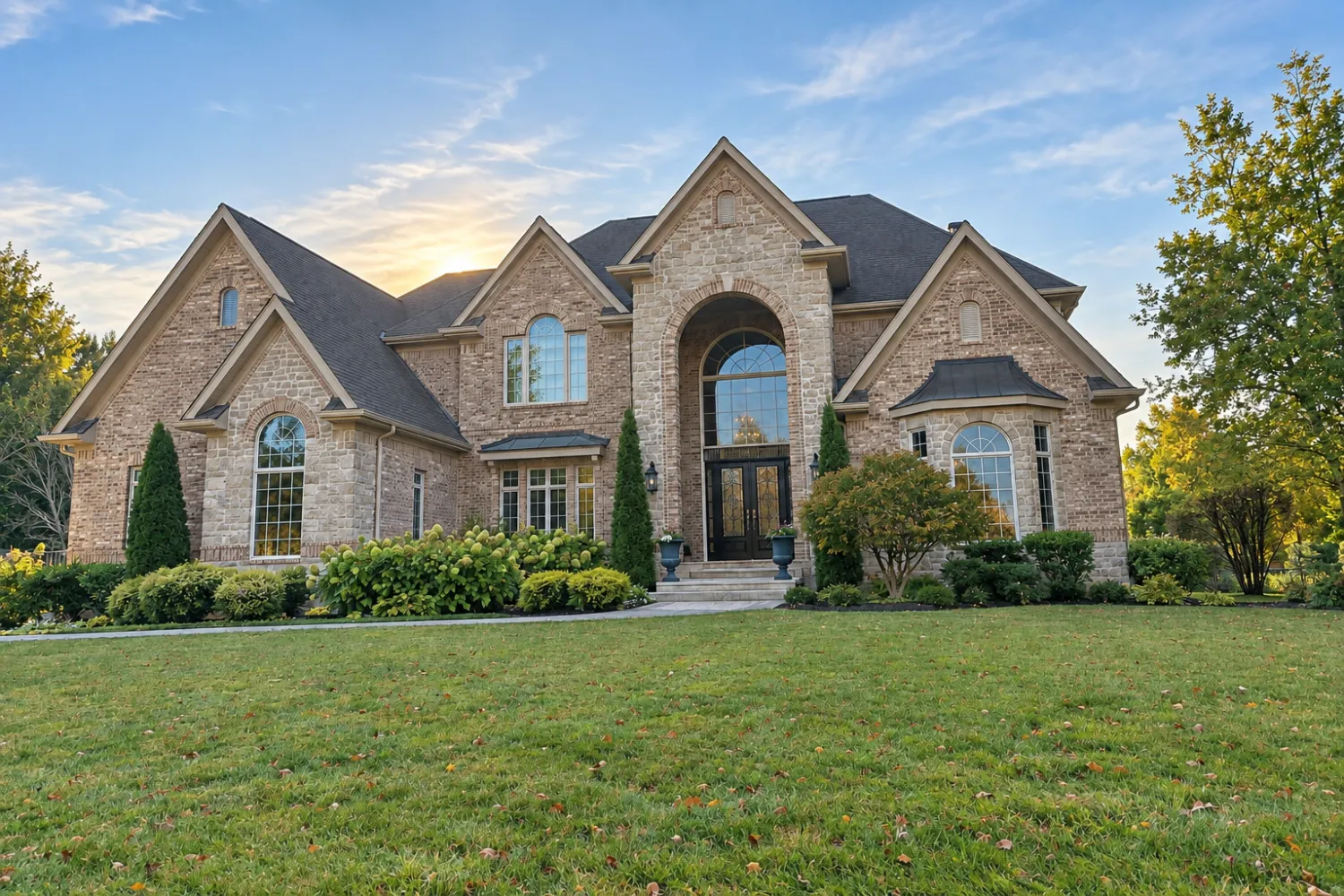
5. Shooting the front of the house into the sun
If the sun sits behind the house, the façade is in shadow and the sky is blinding. Zillow's guide says to shoot exteriors with the sun behind the camera, lighting the front of the house.
Fix: Find out which way the house faces and come back at the right time of day. East-facing fronts get morning light, west-facing ones afternoon. Our exterior photo guide covers it in detail.
6. The small things buyers notice anyway
Zillow's seller guide lists common mistakes in listing photos. Most involve the following:
- Your reflection in a mirror, window or oven door
- Ceiling fans spinning so fast they're blurred
- The TV left on
- The toilet seat left up
- Pets, cars in the driveway, rubbish bins at the kerb
- Fingerprints on stainless steel
Solution: Before each shot, pause and look at the frame for three seconds, viewing it as a buyer would. When photographing a mirror, shoot from an angle that keeps the camera out of the reflection.
7. Clutter, or a room with nothing in it
Benches covered in appliances and mail can make a kitchen look small. Family photos and fridge magnets can make buyers feel like guests. At the other extreme, a large empty room gives the eye nothing to measure it against and can make the space look smaller than it really is.
Solution: Clear the benches, put away the toiletries and remove the fridge magnets before the shoot. Digital decluttering can remove the furniture from a room the seller can't clear, while virtual staging can give buyers a sense of scale in a vacant house. Both need a disclosure. Our disclosure wording guide includes wording you can copy.
8. Too few photos, or twenty of the hallway
Zillow's seller guide recommends 22 to 27 photos. It cites Zillow research finding that homes with fewer than nine photos were about 20 per cent less likely to sell within 60 days. The agent version of the guide suggests around 20 photos for a home of 1,900 to 2,600 square metres, while 10 may be enough for a one-bedroom home. Both articles date from 2019, so treat these figures as a range rather than a rule.
Having too many can be just as damaging. Five almost identical angles of a single bedroom can teach buyers to stop scrolling.
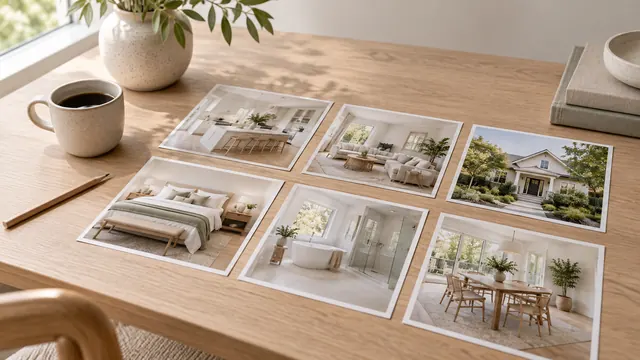
Solution: Capture two good angles of the main rooms, one photo of each bathroom, plus the yard and anything that sets the home apart. Leave out closets and laundry rooms unless they have something special to show. Our room-by-room shot list provides the full set.
9. A gallery in a random order
If the powder room comes before the kitchen, buyers won't be able to form a clear picture of the home in their minds.
Solution: Put the best four or five shots first, then arrange the rest in the order a buyer would explore the home: entry, living areas, kitchen, bedrooms, bathrooms, outdoor areas.
10. Portrait photos and fisheye lenses
Listing photo galleries are designed for horizontal images, and Zillow's guide notes that this is the orientation used by the MLS and other real estate sites. A vertical shot ends up as a narrow strip with bars on both sides. A fisheye lens has the opposite problem, turning a bedroom into a ballroom. Zillow identifies fisheye lenses as a mistake for exactly that reason.
Solution: Shoot horizontally. The 0.5x lens on an iPhone is wide enough; keep furniture away from the edges of the frame, where distortion shows. Find out more in our iPhone guide.
11. Editing that turns into fiction
A photo that makes the home look better than it is will cost you at the open home. Zillow's guide for agents recommends editing but warns not to 'misrepresent the home', and lists hiding an unattractive view among the things to avoid. Some boards go further. CRMLS prohibits changing wall colour, flooring and landscaping, while Canopy MLS bans removing power lines. Zillow's July 2026 post tells buyers to report listings that appear inaccurate.
Solution: Correct the lighting, colour and perspective. Leave the home, yard and neighbours as they are. If you use staging or Declutter, label the result and show the original. The MLS rules guide sets out the details for each board.
Fixing these issues on your phone
Real Estate Camera's Enhance tool (1 credit) fixes mistakes 2 to 5: it straightens verticals and corrects white balance and exposure without altering the appearance of the sky. It doesn't change the architecture or landscaping. Declutter and Virtual staging each cost 2 credits and can help with number 7. Each photo takes 20 to 60 seconds. Failed edits are refunded automatically, and your first credit is free.
The app can't fix a poor camera angle, a spinning fan or a cluttered benchtop. That's still up to you, at the property, before you press the shutter.
Not sure whether to shoot the listing yourself? Read about hiring a photographer versus DIY. Selling your own home? The FSBO photo guide walks you through the entire shoot.
To fix several of these issues at once, see AI real estate photo editing.
Fix the lighting and the appearance of leaning walls in your current gallery. Start free: 1 credit.
Questions
What is the most common real estate photo mistake?
A weak first photo. Buyers see it in search results, and a dark, tilted or cluttered cover shot loses the click before anyone sees the good rooms. Lead with your best exterior or interior shot, captured level and in good light.
How many listing photos should I post?
Zillow's seller guide recommends 22 to 27. It cites its own research: homes with fewer than nine photos were about 20 per cent less likely to sell within 60 days. Its agent guide suggests about 20 photos for a home with 1,900 to 2,600 square feet of floor space and says 10 may be plenty for a one-bedroom home.
Why do my listing photos look yellow?
Warm indoor light mixed with daylight from the windows. The phone picks one white balance, making the other light look yellow or blue. Switch on all the lights so they match, then correct the white balance when editing.
Is it a mistake to replace a grey sky?
In California, it creates a duty to disclose. Bay East MLS identifies sky replacement as a digital alteration, and California's AB 723 treats added or changed elements as alterations. Shooting on a better day avoids the label entirely.