Real Estate Camera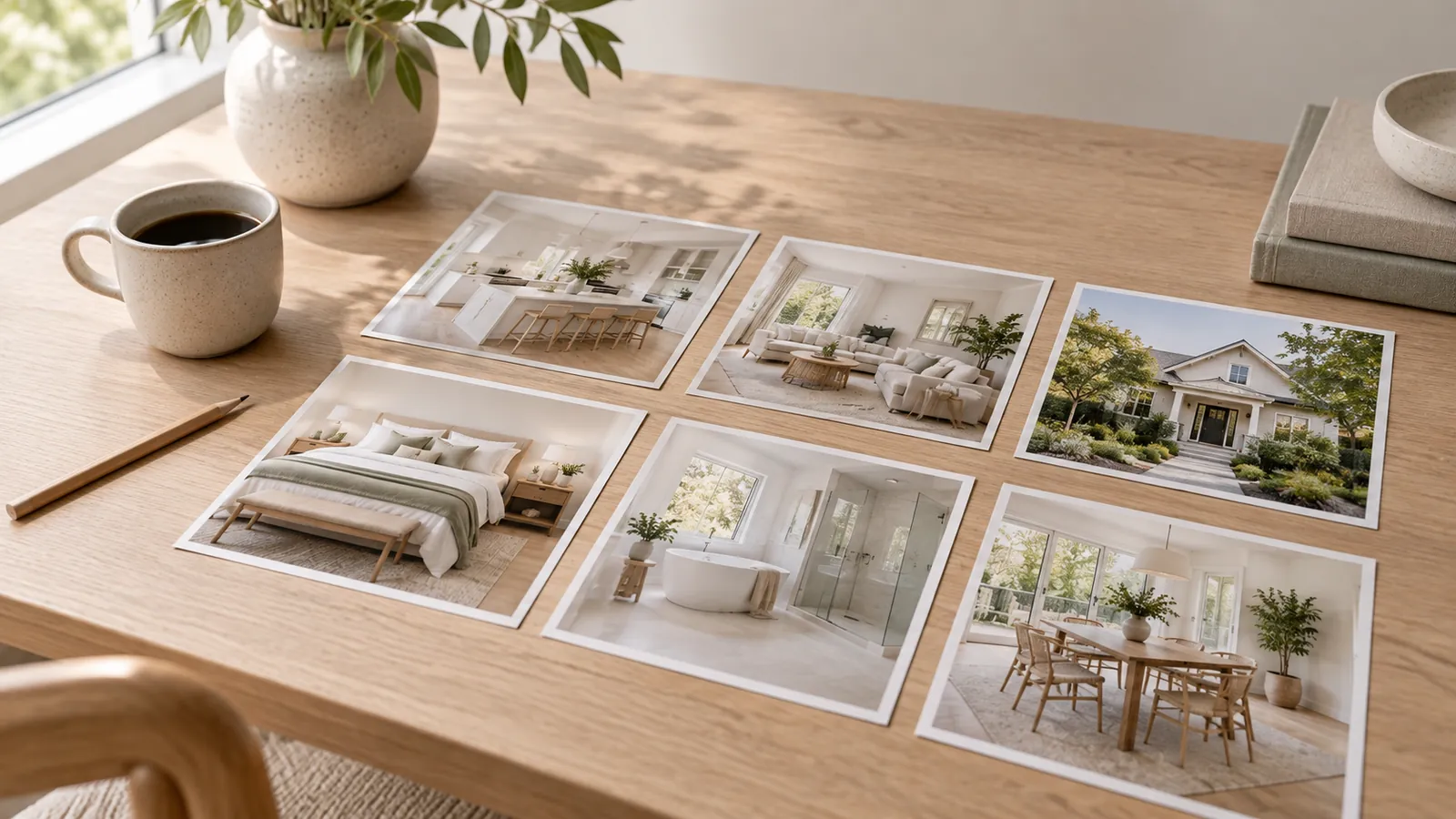
A typical three-bedroom listing should have about 25 photos. Zillow's photography guide sets the ideal at 22 to 27 photos, based on Zillow's research. Use fewer for a one-bedroom apartment and more for a large house on a block of land. Do not pad the gallery with near-duplicates just to reach a target number.
The rest of this page explains how the number varies by property type, what the MLS allows, how to sequence the gallery and what to leave out.
What Zillow's guidance actually says
Zillow's guide for sellers makes three points about the number of photos. Twenty-two to 27 photos is the ideal range. Homes with fewer than nine photos were about 20 per cent less likely to sell within 60 days. Homes with more than 28 photos also took longer to sell.
The point about homes with more than 28 photos is easy to misread. Zillow itself suggests the reason is price, not the photos: homes with 28 or more photos were 12 per cent more expensive, and extra photos don't make up for a high asking price. So the finding isn't "more than 28 photos hurts". It's closer to "past a certain point, more photos stop helping".
Two caveats. The article is dated November 2019 and is written for home sellers, rather than as a research paper. I'd treat 22 to 27 as a sensible default, not a rule. The finding I'd take from it is the lower end: a listing with a handful of photos is one buyers skip.
How many photos by property type
These are the ranges I use. They assume every photo shows something the others don't.
| Property | Photos to post | What to include |
|---|---|---|
| Studio or 1-bed apartment | 12 to 18 | Front of building, each room once, kitchen twice, amenities |
| 2-bed apartment or townhouse | 18 to 24 | Add a second angle of the living area, the balcony or patio, and parking |
| 3-bed house | 22 to 30 | 2 shots of each main room, 1 of each secondary room, 3 or 4 exterior shots |
| House with 4+ bedrooms | 28 to 40 | Show more rooms, not more angles of the same rooms |
| Large home with a block of land or on-site amenities | 35 to 50 | Grounds, outbuildings, pool, views, aerial photos if your MLS allows them |
Larger ranges don't contradict Zillow's guidance. A five-bedroom house on a four-acre block has more to show than a three-bedroom on a quarter-acre block, and a buyer wants to see the barn. What doesn't earn a place in the gallery is a fourth angle of the same bedroom.
Shoot about twice as many photos as you'll upload. It costs nothing on the day and gives you options if one angle turns out to show a reflection or a leaning wall.
How many photos does the MLS allow?
Every MLS sets its own limit, and they vary a lot. Two examples I checked:
- CRMLS's Flexmls help page says you can upload 75 photos per listing, each up to 15 MB or 3000 by 2000 pixels. The same page says photos that don't accurately depict the property, such as staged photos, must be captioned as such.
- Realcomp in Michigan allows up to 99 photos, including the main photo. It requires a main photo of the front of the property within 48 hours of the listing going live, and bans agency signage, watermarks and text on photos (Realcomp's own watermark is the exception).
Both limits are far above what a normal listing needs, which is the usual pattern. The limit is rarely the constraint. Your own editing is. Look up your board's rules once and keep them in your notes, including any rules about the main photo, text on images and staging captions.
The order matters as much as the number
The first photo is usually the one that shows up in search results, so it determines whether anyone opens the listing. After that, lay the photos out like a walk through the house:
- Best front exterior shot.
- Entryway.
- Living room and family room.
- Kitchen, all angles together, then dining area.
- Main bedroom, main bathroom.
- Other bedrooms, other bathrooms.
- Office, bonus room, basement.
- Backyard, patio, pool, then extras.
Keep each room's photos together. If there's one thing buyers will pay extra for, like a lake view or a new kitchen, it can move up to second place. The room-by-room shot list goes through each room in detail.
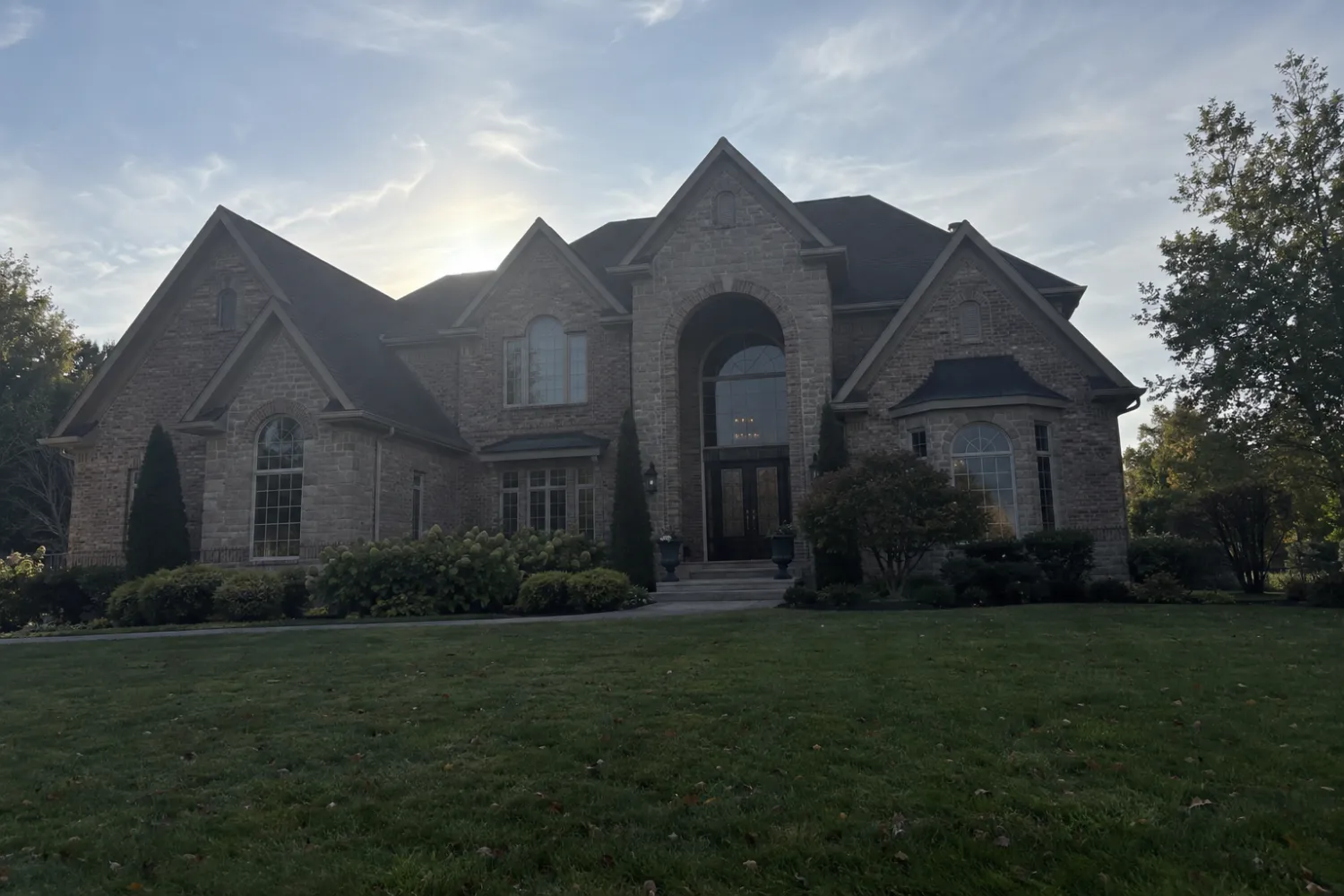
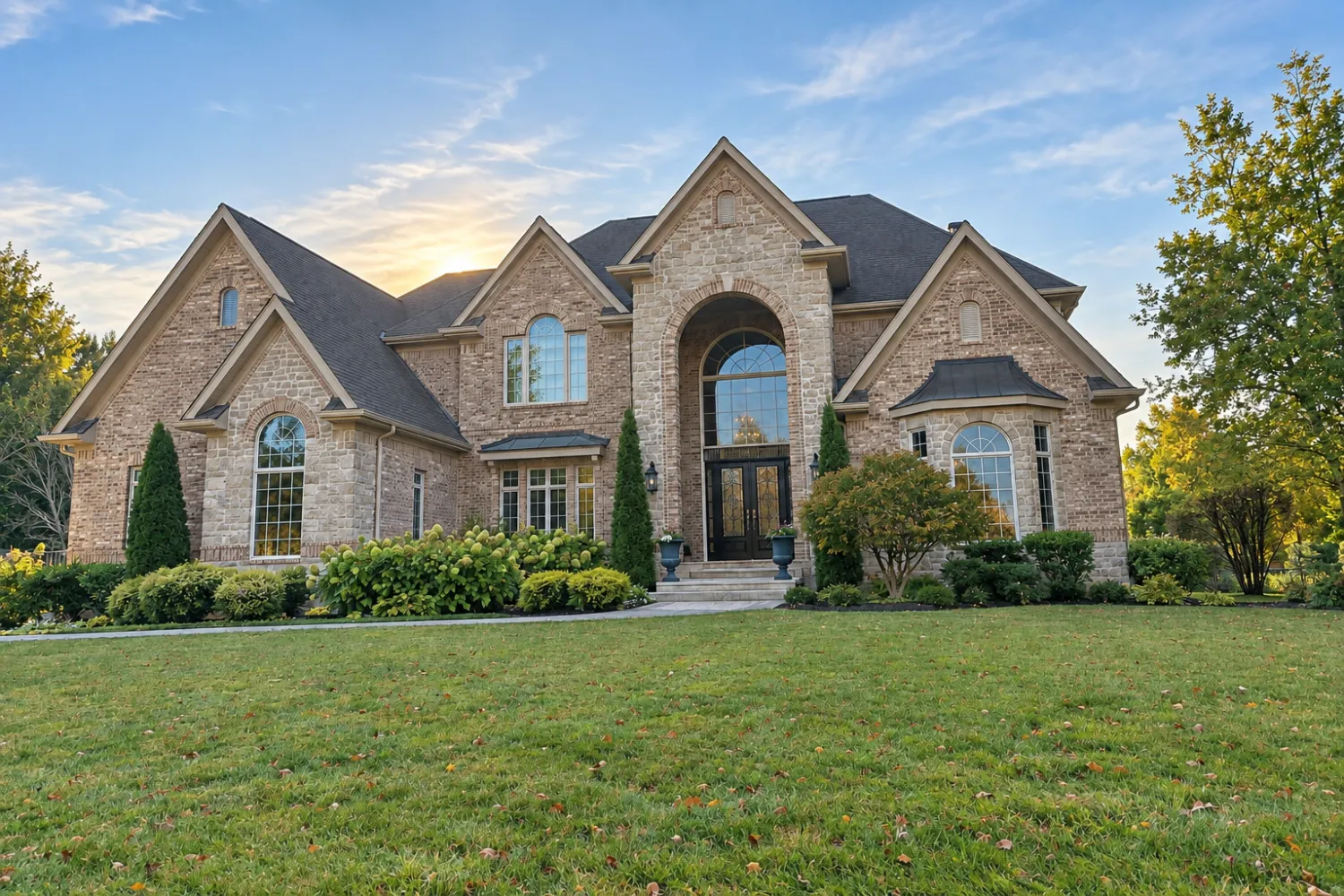
The front photo deserves more care than any other image in the gallery. If yours was shot with the sun behind the house, it's worth editing before it becomes the thumbnail.
What to leave out
A lot of listings go wrong in the edit. After a shoot, you might end up with 60 photos. Here’s what to leave out first:
- Near-duplicates. Two shots of the same bedroom from nearly the same corner. Keep the sharper one.
- Closets, unless it’s a proper walk-in wardrobe. The same goes for laundry nooks, utility rooms and the heating unit.
- An ordinary powder room. If it’s small and plain, it adds nothing.
- Close-ups of things that aren’t noteworthy. A standard tap, a thermostat, a light switch.
- Anything with a technical problem: leaning walls, you reflected in a mirror or a stainless-steel fridge, a blown-out window with a dark room, a blurry shot.
- Rooms that look worse in a photo than they do in person. A narrow hallway or cramped mudroom can make the house look smaller. Skip it and let the open home do the work.
- Street shots and neighbourhood views, unless there’s something worth showing, like a park across the road.
Don’t leave out rooms buyers will expect to see. Every bedroom and full bathroom should be included, even the plain ones. A missing bathroom makes people wonder what’s wrong with it.
When fewer photos are the right call
Some listings should fall below the usual range, and that’s fine.
- A property sold as-is that needs work. Show the exterior, floor plan and block of land honestly. Twelve clear photos of a house that needs work give buyers a clearer picture than 30 that try to hide the work it needs.
- Vacant land. A few photos of the block from the road and from within it, the view, if there’s one, and any existing structures or points of access. Realcomp, for example, still requires at least one photo for a land listing.
- A rental occupied by a tenant where you can’t access every room. Upload the photos you can take well and note in the listing description that you can view more of the property at an open home.
What you should avoid is the lazy version of fewer: six phone snaps from the doorway of each room. That’s the kind of listing covered by Zillow’s finding on listings with fewer than nine photos.
Keep the gallery consistent
Twenty-five photos that look like they came from the same house beat 40 that don't. That means consistent colour from room to room, straight verticals throughout, and no rooms that are noticeably darker than the others.
If you're shooting on a phone, achieving that consistency is the hard part. Real Estate Camera's Enhance corrects lighting, white balance and verticals in 20 to 60 seconds per photo for 1 credit, so a 25-photo gallery uses 25 credits. The 60-credit pack at $24.99 covers two listings of that size, and credits don't expire. Your first credit is free, so you can try one photo before buying anything.
Virtual staging costs 2 credits per photo when a room is empty. Many boards want staged photos labelled. For example, the CRMLS help page says they must be captioned. The app flags staged files as "virtually staged" but doesn't print the label on the image, so add it to the caption. Learn more in Virtual staging MLS rules. If you're shooting on a phone, check the settings in real estate photos on an iPhone.
To shoot and edit the entire gallery in one app, see the real estate photography app.
Edit a full 25-photo gallery without leaving the property. Start free: 1 credit.
Questions
How many photos should a property listing have?
For a typical three-bedroom house, around 25 photos. Zillow's photography guide puts the ideal range at 22 to 27, based on its own research. Use fewer for a small apartment and more for a large home on a block of land, but only if each extra photo shows something new.
Is there a maximum number of listing photos?
Yes, and it depends on your MLS. The Flexmls help page on CRMLS allows 75 photos per listing, and Realcomp in Michigan allows up to 99. Check your own MLS's rules, as limits and file-size rules vary.
Can a listing have too many photos?
Yes. Zillow's guide notes that homes with more than 28 photos took longer to sell, though it suggests this is likely because those homes were more expensive, not because of the photos. In practical terms, near-duplicates bury your best shots.
What should the first listing photo be?
Usually it's the front exterior, with the whole house in frame, photographed with the façade in sunlight. Some MLS boards require it: Realcomp requires a photo of the front of the property as the main photo within 48 hours of publication.
Which listing photos should I leave out?
Near-duplicates of the same room, closets, small laundry spaces, utility rooms, ordinary guest toilets, close-ups of things that aren't special, and anything showing a leaning wall or your reflection.