 Real Estate Camera
Most Zillow listing photos come from the MLS through a listing feed, so you change, reorder or fix them in the MLS, and Zillow picks up the update within 24 hours. The photos have to be JPG, GIF, PNG or TIF, under 50 MB and at least 330 by 220 pixels, and Zillow suggests 1536 by 1152 for best quality. The first photo in your order is your cover. And since July 2026, Zillow has said publicly that it wants AI-altered listing photos disclosed, with the original available alongside.
How photos get onto Zillow
Zillow's help article on how photos get on Zillow says "a majority of Zillow's photos are provided by real estate agents through the MLS via a listing feed." That has one practical consequence. For an agent's listing, Zillow is not where you edit photos. Its photo uploading tips say "listing feed photos must be uploaded at the feed source instead of directly on Zillow," and once the feed is updated, the photos "will appear on Zillow within 24 hours."
So a bad cover photo, a missing label or a wrong order gets fixed in your MLS. Then give it a day.
For Sale By Owner listings work differently. The owner uploads straight to Zillow, and the FSBO photo help page walks through adding, removing, dragging photos into a new order and adding a caption to each one. The same help article on photo sources notes that photos from previous agents or homeowners can't be reused for a future listing, so a seller relisting needs new ones.
Zillow photo size and format requirements
| Requirement | Zillow Help Center |
|---|---|
| File types | JPG, GIF, PNG or TIF |
| Maximum file size | Smaller than 50 MB, 10 MB suggested |
| Minimum dimensions | 330 pixels wide by 220 high |
| Suggested dimensions | 1536 by 1152 pixels |
Zillow also has an older photo uploading page with different numbers: a 25 MB limit and, for the home details page, a range of 1024 by 768 up to 2048 by 1536 pixels. The two pages disagree. A JPG between 1536 by 1152 and 2048 by 1536, under 10 MB, fits both, and it's what I'd export.
Two problems the Help Center calls out:
- Missing photos. If photos don't show, "it is likely the photos do not meet the format or size requirements." Resize, then re-upload at the source.
- Sideways photos. Usually the photo's EXIF orientation data is missing or wrong. For FSBO listings, the editor has a rotate button. Otherwise, re-export the file so it's saved upright.
Choosing the cover photo
The first photo is the one that shows on the listing before anyone clicks. Choose it after the shoot, from the whole set.
- Most houses lead with the front, shot at an angle so buyers see depth as well as the facade. Zillow's seller photography guide recommends exactly that angle, with the sun behind the camera.
- If the front is plain and the kitchen or the view is the reason to buy, consider leading with that instead, where your MLS allows it.
- Level. Bright. Horizontal. A tilted or dark cover costs you the click before buyers see anything else.
Don't make the cover a staged photo unless you'd be comfortable if it were the only thing a buyer saw. On a small card, a label is easy to miss.
Photo order and how many
After the cover, put your next four or five strongest shots, then walk the house in the order a buyer would. The shot list guide has a full MLS order.
On count, Zillow's seller guide recommends 22 to 27 photos and cites Zillow research that homes with fewer than nine photos were about 20 percent less likely to sell within 60 days. That guide dates from 2019. Our listing photo mistakes guide covers the ones that pad a gallery without helping.
What Zillow said about AI-altered photos in July 2026
On July 22, 2026, Zillow published "Zillow's take on AI-generated listing photos, and why transparency matters." Its main points for agents:
- "Zillow's content standards require that listing photos accurately represent the home."
- Because most content arrives through MLS feeds, "agents and brokers carry front-line responsibility for accuracy."
- Zillow "supports clear disclosure when AI is used to materially alter a listing image" and believes consumers should be able to see the original alongside the altered version.
- Any shopper who thinks a listing is inaccurate can use the "Report Listing" button, and Zillow reviews those reports and "works with listing providers as appropriate."
The post also tells buyers to compare photos against the floor plan and virtual tour, ask their agent to contact the listing agent, and request a live video walkthrough "if the photos don't add up." If you altered a photo without saying so, those are the buyers who'll notice.
It names the laws too. California and Wisconsin have passed disclosure laws, and New York and New Jersey have legislation under consideration, as does California for rentals. Our AB 723 guide covers California. Wisconsin's 2025 Act 69 takes effect January 1, 2027.
Zillow holds its own tools to that standard. Its own Virtual Staging tool is "shopper-initiated, clearly labeled and paired with the original image."
A contradiction worth knowing about
Zillow's 2019 seller guide still tells readers they can "easily swap the sky for blue" if exteriors were shot on a cloudy day. The 2026 post takes a firmer line on altered photos, and in California a swapped sky counts as altered. The Bay East MLS rule says so directly. I'd follow the newer post and skip the sky swap, or label it.
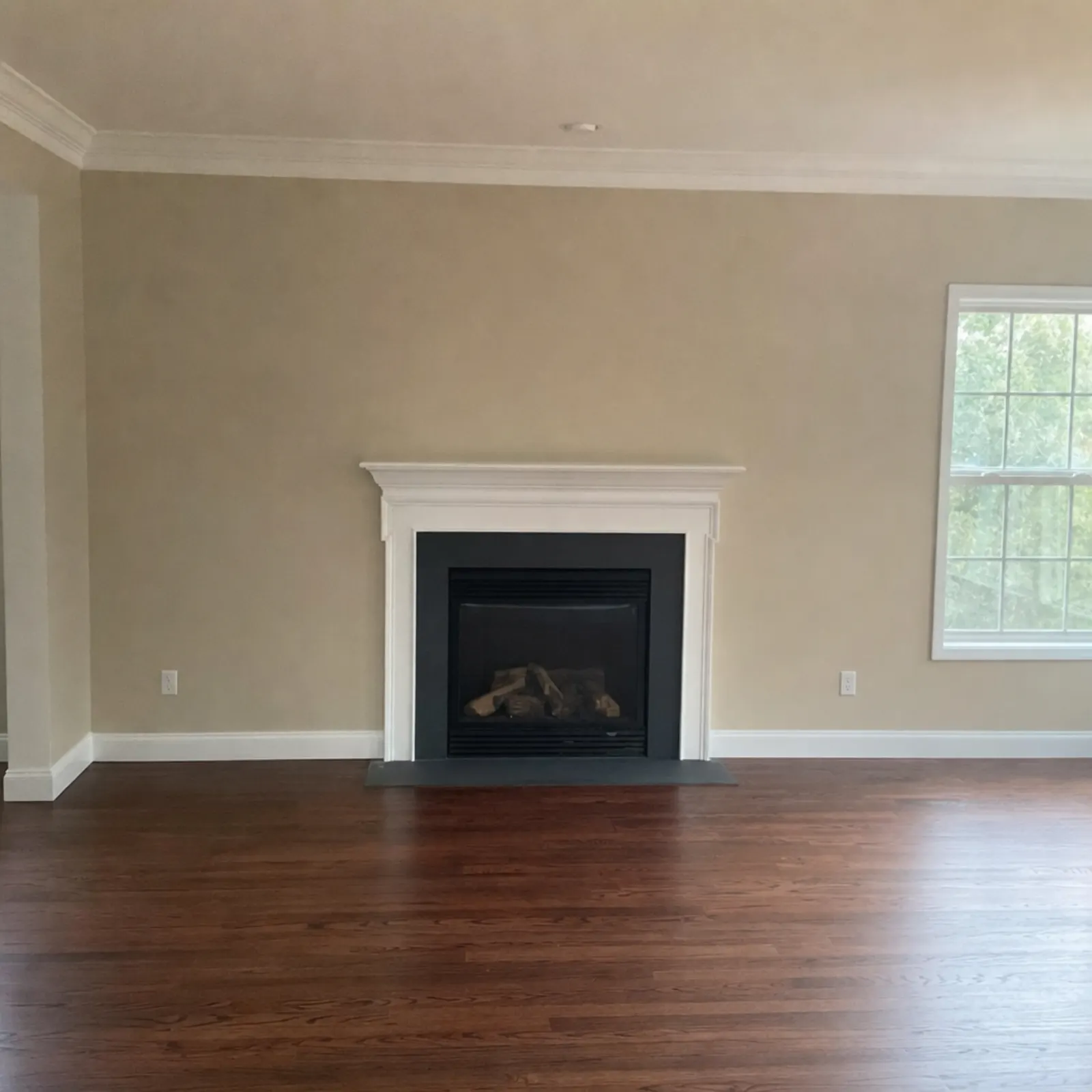

Labeling staged photos on Zillow
For an MLS listing, label the staged photo the way your board requires. That might mean the photo description field, the remarks or the image itself. Our MLS rules guide covers five boards. I'd put "Virtually staged" on the image too, since it's the one place a label can't get separated from the photo.
For a FSBO listing, use the caption field in Zillow's photo editor, and put the unstaged original right after the staged one. The disclosure wording guide has lines you can paste.
Where Real Estate Camera fits
Real Estate Camera's Enhance tool fixes light, white balance and leaning verticals for 1 credit a photo, and it keeps the sky exactly as shot. It doesn't change architecture or landscaping. Declutter (2 credits) empties a furnished room. Virtual staging (2 credits) furnishes an empty one in 8 styles. Staged results are flagged "virtually staged" in the app, and export asks you to confirm disclosure. The label isn't printed on the image, so add it yourself where your board or Zillow listing needs it.
No sky replacement or twilight, on purpose. For Zillow, that means nothing to explain later.
Zillow photo checklist
- Export JPGs at 1536 by 1152 or larger, under 10 MB each.
- Upload to the MLS for agent listings, then check Zillow a day later.
- Pick the cover last: level, bright, horizontal, usually the front at an angle.
- Put the best four or five shots first, then walk the house in order.
- Label every staged or decluttered photo and upload the original beside it.
- Don't swap skies or change anything permanent.
- If a photo is sideways, fix the orientation and re-export.
Selling without an agent? The FSBO photo guide covers the whole shoot. For a rental on Zillow Rental Manager, see the rental listing photos guide.
Questions
What size should photos be for Zillow?
Zillow's Help Center says photos must be JPG, GIF, PNG or TIF, smaller than 50 MB, and at least 330 by 220 pixels. It suggests 1536 by 1152 pixels and about 10 MB for best quality.
How do I change the photos on my Zillow listing?
MLS listing? Change the photos in the MLS. Zillow says feed photos must be updated at the source and appear within 24 hours. For Sale By Owner? Use Edit Listing on Zillow to change the photos, their order and their captions.
Does Zillow allow virtually staged photos?
Zillow's content standards require listing photos to accurately represent the home. Its July 2026 post says it supports clear disclosure when AI materially alters a listing image and believes buyers should be able to see the original. Label staged photos and include the unstaged version.
Why are my photos not showing on Zillow?
Zillow's Help Center says missing photos usually don't meet the format or size requirements. Resize them, and if the listing comes from a feed, re-upload at the MLS rather than on Zillow.
Why are my Zillow photos sideways?
Zillow says sideways or upside-down photos usually have missing or incorrect EXIF orientation data. Rotate them in the listing editor, or re-export them from your photo app before uploading.