Real Estate Camera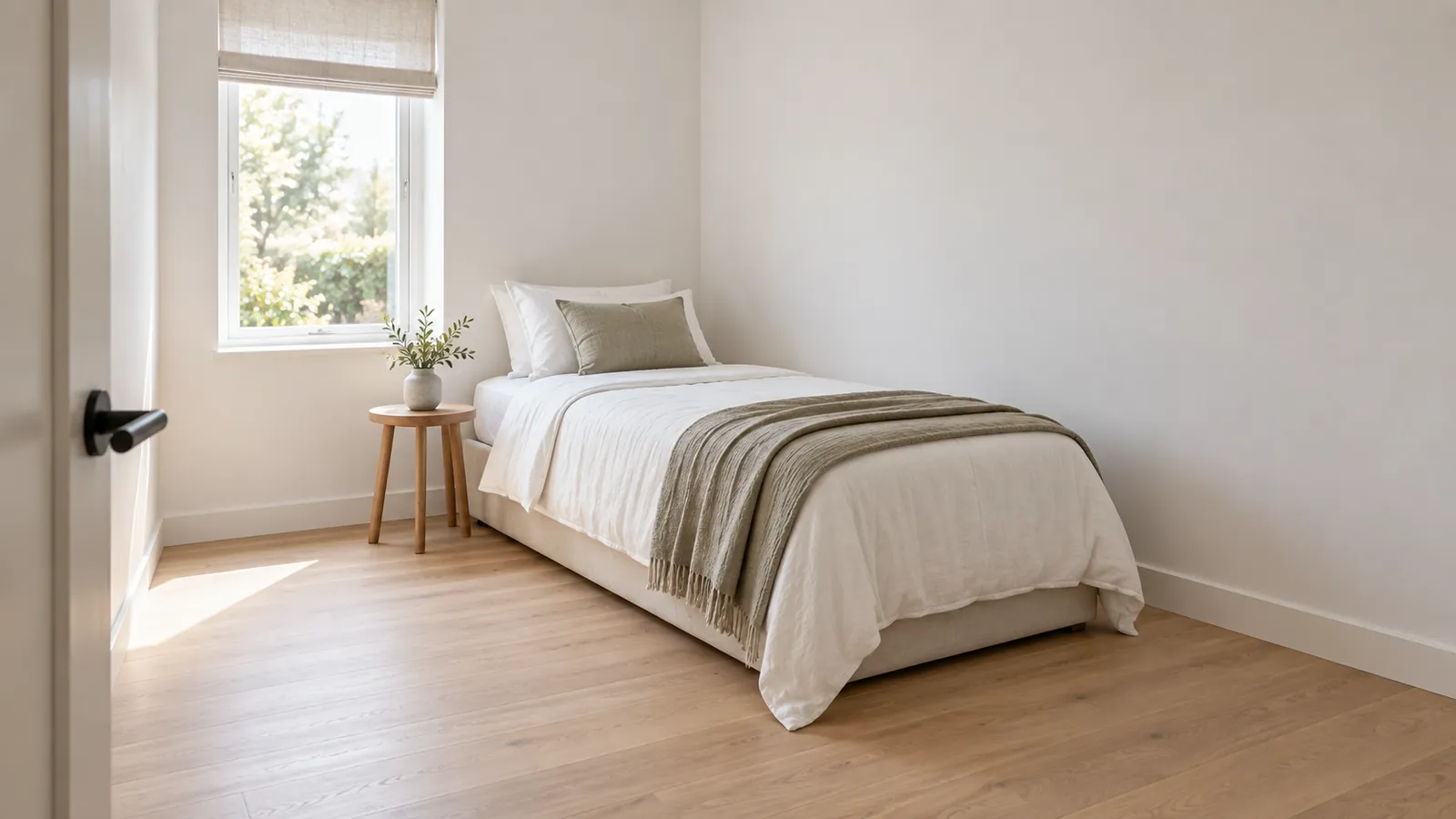
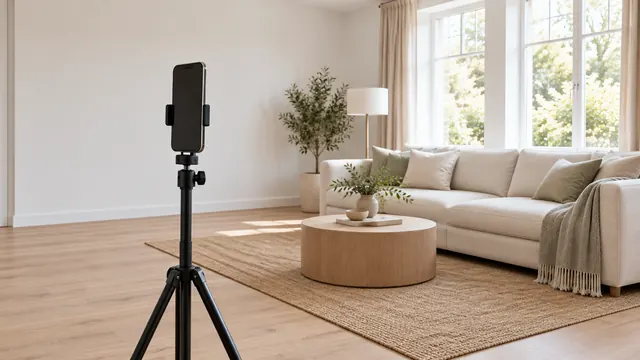
Stand in a corner or the doorway, hold the phone level at chest height, and frame two walls and the floor. Use the 0.5x lens only if the room won't fit at 1x, and keep furniture away from the edges of the frame, where the ultra-wide lens stretches it. Keep the floor clear, open the blinds, switch on all the lights and leave the door open to the next room. Don't try to fake the room's size with undersized furniture or heavy wide-angle stretching. Buyers will measure it at the open home.
This guide covers small bedrooms, home offices, nurseries, laundries and bonus rooms. Bathrooms have their own guide: how to photograph a small bathroom.
Where should you stand to photograph a small room?
In the corner opposite the window, or just inside the doorway. From a corner, you see two walls meeting, which gives the room depth. Shooting straight at one flat wall makes a small room look like a box.
Try both spots:
- The far corner. Back yourself into it, with your feet against the skirting boards. This usually gives you the widest view, with the window in frame.
- The doorway. Step one foot inside. That's how a buyer first sees the room, and the door frame doesn't hide anything important.
- Not the middle of the room. You'll be too close to every wall and still miss one.
Zillow's photography tips say to shoot at chest height with the phone held horizontally, leave doors open between rooms to show the layout, and avoid large objects in the foreground. All three points matter more in a small room. A chest of drawers at the front of the frame blocks half the floor, and an open door to the hallway shows where the room sits in the house.
Should you use the 0.5x lens?
Often, but compare it with 1x first. The ultra-wide lens captures more of a compact room in a single frame. It also stretches whatever is near the edges, so a bedside table in the corner of the frame appears long and skewed, and the far wall looks further away than it really is.
| 1x (main lens) | 0.5x (ultra wide) | |
|---|---|---|
| Fits the room? | Often not for a small bedroom | Usually, when shot from a corner |
| Edge distortion | Very little | Stretches furniture and walls near the frame edges |
| Sense of space | True to life | The room looks deeper than it really is |
| Best for | Doorway shots, detail shots and rooms with one main feature | Corner shots when 1x can't capture the whole room |
Two iPhone settings can help. Lens Correction, which is on by default in supported models, adjusts Ultra Wide photos "for more natural-looking results." The grid and level (Settings, Camera, Grid and Level) also help you keep the phone straight. A tilted phone makes walls look skewed, and in a small room, there's a wall on every side. Taking listing photos with an iPhone covers the rest of the camera setup.
Prep: what to remove from a small room
A small room fills up quickly in a photo. Before you shoot:
- Clear the floor. Laundry baskets, shoes, bins, cords. Visible floor space is what makes a room feel usable.
- Remove one item. The chair in the corner or the second bedside table. If it's in the way when you walk in, it'll be in the way in the photo.
- Clear the surfaces. Leave only one or two items on each desk, dresser and bedside table.
- Open the blinds and curtains fully. The window is the biggest asset in a small room.
- Turn on every light, including the robe light if the robe door is open.
- Close the robe unless it's a selling point. An open robe full of clothes makes the room look smaller.
Zillow's seller guide also recommends depersonalising: keep family photos, magnets, toys and pet gear out of frame. If the room is too full to clear in person, you can use Declutter on the photo instead. See decluttering listing photos.
Light a small room evenly
A small room with one window is often bright on one side and dark on the other. Shoot at midday, with the window to the side of the camera rather than directly ahead, so you're not pointing the lens at the brightest part of the room. If the window is still blown out to white, fixing dark photos and blown-out windows shows you how to correct it.
Mixed lighting is the other common problem. Combining a warm ceiling bulb with cool daylight gives you orange corners and blue walls. Match the light bulbs, or correct the white balance afterwards.
What not to do to make a small room look bigger
Every trick that makes a small room look bigger online costs you at the open home, and some are banned outright.
- Undersized furniture in staging. Stellar MLS bans "placing small furniture to make a room appear larger than it actually is," along with any edit that distorts a room's dimensions.
- Extreme stretching. A very wide-angle lens held low makes a room look far deeper than it is. Buyers notice as soon as they walk in, and they start doubting every other photo.
- Removing walls or closets in editing. That changes the property, which every rule I've read bans.
- Calling it something it isn't. A room without a closet or window may not count as a bedroom where you are. Label it honestly as an office or bonus room.
Staging a small empty room
A small, empty room is hard to assess. Buyers can't tell whether a queen bed will fit. Virtual staging with standard-sized furniture answers that question, and that's where staging helps most. Label it, and also post the original photo of the empty room. Our guide to what's allowed explains the rules.
Real Estate Camera (our app) stages an empty room in one of eight styles for 2 credits, about $0.67 to $1.00 depending on the pack, and labels the result. Enhance, 1 credit, fixes lighting, white balance and leaning verticals. It won't make the room bigger, nor should it. For the whole property, use the room-by-room shot list.
To shoot and stage the room in one app, see the real estate photography app.
Shoot the small bedroom, then stage it before you leave the property. Start free: 1 credit.
Questions
How do you make a small room look bigger in listing photos?
Shoot from a corner or the doorway at chest height with the phone level, so you see two walls and the floor. Keep the floor clear, open the blinds, switch on every light and leave the door open to the next room. Don't use undersized furniture or extreme wide-angle stretching to make the room look bigger; Stellar MLS bans staging that makes a room look larger than it really is.
Should I use the 0.5x lens for small rooms?
Usually yes, but use it carefully. The ultra-wide lens fits a small room in one frame, but it stretches anything near the edges and makes the room feel deeper than it really is. Keep the phone level, keep furniture out of the corners of the frame and try 1x from the doorway as well.
Should I photograph a small room at all?
Photograph every bedroom, even small ones, because buyers count them. One clear photo is enough. For an office the size of a walk-in robe or a guest toilet, one photo or none is fine.
Can I use Virtual staging in a small room?
Yes, provided you use normal-sized furniture and include a label. Staging a small bedroom with a bed shows buyers that one fits. Stellar MLS specifically bans using undersized furniture to make a room look bigger.