Real Estate Camera
To photograph your own home for a private sale listing, prepare it more thoroughly than you think is necessary, then photograph every room from a corner with your phone held horizontally at chest height and every light on. Take a front exterior shot on a clear day with the sun on the house. Post around 22 to 27 photos, the range Zillow recommends, and correct the lighting and straighten the walls before posting.
You don't need a DSLR. You need a clean house, a fully charged phone and about two hours. Here's the order I'd do it in.
Why photos matter more when you sell without an estate agent
An estate agent's listing appears on the MLS, is syndicated everywhere and is promoted to buyers by another agent. Yours mostly sits on sites like Zillow's private sale listings, which are free and allow unlimited photos. The photos are doing the selling an agent would otherwise do. They determine whether someone calls you.
Zillow's photography guide says homes with fewer than nine photos were about 20% less likely to sell within 60 days. That research dates from 2019, but the lesson hasn't changed: a limited set of photos makes buyers assume you're hiding something.
Preparation: the day before
Buyers assume that everything they see in a photo comes with the property or shows how well it has been maintained. Work room by room.
- Clear every worktop. Toaster, knife block, dish rack, soap, sponges. Leave one plant or a bowl of lemons if you like.
- Take down the fridge magnets and school photos. Zillow's guide calls this depersonalising. Buyers need to imagine their own belongings there, not yours.
- Put away toys, pet bowls, the pet bed, shoes by the door and the pile of post.
- Make every bed and flatten the duvet. Creases look worse in photos than in person.
- Wash the windows inside and out, and remove the screens from the windows you'll be photographing. Screens make windows look grey.
- Replace dead bulbs and try to match the colour temperature. A single cool-white bulb among warm ones will show up as a blue patch.
- Outside: mow the lawn, sweep the path and driveway, coil up the hose and put the bins in the garage.
If the house is packed with furniture, move some of it out for the shoot. A room with less furniture looks bigger, and you'll be packing it all away in any case.
The shot list
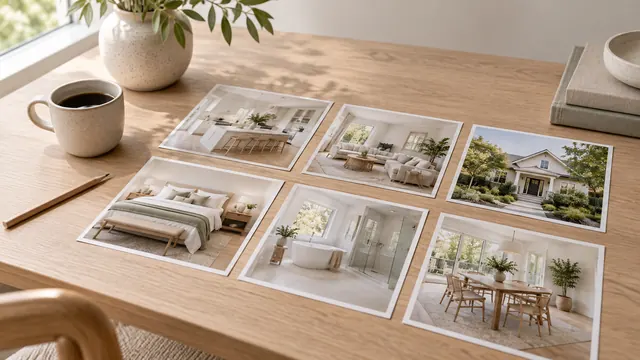
This is the list I’d use for a typical three-bedroom house with two bathrooms. It adds up to around 25 photos.
- Front exterior at an angle from one of the front corners, showing the front and a bit of the side. Zillow's guide recommends this because it shows the depth of the house.
- Front exterior straight on from across the street.
- Entrance, looking in from the front door.
- Living room from two corners.
- Kitchen from two or three angles, including one that shows how it connects to the dining or living area.
- Dining area.
- Principal bedroom from the corner opposite the bed.
- Principal bathroom.
- Each other bedroom, one photo each.
- Other bathrooms, one photo each.
- Anything buyers will want to see: a finished basement, a home office, a large walk-in wardrobe and the utility room, if it’s worth photographing.
- Rear of the house and the garden, plus the patio or decking.
- Garage, only if it's clean.
Take several shots of each and keep the best. Our full property photography shot list goes into more detail on angles for each room.
How to hold the phone
Four habits make the difference between good and bad listing photos taken on a phone.
- Horizontal, always. Listing sites display photos in a wide frame. Portrait shots are reduced in size and displayed with grey bars.
- Chest height. Zillow's guide says chest height gives the most accurate perspective, and I agree. Eye level shows too much floor or ceiling.
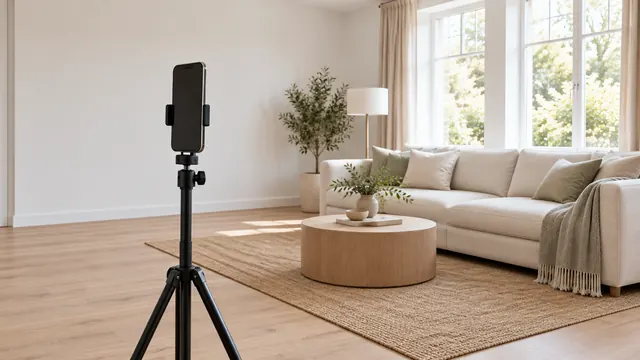
- Level. Turn on the grid in your camera settings and line up a door frame with a vertical line. If you tilt the phone, walls lean. Fixing leaning vertical lines explains why.
- Ultra-wide for rooms, 1x for details. The 0.5x lens fits a whole bedroom in frame. Keep furniture away from the edges, where the lens distorts it.
Before each shot, tap a wall rather than the window so the phone can meter for the room. On an iPhone, our iPhone guide has the exact settings. The same advice applies on Android.
Lighting and timing
Turn on every light, open every blind, and photograph the interior at midday, when the rooms are brightest. For the exterior, Zillow recommends shooting with the sun behind you so that it lights up the front of the house. That means photographing in the morning if the frontage faces east, and in the afternoon if it faces west. Our guide to exterior photography covers north- and south-facing homes and overcast days.
Zillow's guide to photography for sellers also suggests replacing a grey sky with a blue one. I would skip that. Buyers drive past before they book a viewing. If the photo shows a blue sky over a house that they visit on a grey afternoon, their first impression in person is that your photos are misleading. That is a bad start, especially when you are the one negotiating the deal.
Editing on your phone
However carefully you take photos on your phone, the results can have a yellow cast from the light bulbs, windows blown out to white and walls that appear to lean by a degree or two. You can fix all of this in your phone's photo editor in a few minutes per photo. Keep the edits subtle. Turning the brightness and saturation up too far makes rooms look fake, and buyers will see that as an attempt to cover something up.
Real Estate Camera was built for exactly this. Take photos in the app or upload photos you have already taken on the web. Enhance corrects lighting, white balance and vertical alignment, and restores the view through the windows, all in 20 to 60 seconds for 1 credit. It preserves the sky as you photographed it and leaves the house itself untouched.
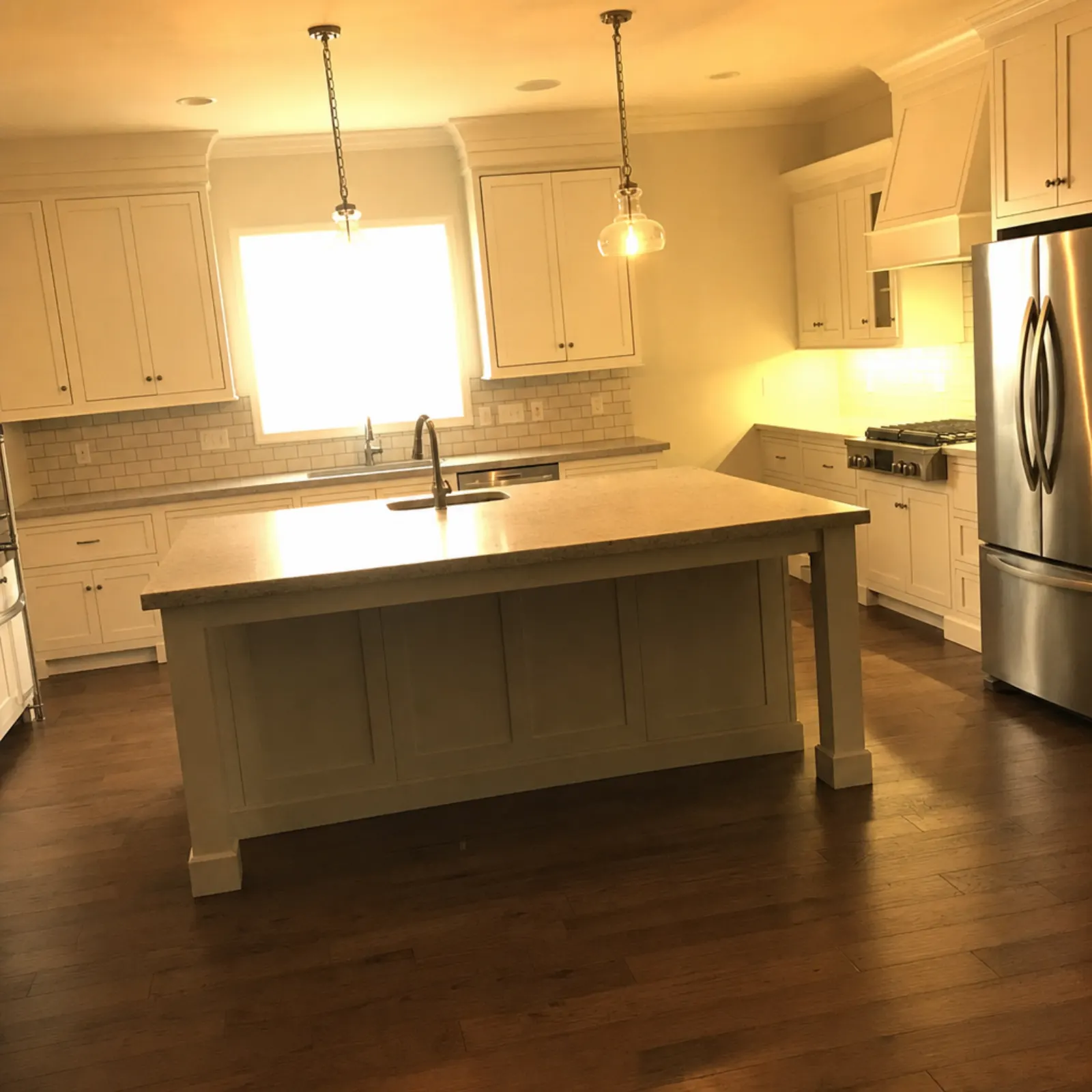
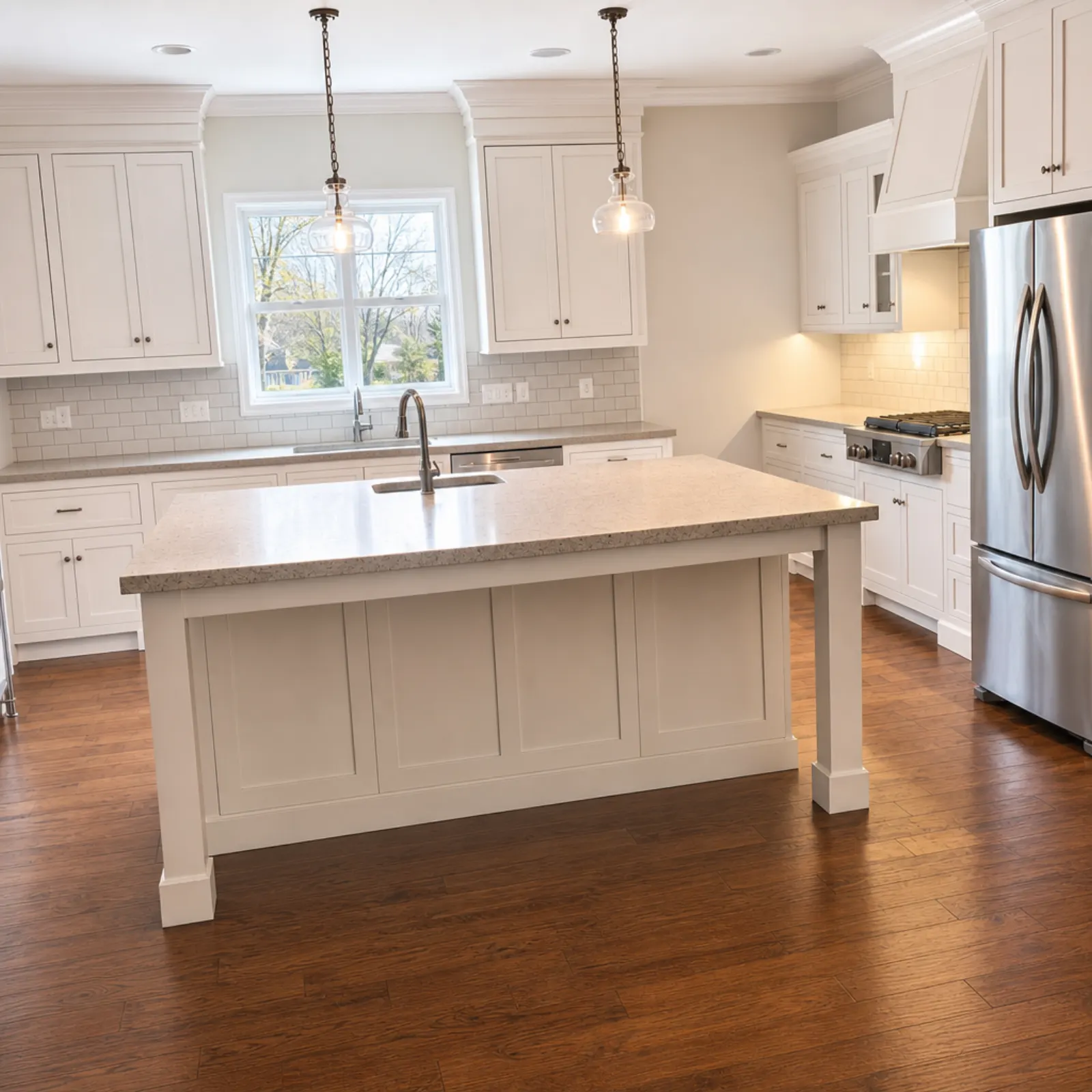
Your first credit is free, so you can try it out on your worst photo before spending anything. A listing with 25 photos uses 25 credits for Enhance. The 60-credit pack costs $24.99. Credits never expire, and you are refunded automatically if an edit fails.
If you've already moved out
Empty rooms are hard to understand from photos. Without furniture, buyers cannot judge the size. Virtual staging adds furniture to an empty room in one of eight styles for 2 credits per photo. Apply virtual staging to the living room and main bedroom, and leave the other rooms empty. Does virtual staging help sell a property explains which rooms are worth it.
If you're still living there and cannot clear a room, Declutter removes furniture and decorations, then recreates the floor and walls behind them. It also costs 2 credits.
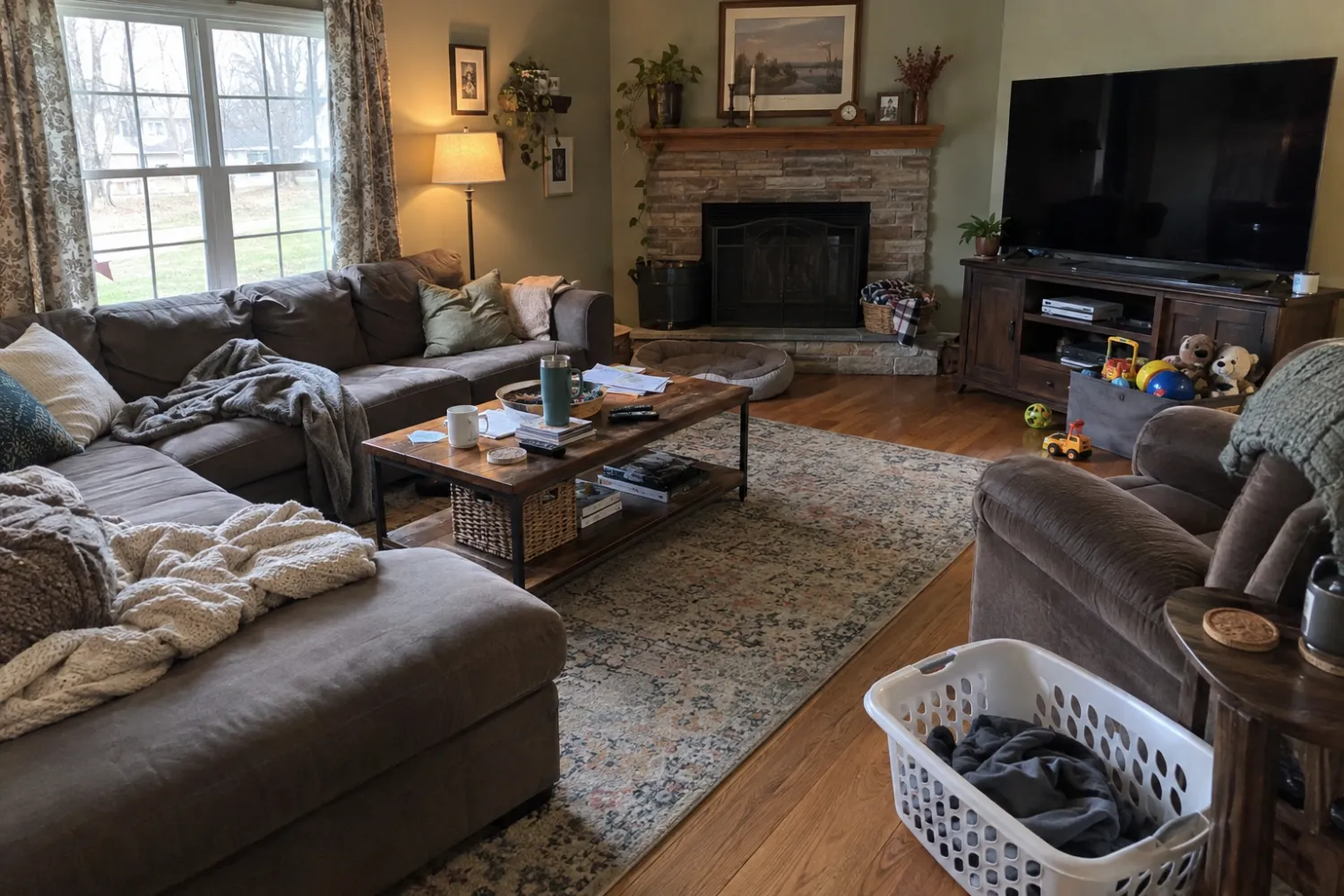
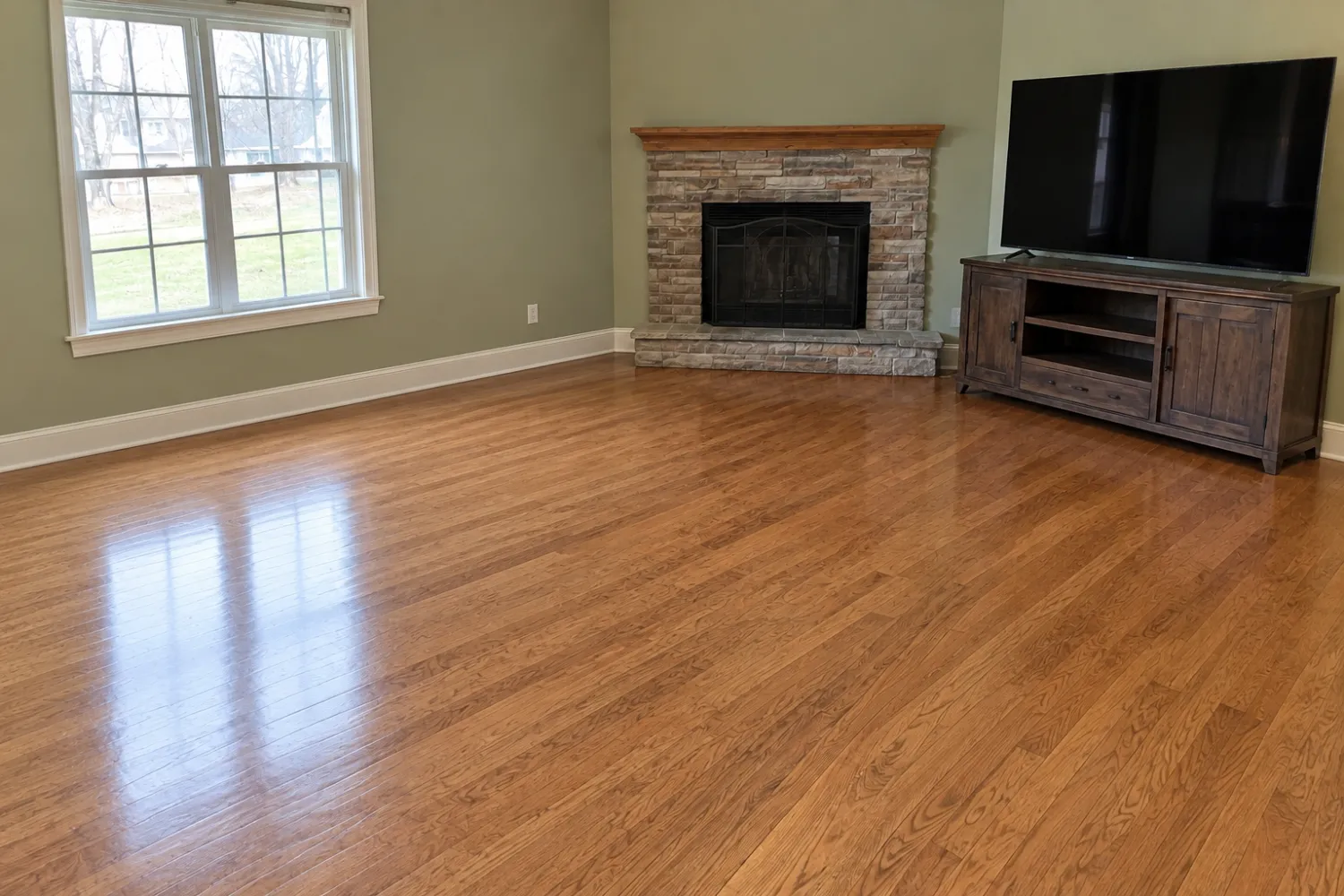
Either way, label the photos. California's AB 723 disclosure law is intended for licensed agents and brokers, not owners, but buyers do not care who took the photo. Add "virtually staged" to the photo caption or the listing description, and post the empty version alongside it. The app flags every staged result and asks you to confirm the disclosure when you export. It does not print a label on the image, so adding the caption is your responsibility. The MLS staging rules guide explains what agents must do, providing a good standard to follow.
Before you post
- Arrange the gallery in the order a buyer will move through the property: exterior, entrance, living room, kitchen, bedrooms, bathrooms, garden.
- Choose your best exterior shot as the first photo. It's the thumbnail in search results.
- View every photo full screen on your phone. Check mirrors, oven doors and windows for your reflection.
- Delete near-duplicate photos. Two good angles of the kitchen, not five.
- Check that everything shown in the photos is still in the property. If you have sold the dining table, do not show it.
Then list it. If a photo performs poorly, you can retake shots of one room on a better day without redoing the whole set.
To photograph and edit your listing in a single app, see the property photography app.
Edit photos of your own listing on your phone. Start free: 1 credit.
Questions
How many photos should I include in a private sale listing?
Zillow's own guidance recommends 22 to 27. Its research found that homes with fewer than nine photos were about 20% less likely to sell within 60 days. Zillow's private sale listings allow unlimited photos, but a compact selection of good photos beats 60 mediocre ones.
Can I take listing photos for a private sale with my phone?
Yes. A recent iPhone or Android phone with an ultra-wide lens is enough if you shoot horizontally at chest height with every light on. Most of the difference from using a professional photographer comes down to preparation and editing.
Should I replace a grey sky in my private sale photos?
I wouldn't. Buyers will drive past the property before they call, and a blue sky that wasn't there is the first thing they'll notice. Photograph the front of the house on a clear day with the sun on it, or accept the sky as it is if it's overcast.
Do I need to disclose virtual staging if I'm selling privately?
California's AB 723 is aimed at licensed brokers and agents, but I'd still label it. Write "virtually staged" in the caption or description and post a photo of the empty room alongside it so buyers aren't surprised at the viewing.